What to Check Before Ordering a Prebuilt Gaming PC Online
Ordering a prebuilt gaming PC online can save time, stress, and a lot of cable headaches, but it also comes with decisions that are easy to rush. A few careful checks before you hit the payment button can be the difference between a smooth, high-frame-rate experience and a system that feels outdated after a few months. Our goal at Games Gravity is to help you understand what actually matters so you get a PC that fits the way you play, not just a flashy spec sheet.
In this guide, we will walk through the key things to think about before you order from any gaming computer shop or PC Shop Bahrain. We will look at performance goals, must-know components, the fine print that affects upgrade paths, and how to compare prices and support between international sellers and local options. By the end, you will have a clear mental checklist you can apply wherever you decide to order.
Know Your Gaming Goals Before You Click "Buy"
Before thinking about processors and graphics cards, start with how you actually plan to use the PC. Are you into competitive esports where you chase every possible frame, or do you prefer cinematic single-player AAA titles? Do you plan to stream your gameplay, edit videos, or just relax with casual games and general use? Each use case points to a different balance of CPU, GPU, and memory.
Your target resolution and refresh rate matter just as much as the game itself. A system for 1080p gaming at 60 to 144 Hz can be very different from a machine meant to push 1440p at 240 Hz or 4K at high settings. Higher resolution and higher refresh together demand a much stronger GPU, and sometimes a stronger CPU too, especially for fast-paced shooters.
If you skip this step, you risk overpaying for power you never touch or underbuying and needing an upgrade far too soon. Thinking in terms of actual use, such as "I want stable performance in current AAA games at 1440p" is much more helpful than just saying "I want a powerful PC."
Understanding Key Components in a Prebuilt PC
Once your goals are clear, it is time to translate them into parts. In simple terms, the CPU handles general processing and game logic, the GPU drives your frame rate and visuals, RAM keeps things smooth when you have multiple tasks open, and storage affects how fast your system and games load.
Many prebuilt systems from any gaming computer shop look impressive at a glance but hide tradeoffs. It is common to see a strong GPU paired with a weaker CPU that bottlenecks performance in CPU-heavy games, or a nice CPU and GPU combination paired with only a small SSD that fills up after a few installs. When you check a build, scan the full list, not just the graphics card.
As a rough guide when shopping online, you can think in tiers like this for modern titles:
- Minimum: a midrange CPU, a budget to midrange GPU, 16 GB RAM, and a 500 GB SSD
- Recommended: a stronger midrange CPU, midrange to upper midrange GPU, 16 to 32 GB RAM, and at least 1 TB SSD
- Ideal for high-refresh or heavier use: higher-end CPU, upper midrange or high-end GPU, 32 GB RAM, and 1 to 2 TB of fast SSD storage
Browsing a focused category, such as the prebuilt PC builds section at Games Gravity, can help you see how different component combinations line up at different budgets.
Hidden Details in the Fine Print That Matter Later
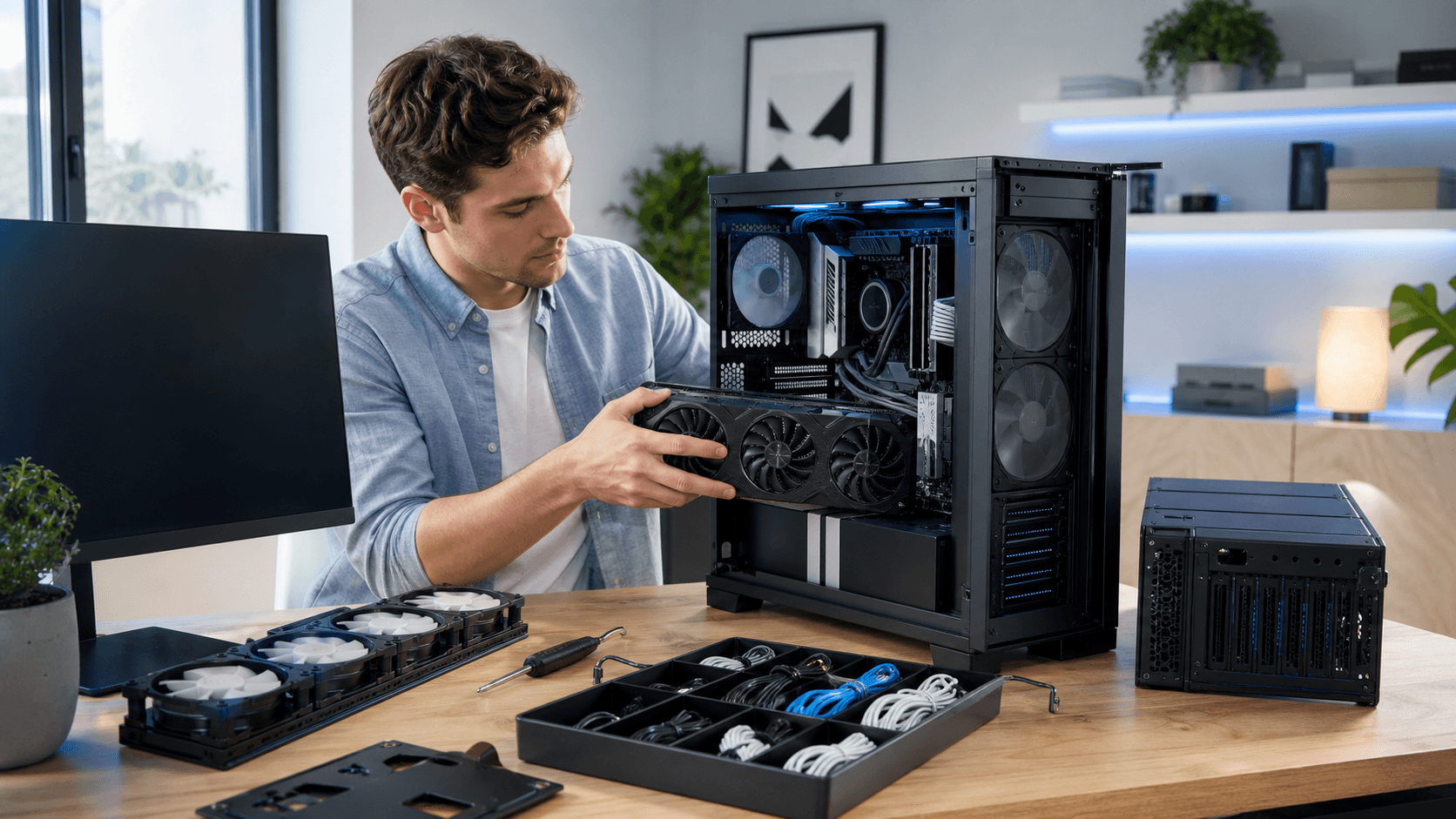
Beyond CPU and GPU, some of the most important details live in the fine print. The power supply, motherboard, and cooling can all affect how stable, upgrade-friendly, and quiet your system will be. A good PSU with enough wattage and decent efficiency is not exciting to look at, but it matters for long term reliability, especially in a warm climate where components already run hotter.
The motherboard controls how many drives you can add, what ports you get, and how easily you can drop in a faster CPU later. Cooling also has a big impact on noise levels and component lifespan. Check what type of cooler is used and how many fans the case includes.
When you read a product page on any PC Shop Bahrain site, do not stop at generic labels like "500W PSU" or "Gaming Motherboard." Look for specific model names, images that show internal layout, and any mention of airflow. Good airflow usually means intake fans in the front and exhaust at the back or top, plus enough room for a future GPU upgrade.
Warranty, Support, and Return Policies to Verify
Online orders are much less stressful when you understand the safety net that comes with them. Warranty details tell you how long parts and labor are covered, and who actually handles repairs. Some shops cover only parts, while labor is limited, and others bundle both for a longer period.
Before finalizing an order with any gaming computer shop, check these points:
- Warranty duration and what it covers
- Whether service is carry-in, pickup, or handled through shipping
- How dead-on-arrival or early faults are processed
- Whether support is handled locally or through an overseas partner
Since we are based in Bahrain, we know how important local help can be. Clear return and exchange rules, especially in the first few days after delivery, are essential. Also look for practical support channels, like phone, email, or chat, so you know how to get help if something does not work as expected.
Comparing Prices, Reviews, and Local Availability
Comparing a global online seller to a local PC Shop Bahrain is about more than the headline price. When you add shipping, possible customs charges, and the time you will wait for delivery or repairs, a slightly higher local price can often be better value.
Use reviews that match your actual games and settings. Look for verified purchase comments, as well as third-party benchmarks for the CPU and GPU combination you are considering. Social media feedback can also reveal how responsive a shop is when a problem appears.
Balancing big brand recognition with real value is key. A lesser-known prebuilt can be perfectly fine if the parts are clearly listed and the support is solid. Checking a broad catalog, like the main Games Gravity store, can help you compare brands, specs, and prices while keeping everything in one place.
Final Checklist Before You Place Your Online Order
Before you confirm your order, a quick mental checklist helps catch problems early. Run through items like:
- Does this build match my resolution, refresh rate, and game preferences?
- Are the CPU, GPU, RAM, and storage balanced for what I want to do?
- Is there space, power, and cooling for future upgrades?
- Are the power supply, motherboard, and case clearly specified by model?
- Do I understand the warranty, returns, and expected delivery time?
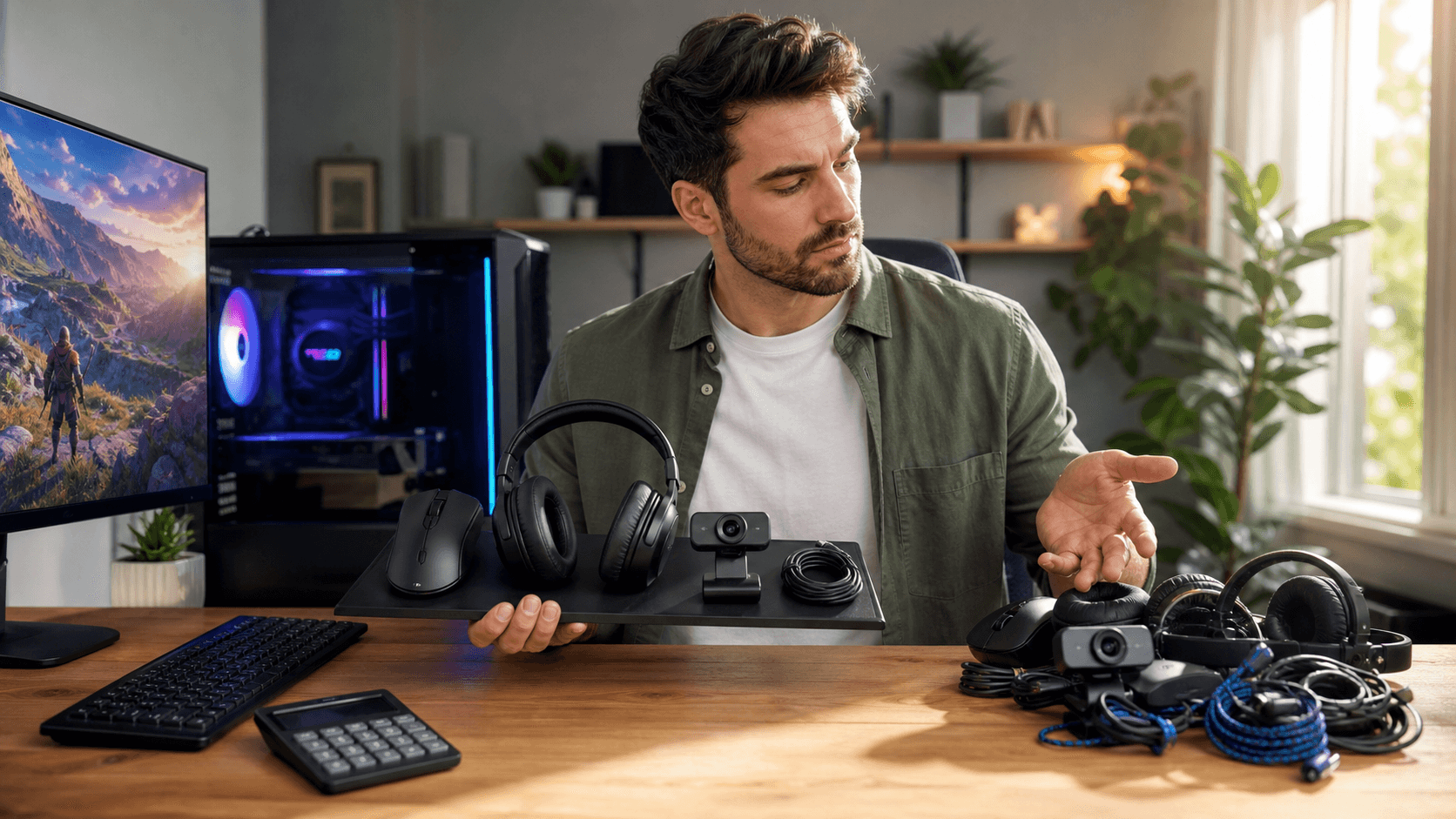
It is also smart to save or print the full configuration details, including exact part names, along with your invoice. This helps with future upgrades, troubleshooting, or resale. If you plan to add extras like a better mouse, you can line that up as well by browsing focused sections such as the gaming mouse collection while you finalize your build. With these checks in place, comparing international offers to local specialists like Games Gravity becomes much easier, and your chances of ending up with a prebuilt that truly fits your needs go way up.
Power Up Your Gaming Setup With a Custom-Built PC That Fits You
If you are ready to upgrade, our gaming computer shop can help you choose or build a rig tailored to your play style, budget, and performance goals. At Games Gravity, we listen first so every component works together for smooth, reliable gaming. Reach out to our team with your questions or a build idea using our contact page, and we will walk you through the best options step by step.