Spot the Signs Before Your PC Shuts Down for Good
Unstable gaming sessions, random restarts while you are just browsing, or a black screen the moment your GPU ramps up are often more than a simple glitch. They can be early warnings that your power supply is struggling to keep up. Because the PSU feeds power to every part of your system, any instability here can ripple out as crashes, freezes, and even long-term damage to expensive parts.
At Games Gravity, we see this a lot with performance PCs and gaming builds in Bahrain. In this guide, we will walk through how to spot PSU-related issues, separate them from other hardware and software problems, and understand when it is time to clean, repair, or replace your unit. Our goal is to help you protect your CPU, GPU, and storage before a weak PSU takes them down with it.
Common Symptoms of a Failing or Weak Power Supply
The most obvious warning sign is random restarts or shutdowns. If your PC suddenly powers off in the middle of a match, or reboots the instant a game loads a demanding scene, the PSU may not be delivering stable power. Sometimes the system comes back right away, other times you have to flip the power switch on the PSU or unplug the cable and wait before it wakes up again.
Visual glitches are another big hint. You might see:
- Screen flickering when a game first launches
- Strange artifacts or colored blocks when the GPU is loaded
- Full black screens even though the PC fans are still spinning
Audio clues matter too. Coil whine from the GPU is common, but if you hear a buzzing or crackling sound from the PSU area when the system is under load, that is worth taking seriously.
Boot problems can also point toward power issues. A PC that takes several tries to start, loses BIOS settings, or hangs on boot randomly could be dealing with unstable power. During gameplay, sudden frame drops or micro-stutters right as your GPU boosts its clocks can hint that power delivery is not keeping up, especially on higher-end PC Bahrain builds that pull a lot of wattage.
How to Rule Out Other Hardware and Software Problems
Before blaming the PSU, it is smart to rule out more common issues. Heat is a big one in Bahrain, especially in summer when rooms stay warm for long hours. Use monitoring software to watch CPU and GPU temperatures at idle and under load. If your components are constantly hitting high temperatures, the crashes might be thermal throttling, not power loss.
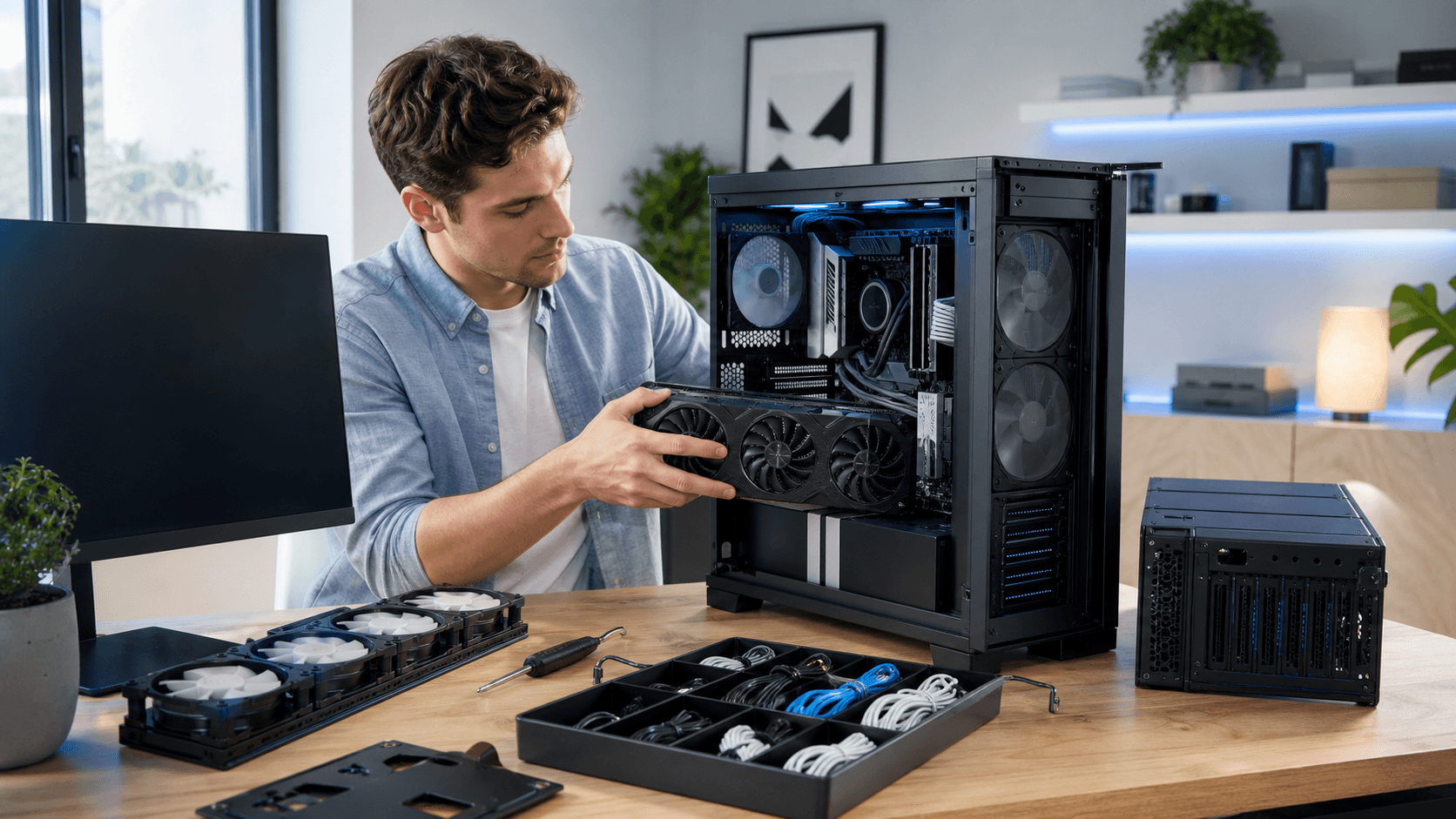
Dust only makes that worse. We recommend doing a basic clean:
- Blow dust out of case filters and vents
- Clean fans on the CPU cooler and GPU
- Check that front intake and top or rear exhaust fans spin freely
If you need more thorough cleaning, a professional service can help protect your hardware. You can also look at options like a better air cooler from the CPU cooler section on Games Gravity if heat is a recurring problem.
Next, test RAM and storage. Run a memory diagnostic and a drive health check to see if errors pop up. Corrupt system files, failing drives, or outdated drivers can all cause crashes that look like power issues. Make sure your GPU driver and motherboard BIOS are updated, and do a malware scan so you are not chasing PSU ghosts caused by bad software.
Finally, try some simple isolation steps:
- Disconnect extra hard drives or SSDs
- Unplug non-essential USB devices
- Turn off or disconnect some RGB controllers
- Try a different power cable and wall outlet
If the system becomes more stable with fewer devices, or behaves differently on another outlet, that gives you more clues before you point at the PSU.
Practical Ways to Test Your Power Supply Safely
Some PSU checks are simple and safe at home. Start by listening closely at idle and under load. A faint fan sound is normal, but grinding, electric buzzing, or rhythmic clicking is not. If you notice a burning smell or see discoloration on the back of the PSU, shut the PC down and stop using it.
Many motherboards and monitoring tools show PSU voltage readings. While these software numbers are not perfect, they can help you notice big drops under load. Watch the readings while the system is idle, then again while you stress the CPU or GPU.
Stress tests can be very revealing:
- Run a CPU stress test while watching temperatures and stability
- Run a GPU stress test or a heavy game benchmark
- Then run both together and see if the PC only crashes when everything is drawing power at once
If failures only happen under combined or peak load, the PSU instantly becomes a top suspect.
More advanced tools like multimeters or PSU testers exist, but using them wrongly can damage parts or cause injury. That is why many gamers prefer to have a shop in Bahrain test their system with a known good PSU instead. At a specialist gaming store like Games Gravity, a technician can quickly swap in a different unit and confirm if your original PSU is the problem without putting the rest of your system at unnecessary risk.
Choosing a Reliable Power Supply for Gaming in Bahrain
If it is time to upgrade, start with wattage and quality, not just a big number on the box. Look up the power draw for your CPU and GPU, then add room for drives, fans, and future upgrades. Most gaming PCs are safest with some headroom so the PSU is not constantly running near its limit.
Quality matters just as much. Look for well-known PSU brands and proper safety protections like over-current and over-voltage safeguards. Efficiency ratings help keep waste heat lower, which is valuable in warm rooms where PCs already run hot.
Bahrain's climate and power conditions also play a role. High ambient temperatures and dust can stress cheap PSUs. Good internal cooling, a reliable fan, and sensible cable routing all help your system breathe better. Since many gamers in Bahrain run their systems for long gaming sessions, a stable PSU is one of the best investments you can make for long-term reliability.
When you shop for PC parts in Bahrain, buying from trusted local shops reduces the risk of fake or low quality units. Local stores that focus on gaming systems, like the PC builds category at Games Gravity, understand how much power modern GPUs and CPUs really need and can help you avoid mismatched or underpowered choices.
When to Repair, Clean, or Replace Your Power Supply
There are a few clear signs that you should stop using a PSU right away. If you detect a burning smell, see scorch marks or bulging around the connectors, or the system fails even under light tasks, the unit is no longer safe. If you have gone through temperature checks, RAM and storage tests, driver updates, and basic cleaning but instability continues, the PSU is likely at fault.
Internal PSU repairs are not a DIY job. Even after you unplug the PC, capacitors inside a PSU can hold dangerous charge. Opening the unit without proper training and tools can be unsafe, so this work is better left to qualified technicians. What you can do safely is keep the rest of your system clean. Regular case and component cleaning reduces dust buildup that traps heat, puts extra load on the PSU, and shortens its life.
A professional technician working with PC Bahrain systems every day can test your entire build in a controlled way, confirm whether the PSU is the root cause, and help you avoid damage to the CPU, GPU, and storage. With the right replacement unit and compatible PC parts in Bahrain, your gaming rig can stay stable and ready for long sessions without random crashes or mystery shutdowns.
Power Up Your Next Gaming Build With the Right Components
If you are ready to upgrade or build a custom rig, we can help you choose the best PC parts in Bahrain for performance and reliability. At Games Gravity, our team is here to match your budget and play style with the hardware that makes sense for you. Tell us what you want to achieve, and we will guide you from parts selection to a finished, optimized setup. Have questions before you get started? Just contact us and we will walk you through your options.