Smart Gamers Do Not Overpay at Checkout
Building or upgrading a gaming PC should feel satisfying, not stressful. You pick your CPU, graphics card, RAM, and case, start feeling good about the price, then the checkout page throws a wall of "recommended" add-ons at you. Suddenly the total cost is way higher than you planned.
Those extras can quietly drain your budget, especially when you are shopping at a PC store in Bahrain or any local retailer that offers lots of upgrades and accessories. Some add-ons are genuinely useful, but many are overpriced, unnecessary, or simply not right for your build. In this guide, we at Games Gravity will walk you through how to spot the difference, so you keep your money focused on performance, not fluff.
Whether you are buying through an online cart, walking into a shop, or messaging a PC Shop Bahrain on WhatsApp, the same principles apply. Once you understand how add-ons are presented and which ones are worth it, you can build a powerful rig without letting checkout tricks control your budget.
What Counts as an Add-on in a PC Purchase
When we talk about PC add-ons, we mean anything that gets suggested on top of your main purchase. If you are ordering a full system from a site like this PC builds section, that core build is the main item. Everything else around it, from cables to software, is an add-on.
Common examples include:
- Extra cables and adapters
- "Premium" thermal paste or fan upgrades
- RGB strips and lighting kits
- Extended warranties or protection plans
- Setup, optimization, or "tuning" services
Some add-ons are necessary. If your monitor needs a specific adapter, or your power supply does not come with the right power cable for your region, you obviously need those. Basic surge protection can also be a smart buy, especially in areas where power spikes are common.
Others are optional or mostly cosmetic. Extra RGB strips, branded mousepads, or software bundles that duplicate tools you already have usually fall into the "nice to have, but not essential" category. These can be fun, but they are where your budget can quietly leak away.
Retailers, including any reputable PC Shop Bahrain, often present add-ons through auto-checked boxes, "you may also like" sections, or last-minute popups before payment. Training your eyes to scan for those areas helps you avoid agreeing to extra items without noticing.
Red Flags That an Add-On Is Overpriced
One of the easiest ways to avoid overpaying is to treat checkout like a mini review session, not just the final step. If any add-on feels expensive, take 30 seconds to compare. Open a new tab, look at another PC store in Bahrain or a general marketplace, and search for the same type of cable, bracket, or accessory. If the price in your cart is clearly higher than normal, that is a red flag.
Language on the product description can also tell you a lot. Be cautious when you see:
- Vague benefit claims like "pro-level cooling" with no clear specs
- Phrases like "boosts performance" without benchmarks or details
- Bundles that repeat features your main item already has
For example, if your graphics card already includes a solid cooling solution, an extra "performance cooling pack" that just adds generic fans might not be worth it. If you already selected a high-quality case from a category like CPU cooler and airflow-focused parts, you might not need a separate "airflow optimization" kit at checkout.
Some types of add-ons tend to carry heavy markups:
- Overpriced "gold-plated" HDMI or DisplayPort cables
- Generic cleaning kits that are just basic cloths and solution
- Thermal paste with dramatic marketing but no real difference for normal users
- Software bundles for tools you can get cheaper or free from the publisher
None of these are inherently bad, but if the price feels like an impulse purchase trap, you are often better off skipping them.
Add-Ons That Are Often Worth the Extra Cost
Not every extra is a waste of money. Some upgrades deliver real, long-term value, especially for gaming rigs that will run for hours in warm conditions.
We usually see good results when people invest a little more into:
- Quality power supplies from known brands
- Cases with solid airflow and dust filters
- Reliable SSDs with good warranties
- Effective CPU coolers that keep temps under control
Spending a bit more on proper cooling is especially important in hot climates like Bahrain. A better cooler, smart fan placement, and a case with good ventilation can help your system run quieter and extend component life. When you shop a focused PC store in Bahrain that understands local conditions, you can ask which parts help most in constant heat.
Extended warranties or protection plans are more nuanced. They can make sense for expensive parts like high-end GPUs or gaming laptops, or for full builds that will be under heavy, daily use. They are less helpful on low-cost accessories you could easily replace if something goes wrong. Always read what is covered and for how long, and compare that to the cost.
Service add-ons from a local PC Shop Bahrain can also be worth it if they save you time and stress. Professional cable management, proper BIOS setup, and stress testing help ensure that your new PC is stable from day one. If you depend on your rig for work or streaming, paying for reliable setup and local repair support can be smarter than gambling on a rushed DIY build.
A Simple Checklist Before You Click Pay
When your cart is full and you are ready to pay, use a short mental checklist to cut out overpriced extras without hurting performance.
Ask yourself:
- Do I already own something that does this job?
- Could I get this same item cheaper somewhere else without sacrificing quality?
- Does this add-on solve a real problem I actually have?
- Will I notice a difference in real-world use, not just on paper?
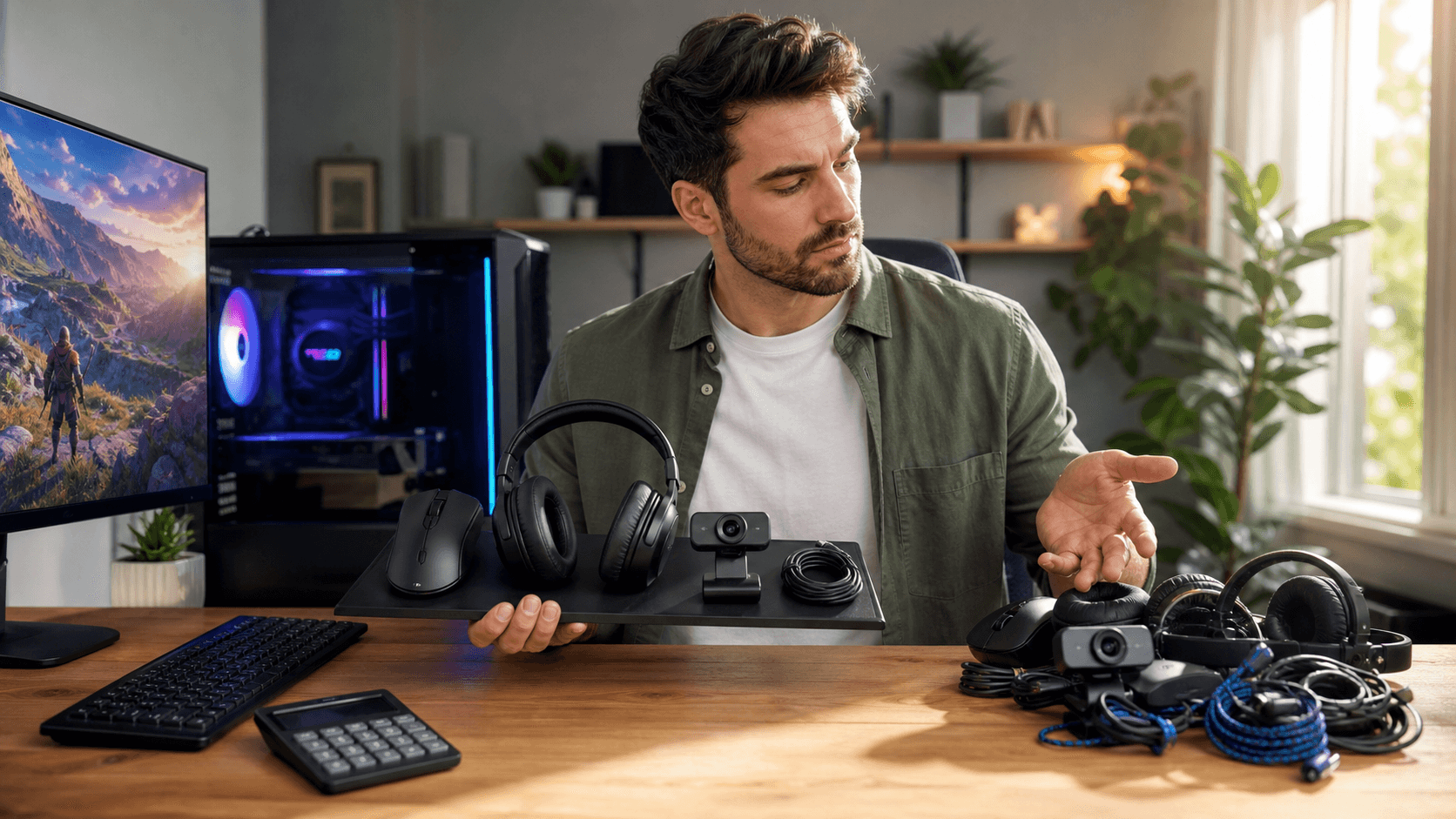
For big extras that sneak into the cart, like an extra monitor, chair, or premium headset, try a 24-hour rule. Remove them from the order, save them to a wishlist, and revisit later with a clear budget and priority list. Many gamers find that once the initial excitement cools down, they would rather put that money into a stronger GPU or larger SSD instead.
If you are unsure about an add-on, ask direct questions. When you are chatting with a PC Shop Bahrain via WhatsApp or talking in-store, simple questions like "Do I really need this with the parts I chose?" or "What would you remove to lower the price without losing performance?" can give you more honest insight than any marketing text.
Build a Rig You Love Without Blowing Your Budget
Avoiding overpriced add-ons is not about building a bare-minimum PC. It is about keeping control of your budget so you spend more on the parts that actually change how your games look and feel. A smartly chosen graphics card, processor, and storage setup will always matter more than fancy cables or an extra strip of RGB.
Before you visit any PC store in Bahrain, or fill an online cart on a site like Games Gravity, take a moment to list your must-haves, nice-to-haves, and definite no-gos. When checkout tries to tempt you, match every add-on to that plan. If it does not clearly fit, remove it and put that money into performance, reliability, or comfort that you will notice every single day.
Level Up Your Gaming Setup With Expert PC Support Today
Whether you are building your first rig or upgrading a high-performance setup, our team is ready to help you choose the right hardware and accessories. As a dedicated PC store in Bahrain, we guide you through every step so your system delivers the power, speed, and reliability you expect. If you have questions or want tailored recommendations, simply contact us and we will help you get the most from your next upgrade.