How Smart Planning Saves Money on Your Gaming Rig
Building a gaming PC is exciting, but it gets expensive fast if we do not think ahead. The smartest builds are not just about what runs your games today; they are about what you can upgrade easily a year or two from now. That long-term thinking is what we call an upgrade path.
An upgrade path simply means choosing parts that let you improve performance later without rebuilding the whole system. Many gamers rush a PC build in Bahrain, grab random PC parts in Bahrain based on short-term deals, then discover that a new CPU or GPU needs a new motherboard, new RAM, or even a new power supply. Planning the path from the start gives your system a longer life, spreads your spending over time, and avoids frustrating compatibility surprises.
The Core Pieces That Define Your Upgrade Path
Your motherboard is the heart of your upgrade path. The chipset, socket, and features decide what CPUs you can use, how much RAM you can add, and how many SSDs or expansion cards you can plug in. When we help customers at Games Gravity, we encourage looking at things like VRM quality for stable power delivery, BIOS support for newer processors, and the number of M.2 and PCIe slots for future storage and add-ons.
The CPU and its socket are just as important. A dead-end platform that is no longer getting new processors will limit how far you can go before you need a full rebuild. A still-supported socket with more CPUs on the market gives you options, like starting with a mid-range chip now and upgrading to a higher-tier model later while keeping the same board and RAM.
Then there are the unsung heroes of your upgrade path: case, power supply, and cooling. A cramped case that barely fits your first graphics card will make the next upgrade painful. A quality power supply with enough wattage and the right connectors gives you space to upgrade to stronger GPUs. Good case airflow and a capable cooler, for example, from the range at CPU coolers in Bahrain, keep temperatures in check, which matters a lot in a warm climate or when you drop in more powerful parts later.
Avoiding Common Upgrade Traps Gamers Fall Into
Some upgrade problems are very common, and most of them are avoidable with a bit of planning. One big trap is mismatched performance. Pairing a very strong GPU with a weak CPU, or the reverse, creates a bottleneck. Later, when you want to upgrade one part, you find the other is already holding you back.
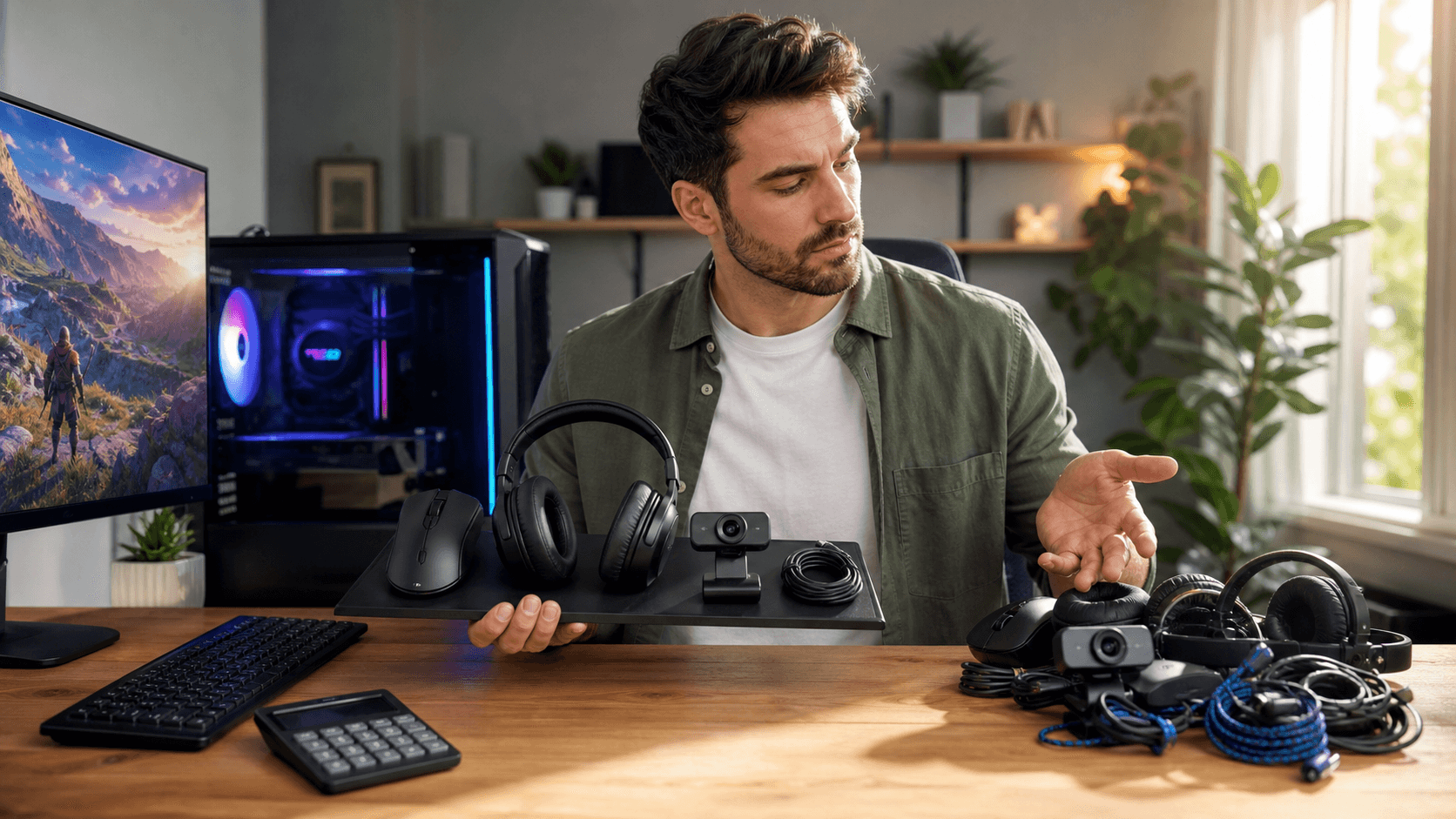
Another trap is going too cheap on key components. Low-end motherboards with limited VRMs, only two RAM slots, or a single M.2 slot might look fine on day one, but they give you almost no headroom. Tiny SSDs fill up quickly as games grow in size, and if your board does not offer more slots, you end up replacing instead of simply adding parts.
Compatibility is the third major pain point. Some examples include:
- GPUs that are too long or too thick for the case
- Power supplies without the right PCIe or CPU power connectors
- RAM kits that cannot reach rated speeds on a basic motherboard
- CPUs needing a BIOS update the board does not yet have
Any of these can turn a simple upgrade into a near full-system rebuild, which defeats the whole point of having an upgrade path.
Building a Flexible Gaming PC for Bahrain's Market
Planning a flexible build also means working with what is actually on the shelves. Stock, pricing, and brand availability for PC parts in Bahrain can change, so the perfect list from an international video might not be realistic here. We focus on parts that are reliably available through local channels and match them in a way that keeps your future options open.
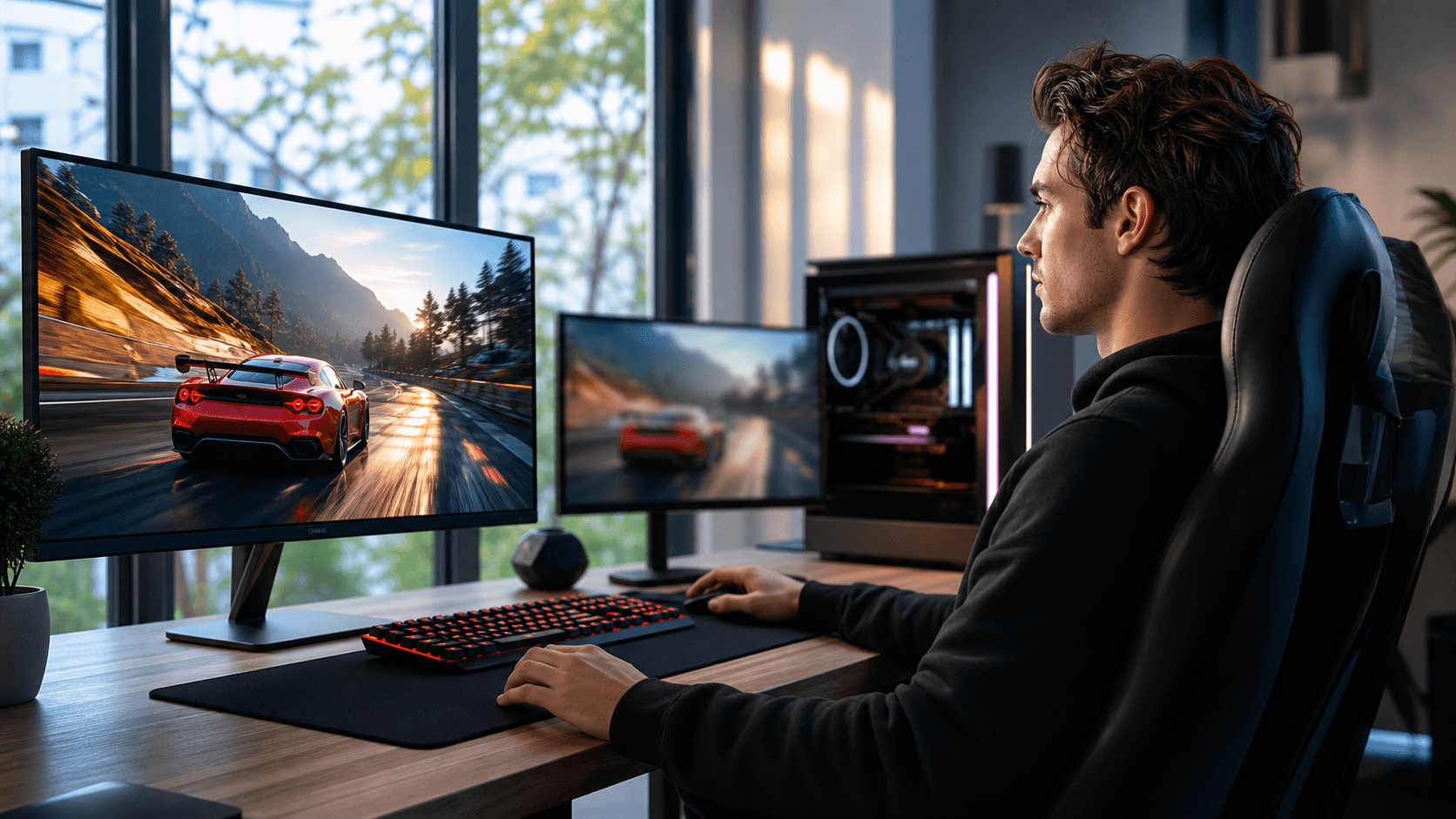
Your monitor and games should guide your choices too. If you play competitive shooters at 1080p and want high frame rates, your money might go first into a GPU and a solid CPU. If you play story-driven games at 1440p, you might prioritize a smoother visual experience over ultra-high FPS. In both cases, choosing a slightly higher-wattage power supply, a case with extra GPU clearance, and a motherboard with spare slots makes it easier to step up to next-generation hardware down the line.
Budget and future-proofing always have to be balanced. A good rule of thumb is to spend a bit more on the foundation and less on things that are easy to swap. That usually means:
- Invest more now in the motherboard, power supply, and case
- Pick reliable but not oversized cooling, with room to add more fans
- Choose a good mid-range GPU you can upgrade later
- Start with enough RAM and SSD capacity for your current needs, then add more as required
By treating the platform as long-term and the performance parts as short-term, you keep your overall cost lower over the life of the PC.
How Games Gravity Helps You Plan Your Upgrade Path
As a Bahrain-based gaming PC shop, we see many different approaches to building systems, from full custom rigs to small upgrades of older office PCs. Our role is to help you understand how chipsets, sockets, and case sizes affect what you can do later. When we recommend PC parts in Bahrain, we are always thinking about how you might want to upgrade them in stages.
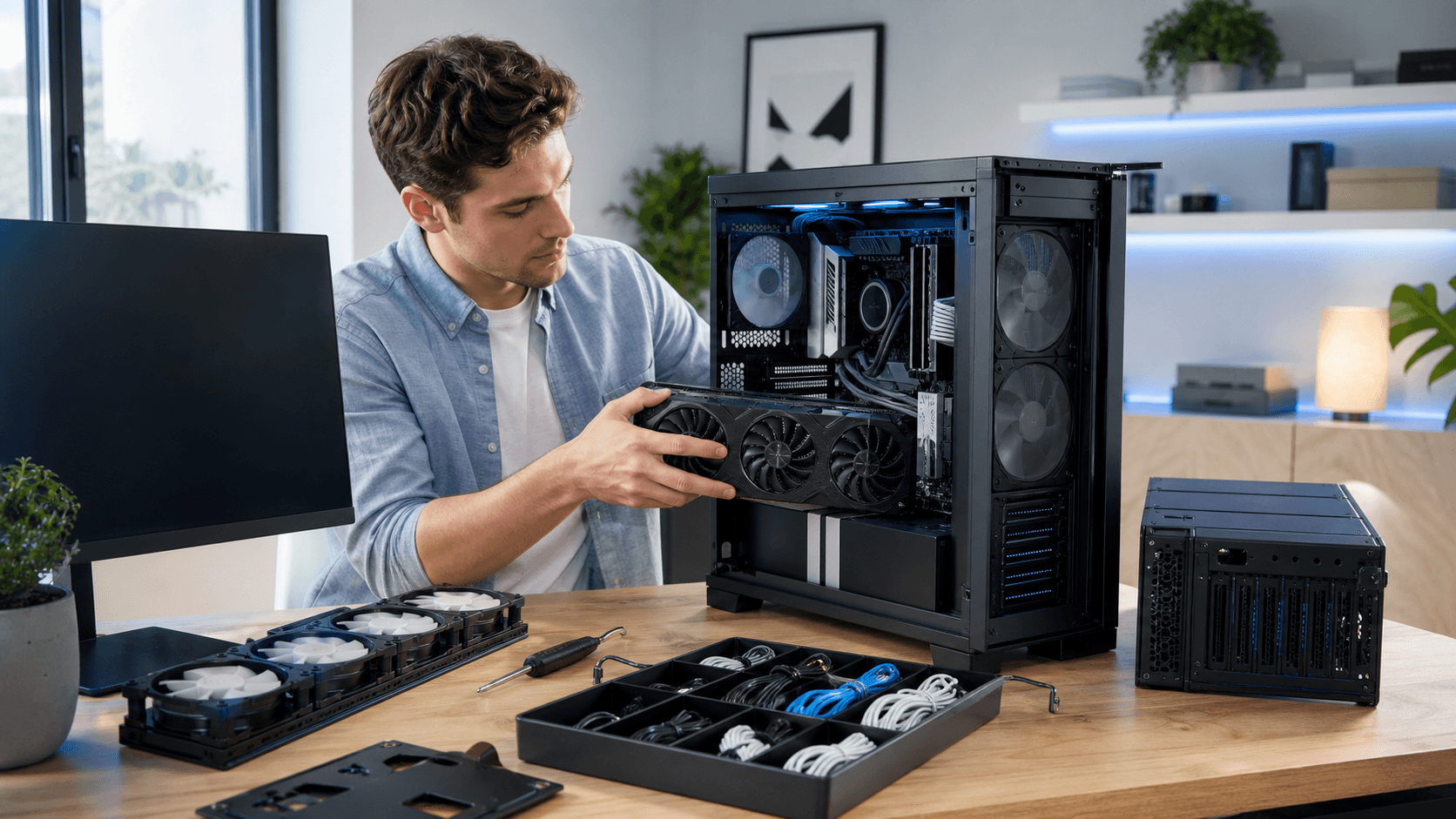
Our custom build and repair services also focus on keeping things upgrade-friendly. Clean cable management, smart placement of drives, and proper fan layouts make it much easier to swap in a new GPU, add an SSD, or boost RAM capacity without tearing the whole system apart. When a customer comes in for repairs or troubleshooting, we often look for simple upgrade wins that fit within their current platform instead of pushing a full replacement.
Many gamers benefit from starting with a mid-range PC build in Bahrain rather than chasing the highest-end parts right away. You might begin with a mid-tier CPU, a capable graphics card, and a strong platform for power and cooling. Then, as new games launch or as you move to a higher resolution monitor, you can upgrade the GPU, add more RAM, or drop in a faster CPU in steps.
Lock in a Build That Grows with Your Games
Thinking about upgrade paths before you even buy your first part pays off in several ways. You extend the useful life of your PC, reduce waste, and avoid big one-time bills by spreading upgrades over a longer period. Your games stay smooth, your hardware stays relevant, and you spend more time playing instead of troubleshooting.
The key is to decide what performance you want now, how long you plan to keep the system, and how many upgrade cycles you are comfortable with. From there, you choose a platform and core components that can realistically support at least one or two major upgrades. With that foundation in place, building or upgrading with a shop like Games Gravity PC builds becomes less about guessing and more about following a clear, flexible plan that grows with your games.
Power Up Your Next Gaming Upgrade With Trusted Local Experts
If you are ready to build or upgrade your rig, we are here to help you find the right PC parts in Bahrain without the guesswork. At Games Gravity, our team can guide you on performance, compatibility, and value so your setup delivers exactly what you expect. Share what you are planning, and we will recommend parts and configurations tailored to your gaming style. Have questions or need a custom quote today? Just contact us and we will get back to you quickly.