Why Your "Cheap" First PC Build Gets Expensive Fast
Building a first gaming PC feels exciting and empowering. You sketch out a parts list, set a "strict" budget, and start hunting deals. Then, as you get closer to checkout, the total quietly climbs way past what you planned, and suddenly that "cheap" build does not look so cheap.
Most beginner guides focus on the big parts only: CPU, GPU, motherboard, RAM, and storage. In real life, especially when you are buying PC parts in Bahrain, there are extra costs that sneak in, from cooling and cables to desks and monitors. At Games Gravity, we see this every day in our shop and on our online store, and we know it can turn an exciting project into a stressful one.
This article walks through the hidden and easily forgotten costs, how local pricing and availability affect a pc build bahrain gamers are planning, and how to build a realistic budget that actually works from the first power-on to the first game you launch.
Core Components New Builders Underestimate
The first trap is overcommitting to a single part. Many first-time builders chase the most powerful CPU or GPU they can afford, then realize there is not enough money left for everything else.
Common issues we see are:
- Overspending on the GPU and pairing it with a weak CPU
- Choosing a flashy CPU but skimping on the motherboard and power supply
- Going too cheap on storage and RAM, then dealing with slow load times and stutters
Motherboards and power supplies are the foundation of your system. A very basic board might look fine on paper, but it can limit future upgrades, have fewer USB ports than you need, or lack support for faster RAM and storage. A very cheap PSU can cause instability or even damage other parts if it fails.
RAM and storage are also easy to underestimate. Running the bare minimum memory might work at first, then newer games start to hitch and swapping becomes common. The same goes for storage: one small drive fills up quickly once you install a few big titles plus Windows.
In Bahrain, availability and actual shelf prices matter a lot more than the idealized parts lists you see in international guides. Sometimes:
- Your first-choice GPU is out of stock
- A slightly better motherboard is running a promotion
- A local bundle on SSD plus RAM beats buying separate
Checking what is really available from local sources and from the pre-configured PC builds can help you avoid last-minute expensive changes.
The "Invisible" Parts That Blow up Your Budget
Once the big components are sorted, the "small" items start to appear, and they add up faster than most people expect.
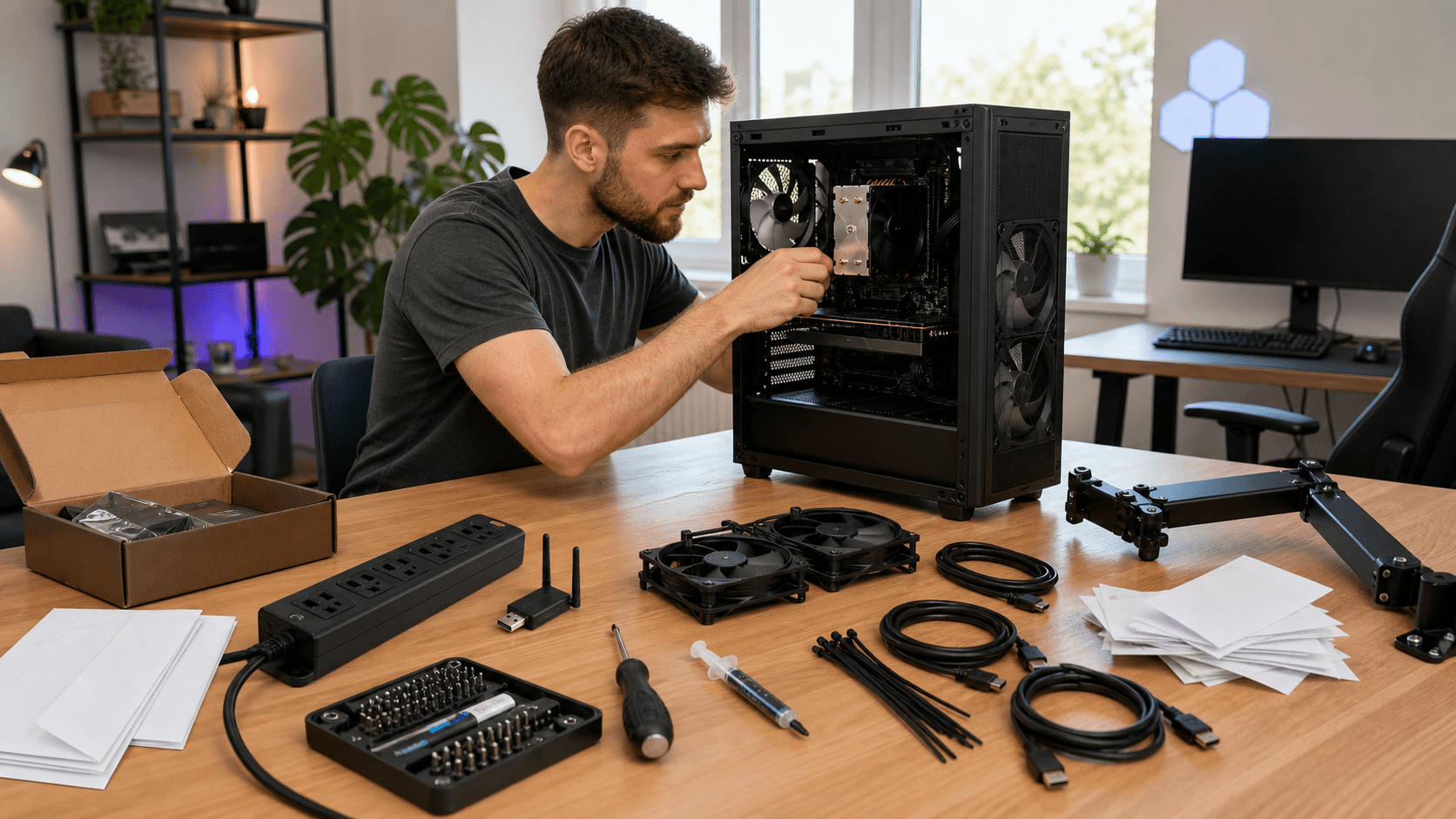
Builders often forget to budget for:
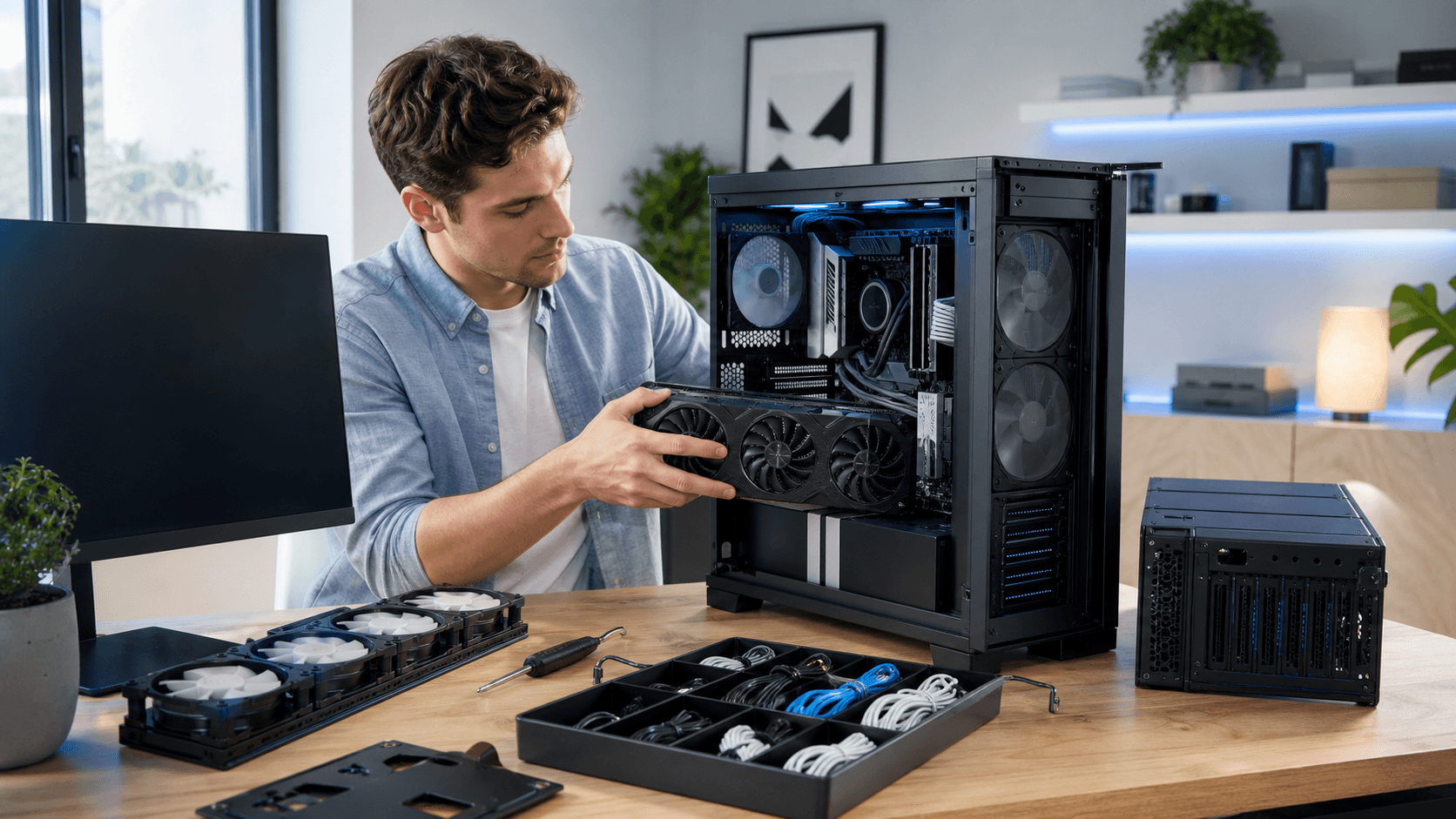
- Quality case fans for better airflow and lower noise
- A dedicated CPU cooler if the processor does not include one
- Thermal paste, especially if you plan to reseat or upgrade later
- Extra fan or RGB hubs and splitter cables
Good airflow is especially important in our region, where ambient temperatures are higher and PCs can run hot during long gaming sessions. A couple of extra fans or a better cooler from the CPU cooler section can make a real difference for stability and noise.
There are also functional extras that many new builders only notice mid-build:
- Wi-Fi adapter if your motherboard does not have built-in Wi-Fi
- Extra SATA cables if your case or board only includes one
- Mounting brackets for additional storage drives
Then there is software. Windows licensing is a real cost, even if you delay activation. You may also want to plan for:
- Office software for school or work
- Antivirus or security tools
- Game subscriptions or launchers that have monthly fees
Buying all of these one at a time, as you suddenly realize you need them, is what turns a comfortable budget into a painful surprise for any pc build bahrain buyers attempt to keep "cheap."
Peripherals, Comfort, and Space Planning
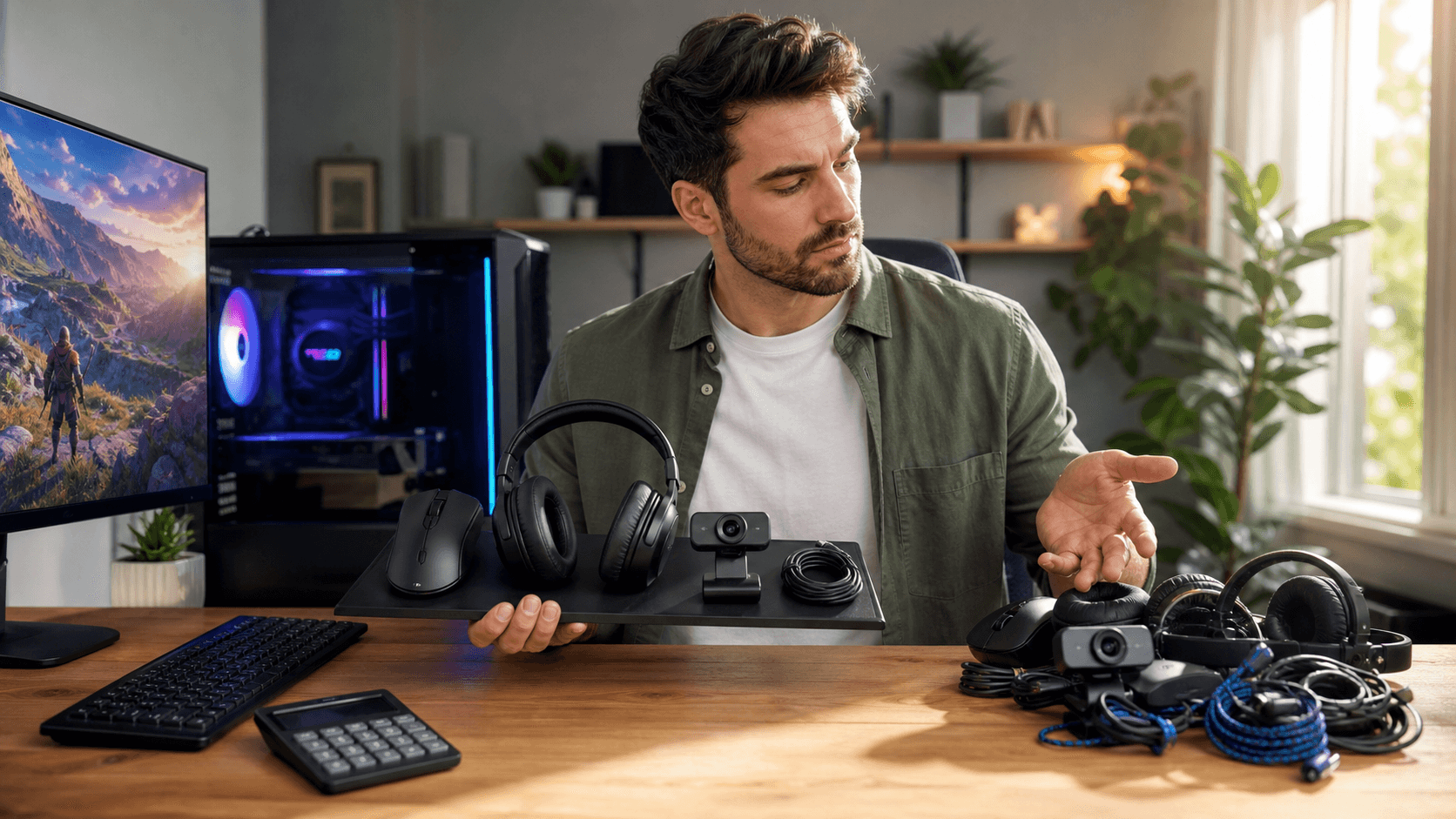
Many first-time builders focus on the tower and forget everything around it. By the time you add a decent monitor, keyboard, mouse, and headset, you might have spent as much as a mid-range graphics card.
Key categories to plan for:
- Monitor (resolution, refresh rate, panel type)
- Keyboard (membrane or mechanical, size, and layout)
- Mouse (DPI range, shape, and grip comfort)
- Headset or speakers for game audio and voice chat
- Mousepad that fits your preferred sensitivity
For gaming, higher refresh rate monitors can be more impactful than a small bump in GPU tier, especially in competitive titles. If you plan to edit photos or videos, color accuracy and viewing angles matter more than just refresh rate.
Comfort matters too. A powerful PC is not much fun if you are hunched over a tiny table with tangled cables under your feet. It is worth budgeting for:
- A sturdy desk with enough depth for your monitor and keyboard
- A chair that supports longer sessions
- Basic cable management like zip ties, sleeves, or clips
Local shops sometimes run bundle deals that include peripherals at a better price when bought with core PC parts in Bahrain, so it is smart to ask about that instead of buying each accessory separately over time.
Local Realities: Building a PC in Bahrain's Market
Online prices from international sites can look tempting, but once you factor in international shipping, import charges, and currency fluctuations, the final price is often very different. Delivery delays can also leave you waiting for one critical part while the rest of your build sits in the box.
Buying locally has some practical advantages:
- Clear pricing in local currency without surprise fees
- Easier returns and warranty support if something arrives faulty
- The ability to test or inspect components before committing
RMA and warranty are especially important for expensive parts like GPUs, motherboards, and PSUs. Handling that process within Bahrain usually saves both time and stress.
If you are not fully confident about assembling a PC on your own, you should also include:
- Professional build or assembly fees
- Cable management service inside and outside the case
- Testing and burn-in to make sure the system is stable
Timing matters too. Around holidays or gaming events, there are often promotions or part swaps that make more sense than sticking rigidly to an older parts list you found online. Talking to someone who works daily with PC parts in Bahrain can help you spot smart substitutions that keep performance high while cutting unnecessary cost.
Turn Your Parts List Into a Realistic, Stress-Free Budget
The easiest way to keep your first build on track is to treat the budget as part of the build, not something you figure out afterward. Start by listing absolutely everything you need, even the tiny things:
- Core components (CPU, GPU, motherboard, RAM, storage, PSU, case)
- Cooling and "invisible" parts (fans, cooler, paste, hubs, cables)
- Peripherals (monitor, keyboard, mouse, headset, mousepad)
- Furniture and accessories (desk, chair, cable management)
- Software and services (Windows, office tools, subscriptions)
Then, split them into "must have on day one" and "nice to add later." You might decide to get a basic keyboard now and upgrade to a mechanical one in a few months, or start with one SSD and plan a second drive later.
A simple way to plan is to:
- Set a total budget that feels realistic
- Allocate rough percentages for the tower, peripherals, and extras
- Add a small buffer for surprises or small upgrades
Once you have a draft list, comparing it against what is actually for sale locally can highlight better-value options. Checking bundle deals and asking about recommended swaps is often how a pc build bahrain gamers want for years of use becomes more balanced and less stressful, both for performance today and for future upgrades.
Power Up Your Next Gaming Build With Trusted Local Experts
If you are ready to upgrade or build a new rig, we can help you choose the right PC parts in Bahrain for your performance and budget needs. Our team at Games Gravity will guide you through compatible components, honest recommendations, and reliable brands so you get the most out of your setup. Have questions or need a custom quote tailored to your build goals? Just contact us and we will walk you through every step.