When Your PC Feels Old but You're Not Ready to Replace It
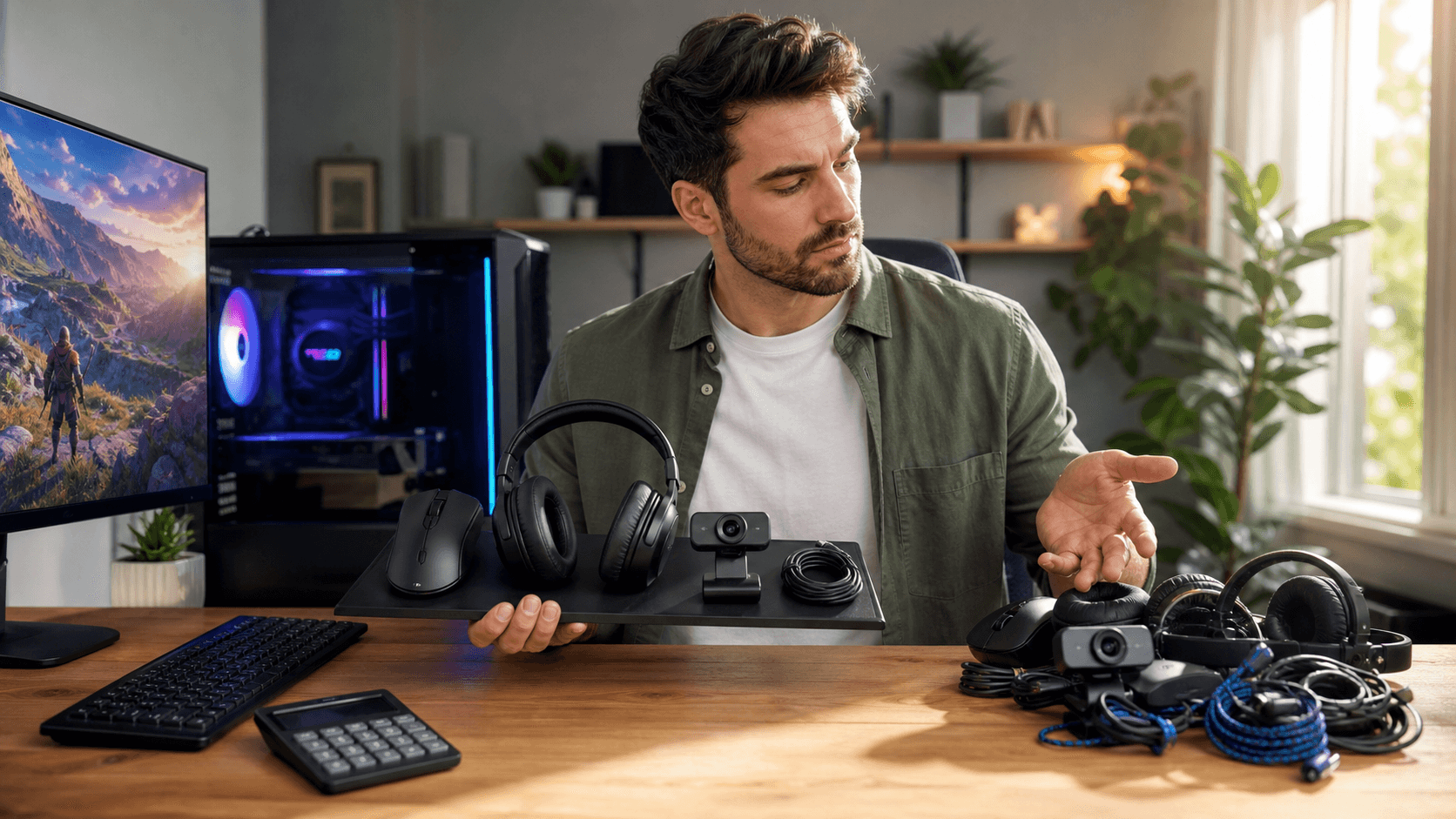
A gaming PC that once felt fast can start to drag over time. Games stutter, apps take forever to open, and fans roar during every match, but the system still works well enough that a full replacement feels unnecessary. The real question is not just whether your PC is old, but which specific part is holding you back right now.
In this article, we walk through how to stretch the life of your current rig with smart, targeted upgrades instead of replacing everything at once. We focus on upgrade priorities, so you upgrade the part that actually fixes the slowdown you feel. As a local PC shop in Bahrain, we at Games Gravity see these issues every day and help gamers diagnose bottlenecks, source the right PC parts in Bahrain, and handle installation or cleaning when needed.
How to Diagnose What Is Really Slowing You Down
Before buying any new hardware, you want to figure out where the bottleneck is. Most gaming PCs feel slow for one of three reasons: storage, RAM, or GPU and CPU.
Storage problems show up as long boot times, slow game loading screens, and delays when opening apps or switching levels. RAM issues tend to appear when you have many browser tabs, Discord, a game, and maybe streaming software open, then everything starts freezing or swapping. GPU and CPU problems are what you notice as low FPS, stuttering in fights, or needing to drop all your settings to low.
A bit of quick testing can tell you a lot:
- Open Task Manager while gaming and check if CPU, GPU, RAM, or disk usage stays near 100 percent.
- Note how long Windows takes to boot and how long your favorite game takes to reach the main menu.
- Watch your FPS in matches and see which graphics settings cause the biggest hits.
- Pay attention to temperatures and fan noise, especially during long sessions.
Sometimes, the slowdown is mostly software. Too many startup apps, old or broken drivers, background updaters, or even malware can make a decent PC feel awful. A fresh Windows install, updated drivers, and cleaning out unwanted programs can give surprising gains for free.
We also see a lot of performance lost to dust and heat, especially in warm climates like Bahrain where systems run in hot rooms for long hours. A proper internal dust cleaning, fresh thermal paste, and better CPU cooling from a product category like dedicated CPU coolers in Bahrain can drop temperatures and stop throttling before you spend money on big new PC parts in Bahrain.
The First Upgrades Most Gamers Should Consider
If your PC is a few years old but still generally capable, there are three upgrades that give the most noticeable improvement for most gamers.
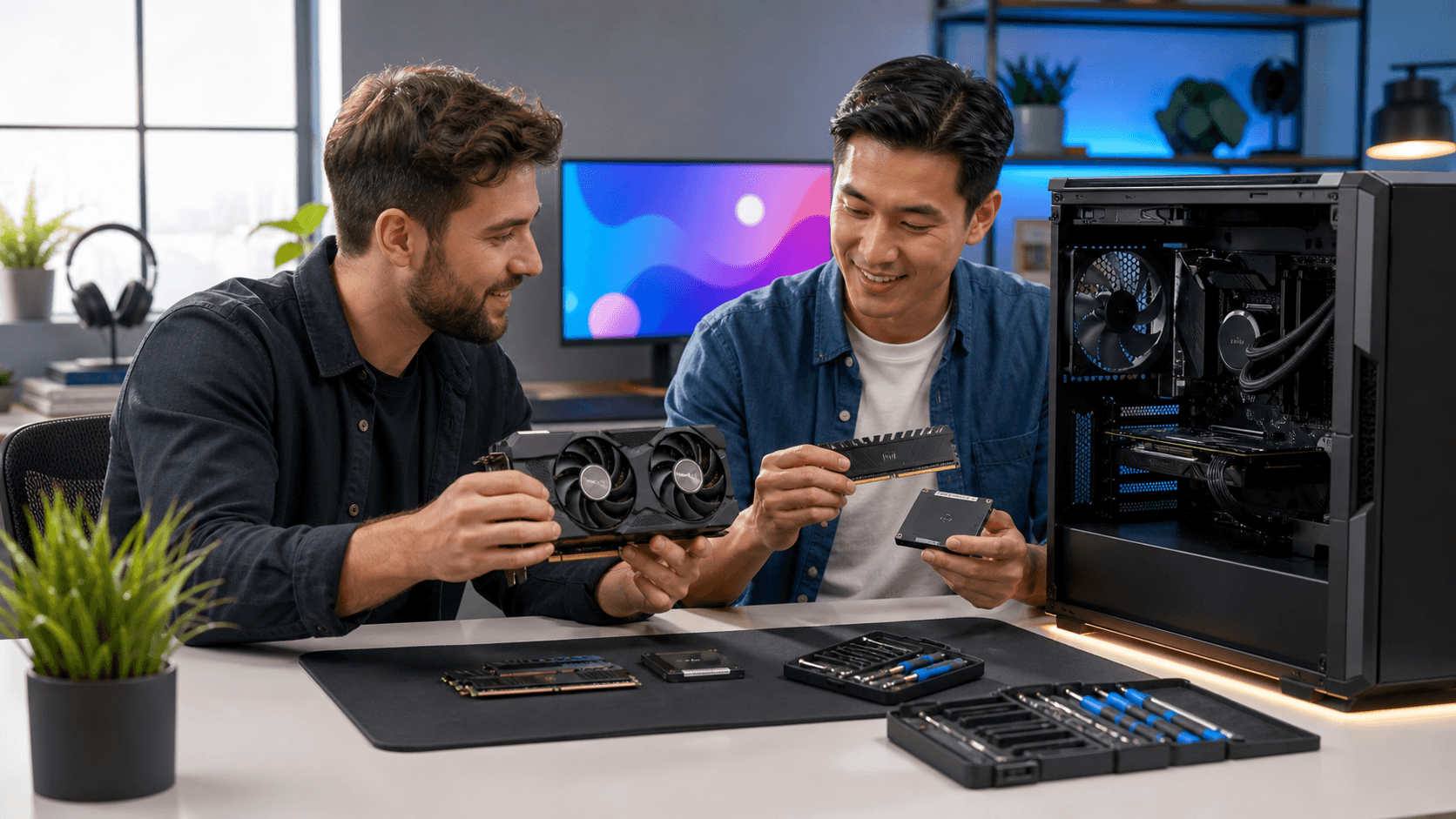
First is storage. If you are still running Windows and games from an HDD, moving to an SSD, or to NVMe if your board supports it, will completely change how fast your system feels. Boot times shrink, game loading screens become shorter, and the desktop feels more responsive. For a lot of people, this is the single best value upgrade.
Second is RAM. Many older systems still run 8 GB, which can be tight for modern games plus chat apps, browsers, and streaming. Jumping to 16 GB or more lets Windows keep more in memory instead of constantly hitting the drive, which reduces stutters and random slowdowns when multitasking. This is especially noticeable if you like to have music, browsers, and Discord open while you play.
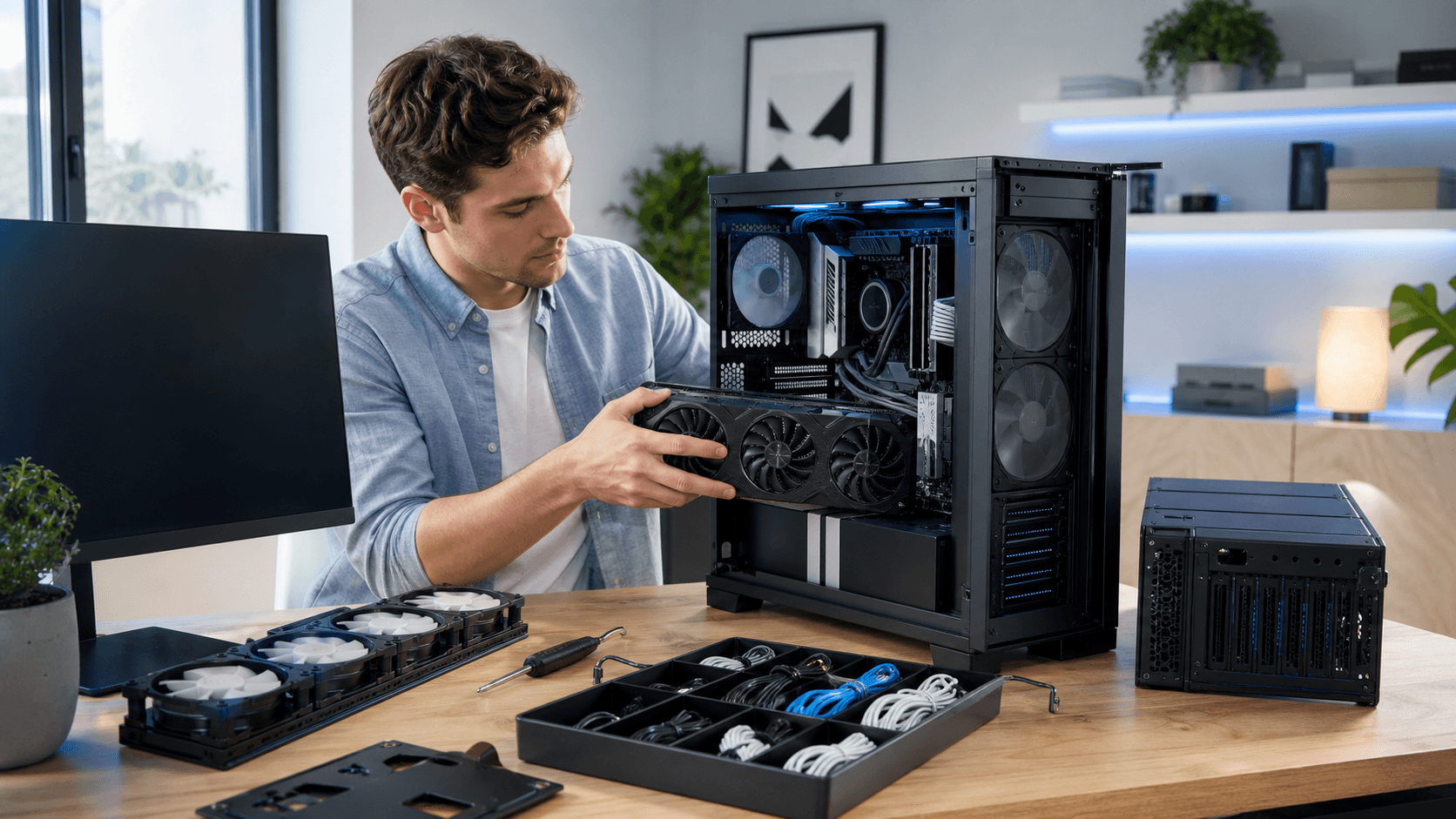
Third is the GPU. A graphics card refresh has the biggest impact on FPS, higher resolutions, and using modern visual features like ray tracing or higher quality textures. If you upgrade your GPU, keep an eye on your CPU usage. If your processor is always maxed, it might limit how much performance the new card can actually deliver.
In terms of cost versus impact, many gamers in Bahrain find that starting with storage and RAM offers fast, affordable wins. Then, once the system is stable and snappy, a GPU upgrade becomes a more meaningful step. If you want help aligning these parts, browsing categories like pre-built and custom PC builds can give a sense of balanced configurations.
When It's Time to Think Bigger: CPU, Motherboard, and PSU
At some point, your CPU and motherboard platform become the real limit. Signs include new games refusing to run on your processor, constant 100 percent CPU usage even in lighter titles, or missing newer ports and features you want, such as faster USB, PCIe generations, or NVMe support.
Upgrading the CPU is rarely as simple as swapping one chip. Different generations need different motherboard sockets and sometimes different RAM. Once you replace the CPU, board, and memory, you are close to a full rebuild, which is why it makes sense to plan that step carefully. Checking options on a site like Games Gravity can help you see which parts belong to the same platform.
You also need to consider your power supply. A stronger GPU or new platform might require more wattage or different power connectors. An older PSU that has been running hot in a small case can also become less reliable over time. While you are thinking about power, it is worth checking your case airflow, fan placement, and physical space for longer GPUs or taller coolers, which matters a lot for systems running in hot rooms in Bahrain.
Working with local specialists in Bahrain helps you choose a platform that still lets you reuse as many parts as possible, like your case, storage, or even GPU, while preparing for future upgrades.
Matching Your Upgrade Path to Your Budget and Games
Different gamers should prioritize different parts. Competitive esports players often care most about high FPS and low input lag on a 1080p or 1440p monitor. For them, a stronger CPU plus a decent GPU and lots of FPS-focused settings tuning can matter more than ultra graphics options.
On the other hand, if you love single-player AAA titles with high-quality visuals, then the GPU and enough VRAM become more important. For mixed work and play, such as gaming plus content creation or study, RAM and storage speed are usually the best first steps, followed by platform stability.
A simple way to think about budgets:
- Quick wins: upgrade to SSD or NVMe, add more RAM, basic cleaning and thermal paste.
- Mid-range boosts: new GPU, possibly a stronger PSU, and case airflow adjustments.
- Near-complete refresh: new CPU, motherboard, RAM, and possibly case, while reusing drives and GPU if they are still solid.
Whatever your budget, compatibility is key. Always check wattage requirements, physical dimensions inside your case, connector types on PSU and GPU, and BIOS support for newer CPUs before buying PC parts in Bahrain. Using local custom build and consultation services helps you test ideas, compare parts, and avoid mismatched components that waste money.
Turn Outdated Into Optimized with a Smart Plan
When your gaming PC feels slow, the answer is not always a full replacement. If you take time to diagnose what is actually wrong, you can upgrade in the right order and get real, daily improvements instead of just chasing big numbers on spec sheets.
A step-by-step strategy, starting with health checks and small upgrades, then moving toward larger platform changes when it truly makes sense, can keep a system relevant far longer than many people expect. With thoughtful planning, good airflow and cooling, and carefully chosen PC parts in Bahrain, your older rig can stay optimized and enjoyable for many more gaming seasons.
Power Up Your Gaming Rig With Trusted Local Components
If you are ready to upgrade or build a new setup, we provide carefully selected PC parts in Bahrain that match your performance needs and budget. Our team at Games Gravity can help you choose the right components so your system runs cooler, faster, and more reliably. Have questions or need a custom recommendation before you buy? Simply contact us and we will guide you through every step.