Shield Your Gaming Rig From Bahrain’s Dust
Dust in Bahrain is not just a small annoyance; it is a real threat to your gaming gear. Fine sand, dust storms, and humidity all team up to sneak into every opening of your PC, laptop, or console. Over time, this mix sticks inside, coats your parts, and makes your system work harder than it should.
When dust builds up, fans get clogged, airflow drops, and temperatures climb. Your PC may start to sound louder, feel slower, or shut down in the middle of a game. Long-term, this can shorten the life of your hardware and lead to repeated PC repair needs.
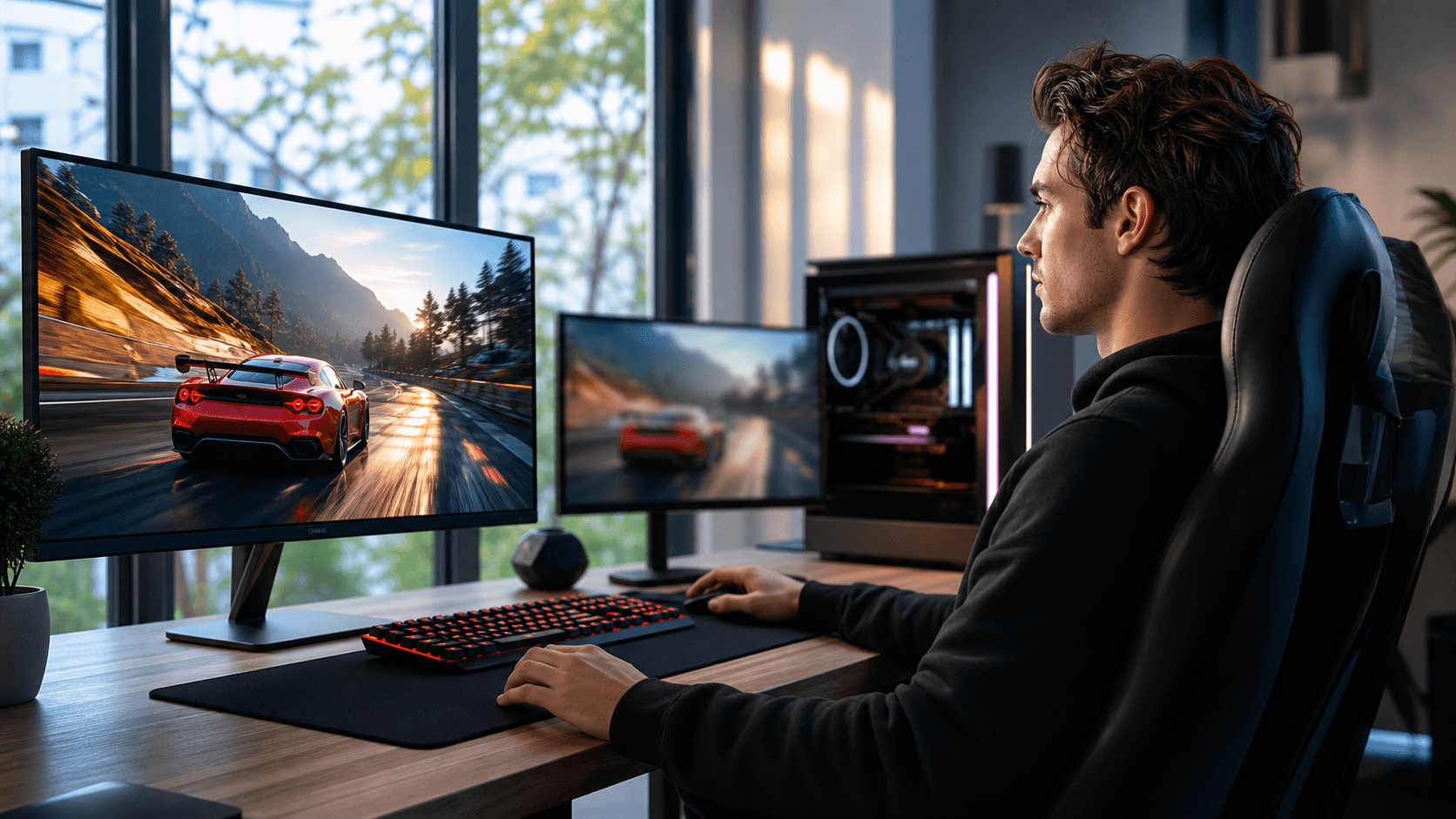
Our focus is to help gamers in Bahrain keep their systems safe from this kind of damage. Through smart PC builds, local gaming shop support, and professional repair and cleaning, we work to keep your setup stable, clean, and ready for long gaming sessions.
Smart PC Builds That Fight Dust From Day One
Building a gaming PC in Bahrain is not the same as building one in a cleaner, cooler place. Dust and heat should be part of the plan from the very first part you choose. A good build can slow dust down and make cleaning much easier later.
Case design is a big part of this. Some helpful case features include:
- Front and bottom intakes with dust filters
- A layout that supports positive air pressure
- Sealed side panels with tight gaps
- Good cable management areas so air can move freely
Positive air pressure means you have a little more air being pushed in than pulled out. When most of that air comes through filtered fans, less dust is sucked in through random holes and cracks. That is a big win in dusty apartments or villas.
Parts also matter. For Bahrain’s hot, dusty conditions, it helps to focus on:
- Quality CPU coolers with fans that are easy to clean
- Case fans placed to move air in a clear front-to-back or bottom-to-top path
- Power supplies with reliable cooling and protected intakes
- GPUs and CPUs that can handle long gaming sessions without constant throttling
When we plan custom PC builds, we pay close attention to airflow, filter types, and how easy it will be to open the case later for a proper clean. Simple things like fan placement, cable routes, and where the PC sits in your room can make a big difference in how fast dust builds up.
How a Local Gaming PC Shop Protects Your Investment
Buying random parts online can be tempting, but those parts are not always chosen with Bahrain’s dust in mind. Cases that work fine in cleaner places may struggle here, especially during dusty periods. A local gaming PC shop that sees real systems from local homes has a better sense of what survives and what fails.
When you visit in person, you can see how open or closed a case really is, how tight the panel gaps are, and how easy the filters are to reach. In the shop, we can talk through things like:
- Where your PC will sit in your home, floor or desk
- How often you plan to clean it
- How many hours you game each day
- Whether your space is near a window, balcony, or open door
We can then suggest dust-resistant cases, fan layouts, stands, and cooling pads that match your space. For many gamers, a small stand to keep the PC off the floor is already a big step for keeping dust out.
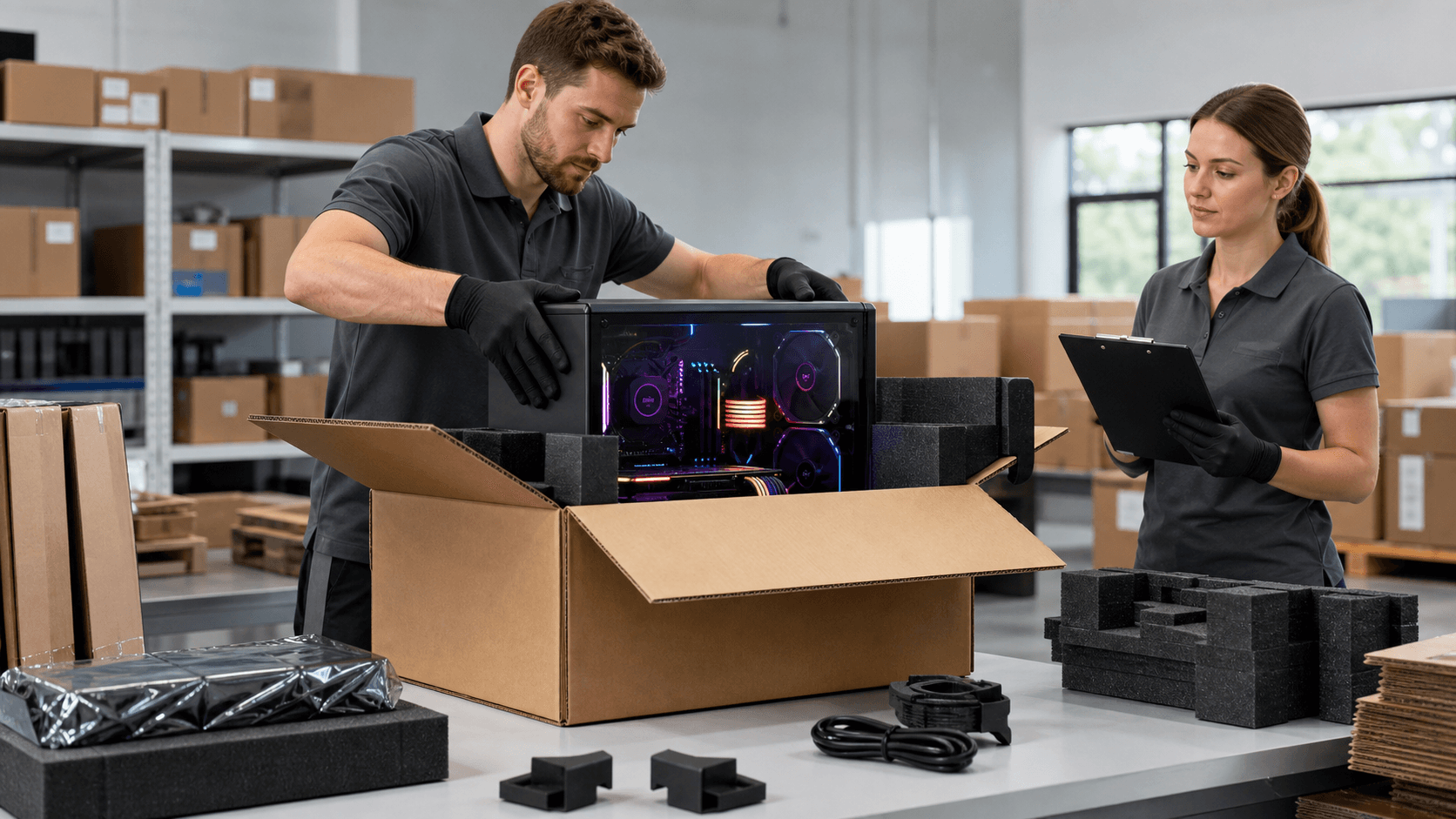
Local after-sales support also helps protect your investment over time. Quick health checks, help with firmware and driver updates, and clear guidance on upgrade paths keep your system ready before the hottest and dustiest parts of the year arrive.
When Dust Wins: Professional PC Repair You Can Trust
Sometimes dust still wins. Fans clog, vents block, and heat builds up until something gives. Many PC repair cases we see are tied, in some way or another, to dust, even when it does not look that way at first.
Common dust-related problems include:
- Overheating and sudden shutdowns during games
- Fans that rattle, buzz, or stop spinning
- Power supplies that fail after long exposure to dust
- Laptops and consoles that feel very hot and sound like jet engines
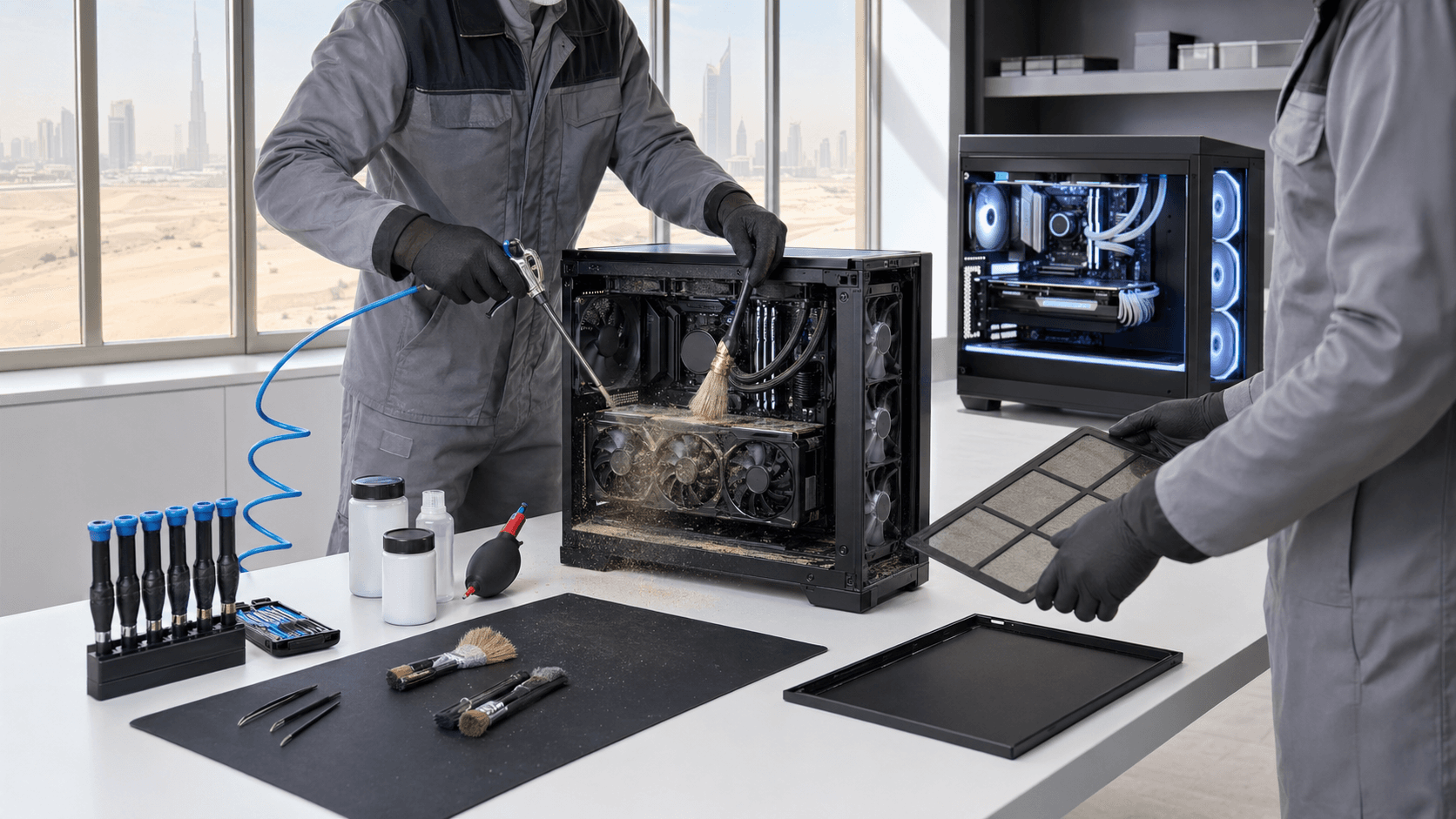
From the outside, it is hard to tell if the issue is simple dust buildup or a deeper hardware fault. Professional diagnostics can separate the two. We check temperatures, fan speeds, airflow, and physical dust levels inside the system. If it is mostly dust and dry thermal paste, a careful clean and fresh paste on the CPU and GPU can restore stable performance. If a fan or power supply is failing, we can point that out and replace the right part instead of guessing.
The best PC repair visit is the one you only need once. When we fix a dust-related problem, we also look for ways to reduce future trouble. That might mean changing fan direction, adding or upgrading filters, or re-routing cables so air can move better. The goal is to send your PC, laptop, or console home cleaner, cooler, and more protected than before.
Deep PC Cleaning Strategies for Bahrain’s Dust Season
Dust in Bahrain is not a one-time event. It comes in waves, and your PC needs a rhythm of care to match it. A simple seasonal routine can keep things under control without you having to think about it all the time.
A basic plan might look like this:
- Quick monthly checks of external filters and vents
- A light internal cleanup every few months
- A deep cleaning and thermal refresh about once a year
At home, you can safely handle some surface-level tasks if you are careful. Things like gently wiping exterior surfaces, checking filters, and keeping the area around the PC clear of piles of dust-trapping clutter can already help. For deeper internal cleaning, especially for laptops and consoles with tight spaces, professional service is safer and more effective than trying to pull everything apart alone.
Regular cleaning keeps performance stable and fans quieter. It helps prevent thermal throttling, random slowdowns, and many common PC repair problems before they appear. It also keeps RGB-heavy gaming setups looking sharp instead of dull and dusty.
Lock in Dust Protection with a Local Care Plan
Dust is part of life here, but it does not have to ruin your gaming gear. With smart PC builds, support from a local gaming PC shop, timely PC repair when something feels off, and steady cleaning habits, you can keep your system healthy for the long run.
At Games Gravity, we focus on builds, repairs, and cleaning that make sense for Bahrain’s real conditions. A simple care plan that mixes what you do at home with regular professional checks can keep your PC, laptop, or console cooler, cleaner, and ready for your next game, no matter what the dust outside is doing.
Restore Peak Performance With Expert PC Repair Today
If your system is running slow, crashing, or refusing to start, our team at Games Gravity is ready to help. We provide fast, reliable PC repair so you can get back to work, gaming, or studying with confidence. Tell us what is going wrong with your computer and we will diagnose the issue and walk you through clear, practical solutions. To schedule a visit or ask a question, just contact us.