Why Your Monitor Should Shape Your PC Build
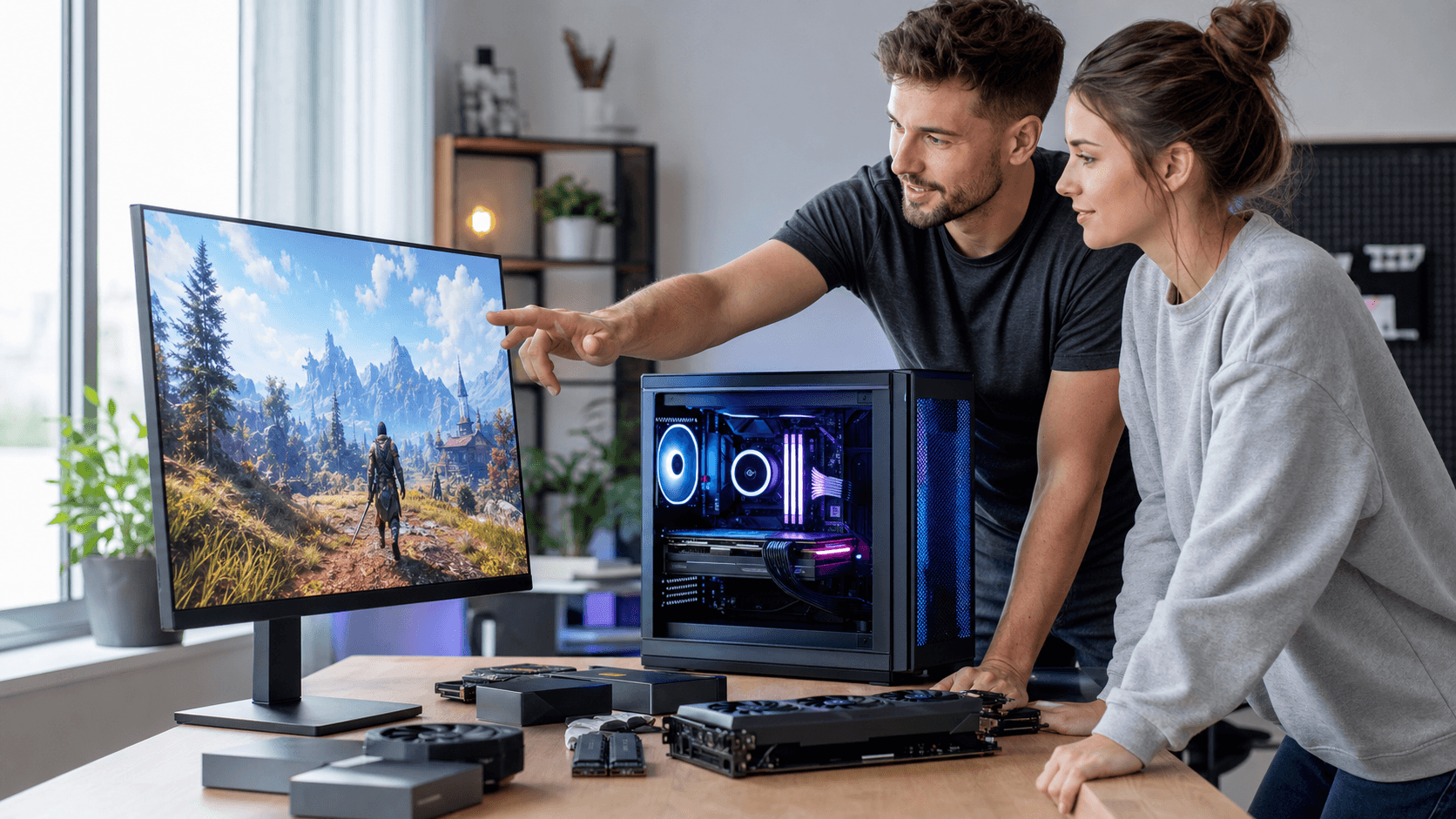
The monitor on your desk should be the first decision you make, not the last, when planning a gaming PC. Resolution, refresh rate, and panel type all decide how hard your graphics card and processor need to work, and how much of your budget should go toward raw performance. If you start with the wrong display, you can easily overspend on a powerful GPU that your screen cannot take advantage of, or underpower a premium panel that deserves better.
At Games Gravity, we see this a lot with anyone planning a PC build Bahrain gamers will use for years. When you choose your gaming monitor in Bahrain first, your parts list suddenly becomes clearer and more efficient. In this article, we will walk through how different resolutions and refresh rates affect your component choices, how to balance budget and settings, and how to end up with a smooth, consistent experience across 1080p, 1440p, ultrawide, and 4K setups.
Understanding Monitor Resolution and Refresh Rate
Resolution is the number of pixels on your screen. Common options are 1920x1080 (1080p), 2560x1440 (1440p), 3840x2160 (4K), and ultrawide formats like 3440x1440. Higher resolution means a sharper image, but also more work for your GPU every single frame.
Refresh rate, measured in hertz (Hz), is how many times per second your monitor updates the image. A 60 Hz display can show up to 60 frames per second, 144 Hz up to 144 frames per second, and 240 Hz and above are aimed at serious competitive players. Response time is how quickly pixels change from one color to another, which affects motion blur and ghosting.
Here is how these specs affect performance:
- Higher resolution heavily increases GPU demand, because your card must push more pixels every frame.
- Higher refresh rate increases both GPU and CPU demand, because you need more frames per second, not just prettier frames.
- Very low response time is important for fast shooters, while casual and story-focused gamers can be flexible.
In Bahrain, many casual players stick with 1080p at 60 to 75 Hz, which is affordable and easier to drive. Competitive players often chase 144 Hz or 240 Hz at 1080p, where speed matters more than extreme detail. Enthusiasts look at 1440p or 4K for richer visuals, especially for single-player titles, racing games, and ultrawide immersive setups.
Matching Your GPU and CPU to Your Chosen Monitor
Once you know your resolution and refresh rate, matching your GPU and CPU becomes much simpler. At 1080p, the focus is usually on high frame rates. Many modern mid-range cards can handle this resolution well, and the CPU starts to matter more when you aim for 144 Hz and above, especially in esports titles.
At 1440p, you enter a sweet spot between sharpness and performance. You still need a capable GPU, but you can often maintain high frame rates with a good mid- to upper-mid-range card and a solid modern CPU. For 4K, the GPU is the star. The CPU remains important, but most of the load rests on the graphics card, and you may need to accept lower frame rates or reduced settings in the newest games.
CPU bottlenecks show up most clearly at lower resolutions with very high refresh rates. If you are aiming for 240 Hz competitive gaming in Bahrain, a stronger CPU becomes essential, since it feeds the GPU with frames as quickly as possible. Esports players focusing on titles like shooters and MOBAs often pair a fast CPU with a high-refresh 1080p monitor and a GPU that is comfortably above minimum requirements.
A few example pairings for a PC build Bahrain gamers might plan:
- 1080p 60, 75 Hz: budget to mid-range GPU, entry to mid-level modern CPU.
- 1080p 144, 240 Hz: stronger CPU, mid to high mid-range GPU that can push very high FPS.
- 1440p 144 Hz: upper mid-range GPU, solid multi-core CPU.
- 4K 60 Hz: high-end GPU if you want high settings, mid to high-end CPU.
For ideas on balanced pre-configured systems, our PC builds category can help you see how component tiers line up with different monitor classes.
Balancing Settings, Budget, and Future Upgrades
Graphics settings give you a lot of freedom to tune your system. Dropping from ultra to high or medium can free up a surprising amount of performance, especially at higher resolutions. In many cases, medium at 1440p looks better than ultra at 1080p, because the extra pixel density sharpens everything on screen.
When building around a gaming monitor in Bahrain, think about how you split your budget:
- Allocate enough for a monitor that fits your long-term goals.
- Match the GPU to your target resolution and refresh rate first.
- Pick a CPU that will not hold back your frame rates in the games you play most.
- Reserve part of the budget for quality cooling, power supply, and storage.
Future upgrades are easier when the foundation is solid. A good power supply with some headroom, a case with airflow for Bahrain's warmer climate, and a motherboard with extra PCIe and storage options all make later GPU or CPU upgrades smoother. If you expect to step up to a stronger card or higher resolution later, consider browsing suitable cooling options in our CPU cooler selection so your processor stays comfortable under higher loads.
Choosing the Right Gaming Monitor in Bahrain
Panel type has a big impact on how your games look and feel. IPS panels usually offer the best color accuracy and viewing angles, which suits story-driven games, creative work, and mixed use. VA panels often provide deeper contrast and darker blacks, nice for movies and immersive single-player titles, though some can have a bit more motion blur. TN panels tend to prioritize speed and low response times, which appeals to esports players who care most about quick feedback. OLED panels deliver excellent contrast and response times but can be more expensive and may require more care with static images.
Other key factors when choosing a gaming monitor in Bahrain include:
- Adaptive sync: G-Sync and FreeSync reduce screen tearing and stuttering when frame rates fluctuate.
- Input lag: lower is better for competitive games and fast reactions.
- Connectivity: DisplayPort is often best for high refresh rates, while HDMI is common for consoles and secondary devices.
- Ergonomics: height, tilt, and swivel adjustments help for long sessions, especially if you work and play at the same desk.
Availability, local support, and warranty handling matter too. Shopping through a Bahrain-based retailer like Games Gravity means you can focus on picking the right specs without worrying as much about regional compatibility or overseas returns.
Turn Your Monitor Choice Into a Confident Build Plan
Once you lock in the resolution and refresh rate you want, the rest of your build becomes a series of clear decisions. Choose a GPU that hits your desired frame rate at that resolution, pair it with a CPU that will not become a bottleneck, then round things out with memory, storage, case, cooling, and power that fit both your budget and upgrade plans.
We encourage anyone planning a PC build Bahrain-wide to start by listing a few favorite games, the visuals and smoothness you expect, and the amount you are comfortable spending. From there, your chosen gaming monitor in Bahrain acts like a blueprint, helping you avoid mismatched parts and wasted performance while setting you up for satisfying gaming through many upgrade cycles.
Upgrade Your Gameplay With the Right Monitor Today
If you are ready to experience smoother visuals and faster response times, explore our curated options for a gaming monitor in Bahrain that match your setup and play style. At Games Gravity, we guide you to the display that fits your budget, performance needs, and favorite titles. Have specific questions about sizing, refresh rates, or compatibility, or need a tailored recommendation for your rig? Simply contact us and we will help you choose with confidence.