When Your PC Feels Hotter Than Your Gameplay
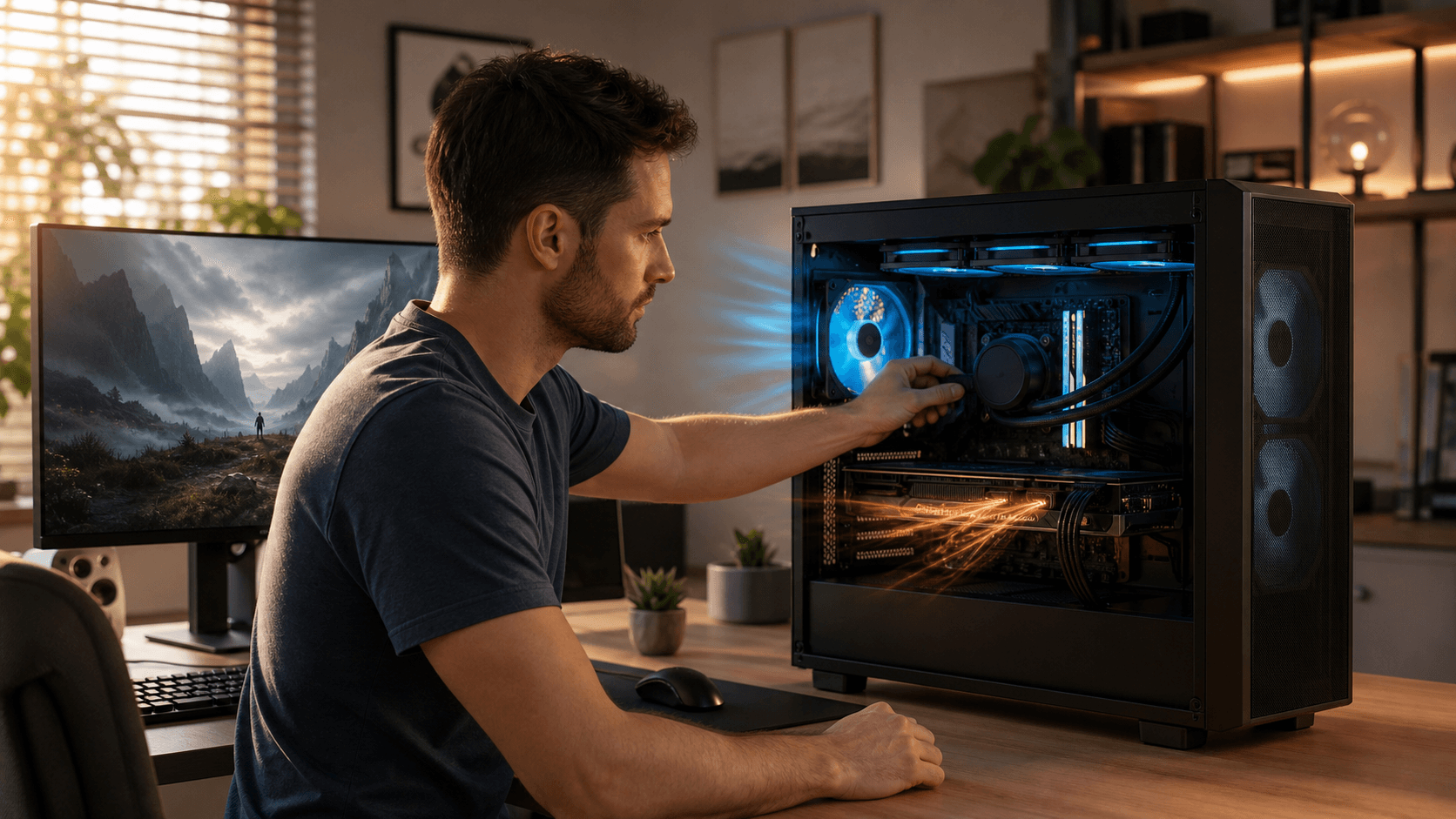
Heat can ruin a gaming session long before your hardware becomes old or outdated. Stutters in the middle of a ranked match, fans suddenly roaring like a jet engine, and FPS drops right when the action gets intense are often not about weak specs, but about temperatures quietly getting out of control.
If your Gaming PC Bahrain setup has powerful parts but still feels inconsistent, heat is one of the first things we recommend checking. Modern CPUs and GPUs protect themselves by slowing down when they get too hot, a process called thermal throttling. That means you can own a high-end graphics card and still get console-level performance if the system is cooking inside the case.
Here in Bahrain, ambient temperatures and long gaming sessions stack the odds against your cooling. At Games Gravity, we work with local gamers every day to balance performance, cooling, and budget so their systems stay stable in this kind of environment. In this article, we will walk through what heat is doing to your rig, how to spot the signs, and what you can fix at home before thinking about upgrades or new parts.
How Heat Hurts Your FPS, Stability, and Hardware Lifespan
Thermal throttling is basically your CPU or GPU hitting a temperature limit and deciding, automatically, to slow down. When the chip gets close to its safe maximum, the clock speed drops so it produces less heat. On your screen, that looks like sudden FPS drops, lag spikes, or a game that starts smooth then feels heavier after 20 or 30 minutes.
You might notice other symptoms too. Games that used to run flawlessly begin to freeze during intense scenes, the system throws the occasional blue screen, or benchmarks give different results every time. If your fans keep ramping up and down randomly, that can also signal that the hardware is constantly bouncing off temperature limits.
Constant high heat is not only about short-term performance. Over time it can dry out thermal paste, make fan bearings noisy, stress power supply components, and even warp cheap plastics. That is why picking the right PC parts in Bahrain is not just a question of raw power. Thermal design, cooler compatibility, and case airflow matter just as much, especially when your room is already warm before you even hit the power button.
When we help customers choose parts through our main store at Games Gravity, we always think about how that CPU and GPU will behave inside a real case, in a real Bahraini bedroom or office, while gaming or streaming for hours.
Simple Home Checks to See If Heat Is Stealing Performance
Before you spend money on upgrades, it is worth checking what temperatures your PC is actually hitting. There are several free tools that make this easy. Apps like HWMonitor, MSI Afterburner, and CPU-Z or GPU-Z can show live CPU and GPU temps, clock speeds, and even an on-screen overlay while you play.
As a simple guideline, many gaming CPUs are comfortable at idle in the 30s or 40s Celsius, and under typical gaming loads in the 60s to low 80s. Many GPUs happily game in the 60s to mid 80s, depending on the model and cooler. If you are regularly seeing numbers close to the maximum ratings in normal games, or temps that climb nonstop the longer you play, that is a sign you should pay attention.
Do a few quick physical checks too:
- Feel the air at the back and top of the case; it should be warm, not scorching.
- Look for thick dust on front intakes, top vents, or power supply grills.
- Listen for fans that are constantly at maximum speed, even in menus or on the desktop.
- Lightly touch the metal side panel; it can be warm, but if it feels very hot, airflow might be poor.
You can also try a simple performance test. From a cold start, run a demanding game for 5 to 10 minutes and note your average FPS. Then, play for 30 to 40 minutes and run the same scene or benchmark again. If FPS has dropped and your temps have risen, there is a good chance heat is the villain.
Cooling Fixes You Can Try Before Buying New Gear
If you confirm high temps, start with the easy and free fixes. Airflow is your first weapon. Make sure the case is not pushed up against a wall, trapped in a closed cabinet, or sitting on thick carpet that blocks the power supply intake. Leave some space around the sides and back so hot air can escape.
Cleaning is the next step. Power the system down, unplug it, and remove the side panel. Use compressed air to blow dust out of fans, heatsinks, and filters. Keep the can upright, use short bursts, and hold fans in place with a finger so they do not spin wildly. Wipe fan blades and filters gently with a soft, dry cloth.
Software tweaks can help too:
- Create a custom fan curve, so fans ramp up earlier instead of waiting for extreme temps.
- Cap your FPS in games where your GPU is overworking for frames you do not really need.
- Lower a few ultra settings that add a lot of heat for minimal visual change, like extreme shadows or heavy ray tracing.
- Keep your GPU and chipset drivers updated for better efficiency and stability.
DIY fixes have limits. If your PC still hits high temps quickly, fans stay loud all the time, or performance drops no matter what, the cooling hardware itself might be falling short. That is when it makes sense to think about proper upgrades or professional help.
Smart Upgrades and Services for Cooler, Faster Gaming in Bahrain
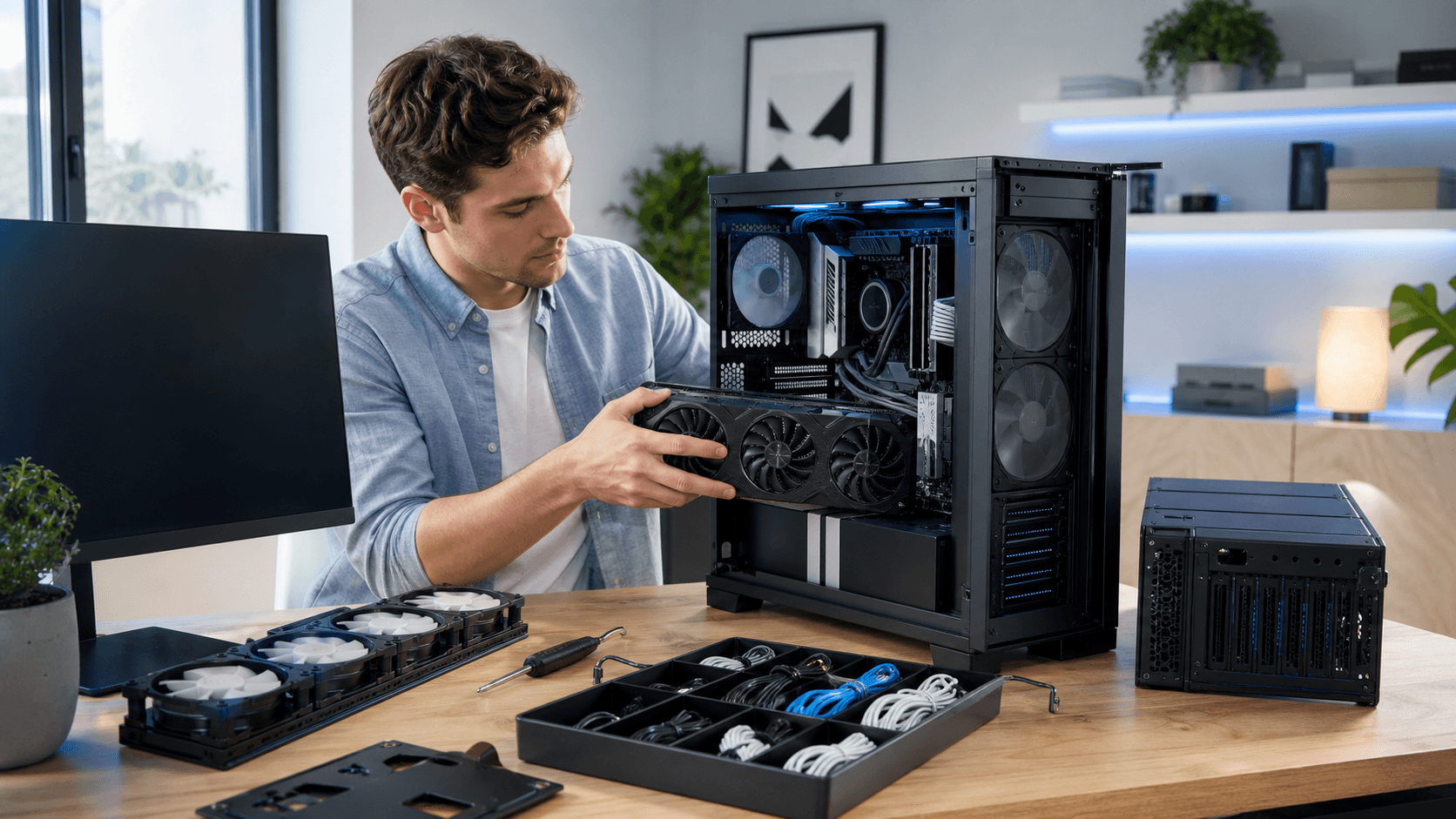
Once you are ready to upgrade, you do not have to replace your entire Gaming PC Bahrain system to see a big difference. A couple of well-chosen parts can transform thermal performance. Extra case fans in the right spots can set up a clear intake and exhaust path, and a better CPU cooler can keep gaming loads under control instead of flirting with thermal throttling.
Thermal paste eventually ages and loses effectiveness. Replacing it with a quality compound and reseating the cooler correctly can bring temperatures down by a noticeable margin, especially on older builds. If your current case is cramped, has few fan mounts, or solid panels that choke airflow, moving your parts into a case designed with ventilation in mind can also help.
On our site, we stock dedicated cooling gear, including options in the CPU cooler category at CPU cooler Bahrain selections, that we pair with local conditions in mind. When we help someone spec a new system from the PC builds section, we think about case size, cable management space, airflow patterns, and cooler height, not just the specs on the box. That way, you avoid mismatched parts like a giant air cooler in a tiny case, or a powerful GPU dumped into a chassis with no front intake.
Professional services such as deep cleaning, fresh thermal paste application, and airflow tuning can also uncover problems that are easy to miss at home, like fans installed facing the wrong direction or cables blocking front intakes. Building or refreshing a PC with cooling in mind from the start is almost always cheaper in the long run than letting heat slowly damage components and then replacing them early.
Stay Cool, Play Smooth: Next Steps for Your Setup
Heat rarely shouts about what it is doing to your PC, it steals performance quietly through thermal throttling, instability, and long-term wear. In a place like Bahrain, where even room temperatures can be high, cooling is just as important as CPU cores and GPU memory for a stable, smooth gaming experience.
If you are seeing frame drops later in your sessions, hearing fans constantly at full speed, or noticing your case feels unusually hot, start with the checks and simple fixes in this guide. Monitoring temperatures, cleaning dust, and optimizing airflow can restore lost performance and keep your current hardware healthier for longer, so you get more value from every part inside your build.
Upgrade Your Gaming Rig With Reliable Local Components Today
If you are ready to boost performance and stability, we are here to help you choose the right PC parts in Bahrain for your build. At Games Gravity, we focus on matching your budget and gaming goals with compatible, high-quality components. Explore tailored options for CPUs, GPUs, storage, and more so you can get the most value out of every upgrade. Start planning your next build with us and experience a smoother, more powerful gaming setup.