Protect Your Build: Why Genuine Parts Matter
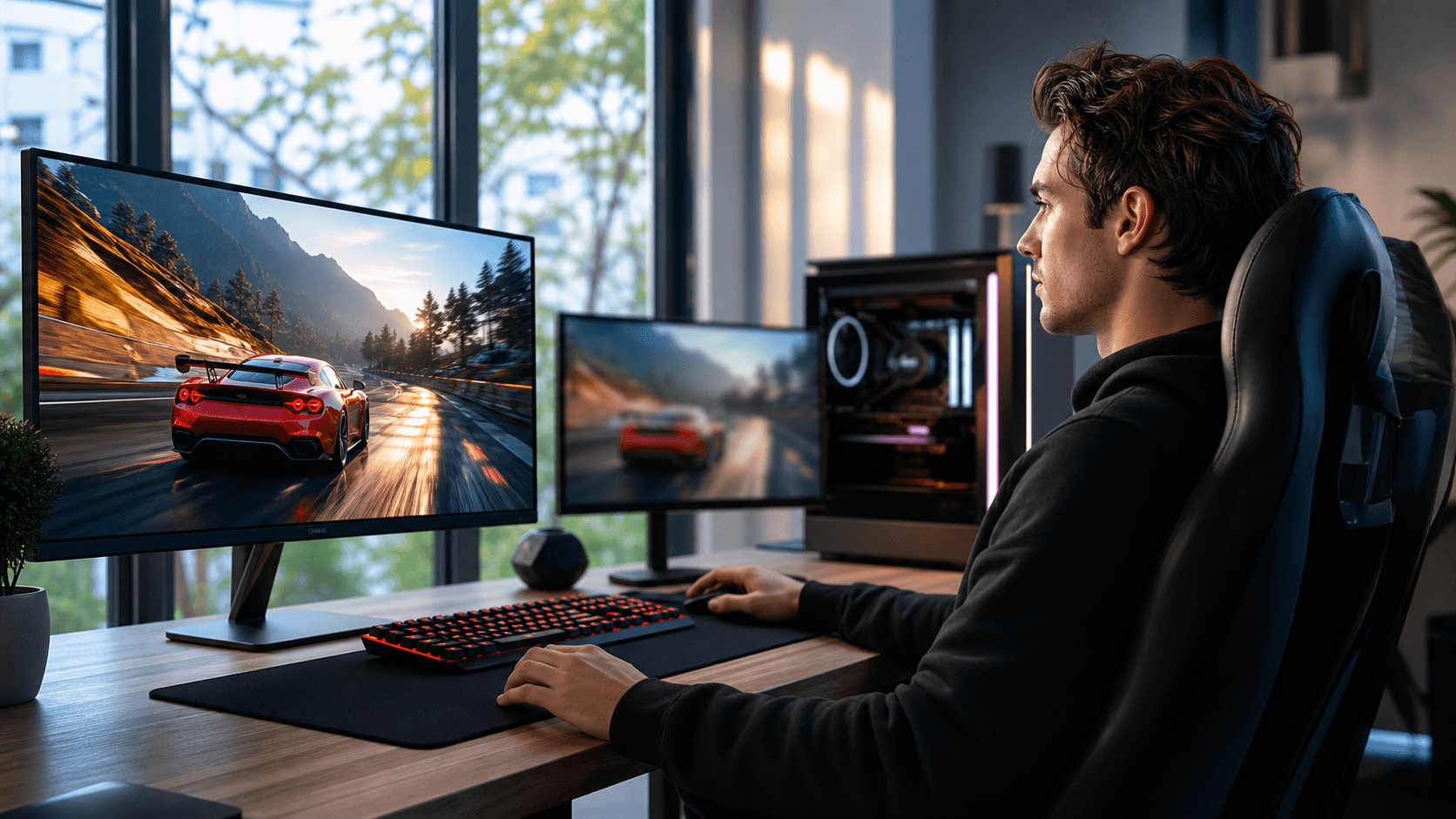
Genuine PC components are the foundation of a stable, fast, and long-lasting gaming rig. When one part is fake or low quality, it does not just slow you down; it can put your entire system at risk. Cheap power supplies can fail and take the motherboard and GPU with them, low-grade RAM can cause random crashes, and counterfeit storage can corrupt your game files and work data.
Trying to save a little on components often turns into paying a lot more later. A suspiciously cheap GPU might fail early, leave you without a warranty, and force you to buy a replacement at full price. By investing in authentic parts from the start, you reduce the chances of sudden failures, weird performance issues, and constant troubleshooting that can ruin your gaming time.
As a PC shop in Bahrain that builds and sells gaming systems daily, we see how much difference real, high-quality components make. At Games Gravity, our role is not only to sell hardware, but to help you avoid counterfeits that can quietly shorten your system's lifespan.
Red Flags to Watch for When Shopping PC Components
Spotting bad parts starts before you even touch the hardware. The first clues are usually in the packaging and listing details.
Watch out for packaging issues such as:
- Blurry logos, strange fonts, or off-color printing
- Missing or broken security seals where the brand usually seals boxes
- Serial numbers on the box that do not match the serial number on the component
- Branded products arriving in plain or generic boxes
Pricing is another big warning sign. If a GPU, CPU, or SSD is priced far below the usual cost for PC parts in Bahrain, especially if it is a popular model everyone wants, something is likely wrong. There are promotions and sales, but if the discount looks unreal compared to other stores, pause and investigate.
Online listings can also reveal problems:
- Vague descriptions with very little technical detail
- Product pages that copy and paste text from other sites with no local warranty info
- No clear brand, series, or model name
- Product images that look inconsistent, with different models shown in the same listing
When something feels off in how a part is presented, assume you need more proof before you commit your money.
How to Verify Authenticity Before You Pay
Once you have a specific part in mind, there are practical checks you can do to protect yourself. These steps only take a few minutes and can save your entire build.
Start with the product itself:
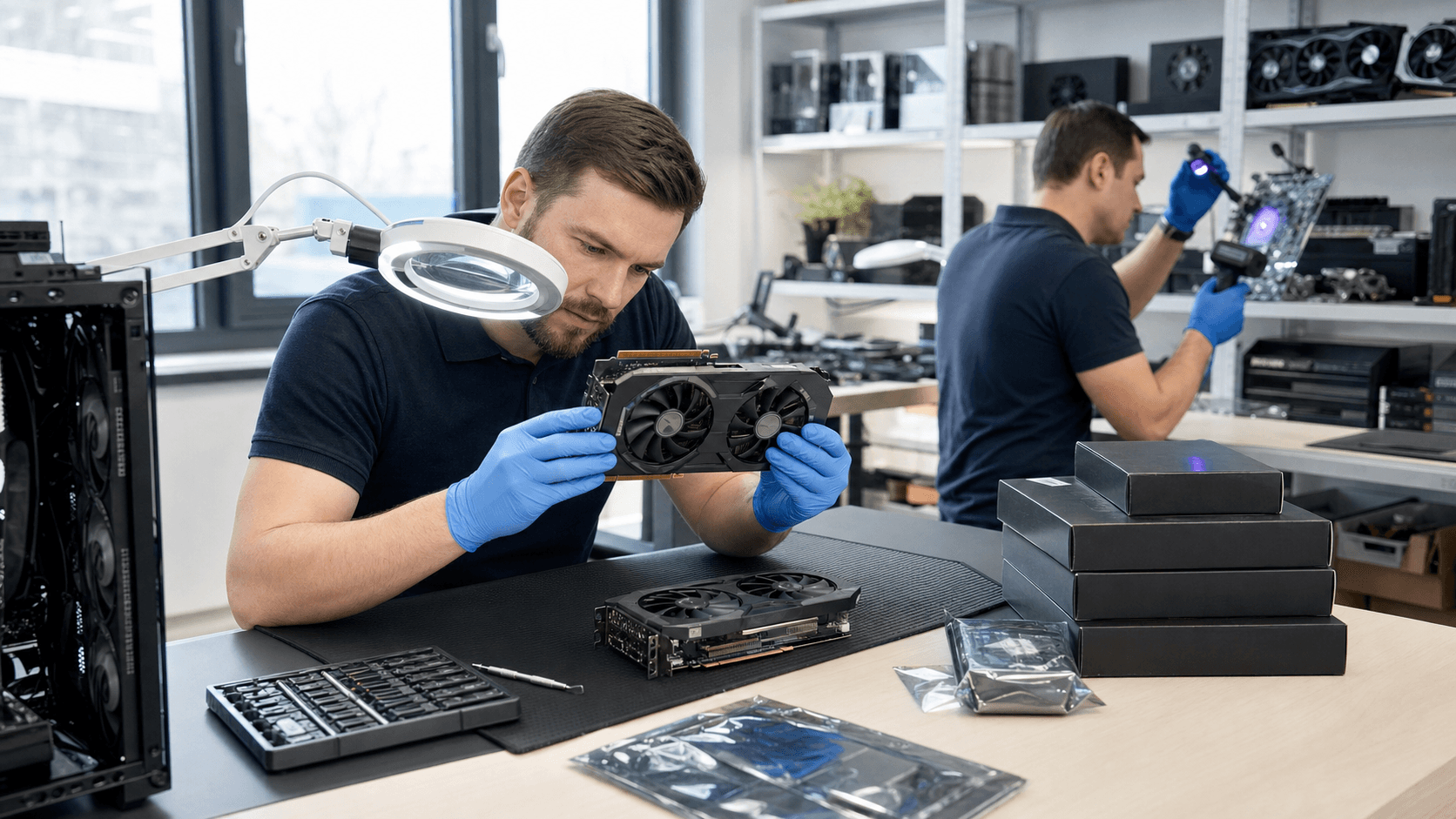
- Match serial numbers on the box and the component
- Look for brand holograms, stickers, or QR codes where the manufacturer expects them
- When possible, check those serials or codes on the official brand site
Documentation matters as much as the hardware. Always insist on a proper invoice that includes:
- Exact part names and model numbers
- Brand names clearly written, not generic descriptions like "gaming GPU"
- Warranty duration and whether the store or distributor handles it
Do not hesitate to ask direct questions before paying:
- Where do you source your parts?
- Who provides the warranty and how are RMAs handled?
- Is this product new, sealed, and covered in Bahrain?
A reliable PC shop in Bahrain will be able to answer directly and consistently. If the seller avoids questions, rushes you, or refuses to explain warranty and sourcing, that is a sign to step back and reconsider.
Evaluating the Seller: Signs You Can Trust the Store
You are not just buying parts, you are trusting the store with your entire build. That is why checking the seller is as important as checking the component.
Before you buy, do a bit of research:
- Search for independent reviews and ratings
- Look at gaming or tech community discussions about their PC parts in Bahrain
- Check their social media presence for real builds and interactions
Professional store behavior usually looks like this:
- Clear, written return and exchange policies
- Warranty terms explained in-store and online
- Willingness to show product labels or boxes without tampering with factory seals
Staff professionalism is another strong indicator. In a serious shop, the team understands components, explains differences between models, and recommends parts that match your needs instead of pushing random stock. The store's online presence, such as the product structure at Games Gravity, should also match what you see in person, with consistent branding and product categories.
Extra Steps When Buying Custom or Prebuilt Gaming PCs
When you buy a custom or prebuilt system, there are more parts involved, which means more things to verify. Do not be shy about asking for details, especially for high-end gaming builds.
Ask for full build transparency:
- A complete parts list including exact CPU, GPU, motherboard, RAM, PSU, and storage models
- Brand and series names for each core component
- Clarification on any "equivalent" or "similar" parts mentioned in the quote
Before taking the PC home, ask the store to power it on so you can confirm the parts. In BIOS or system info, you can:
- Check CPU and RAM details
- Confirm installed storage drives and capacities
- Make sure the GPU installed matches the one in your quote
If you can safely view inside the case, look at the PSU brand and wattage label, and check that the cooler matches what you were promised. For example, a serious store that sells coolers in a dedicated category like CPU coolers should be confident showing you exactly what is installed.
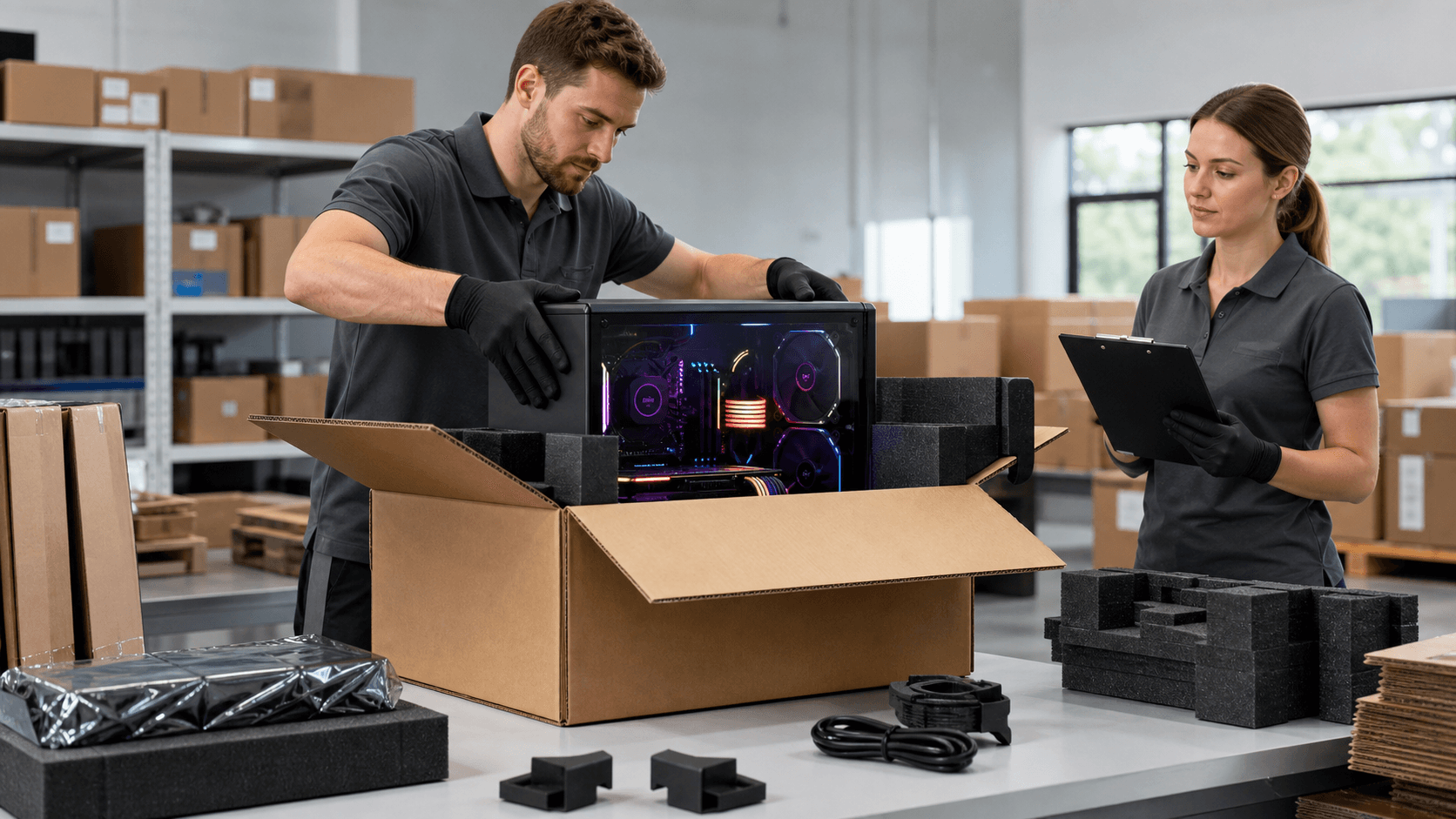
Quality shops also provide proper after-sales support. That can include build photos, basic testing or benchmark reports, and local handling of warranty claims so you are not left dealing with distant manufacturers on your own. This is especially helpful with full systems bought from a dedicated PC shop in Bahrain such as custom and prebuilt builds.
Shop Smarter and Game Safer with Genuine Hardware
Protecting yourself from fake or low-quality parts is mostly about slowing down and paying attention. A short inspection of packaging, quick questions about warranty, and a look into the seller's reputation can prevent expensive failures and endless troubleshooting later on.
By making these checks a regular habit every time you upgrade, replace a component, or order a custom rig, you give your system a far better chance of running smoothly for years. Stable frame rates, cooler temperatures, and reliable performance all start with one decision: choosing genuine hardware from sellers that treat your build with the same care you do.
Power Up Your Gaming Rig With the Right Components Today
If you are ready to upgrade or build a custom setup, we are here to help you choose the best PC parts in Bahrain for your needs and budget. At Games Gravity, our team can guide you through compatible components so you avoid costly mistakes and get the performance you want. Reach out anytime through our contact page and we will help you get started with a smooth, hassle-free build.