Building with Confidence: Why Compatibility Matters
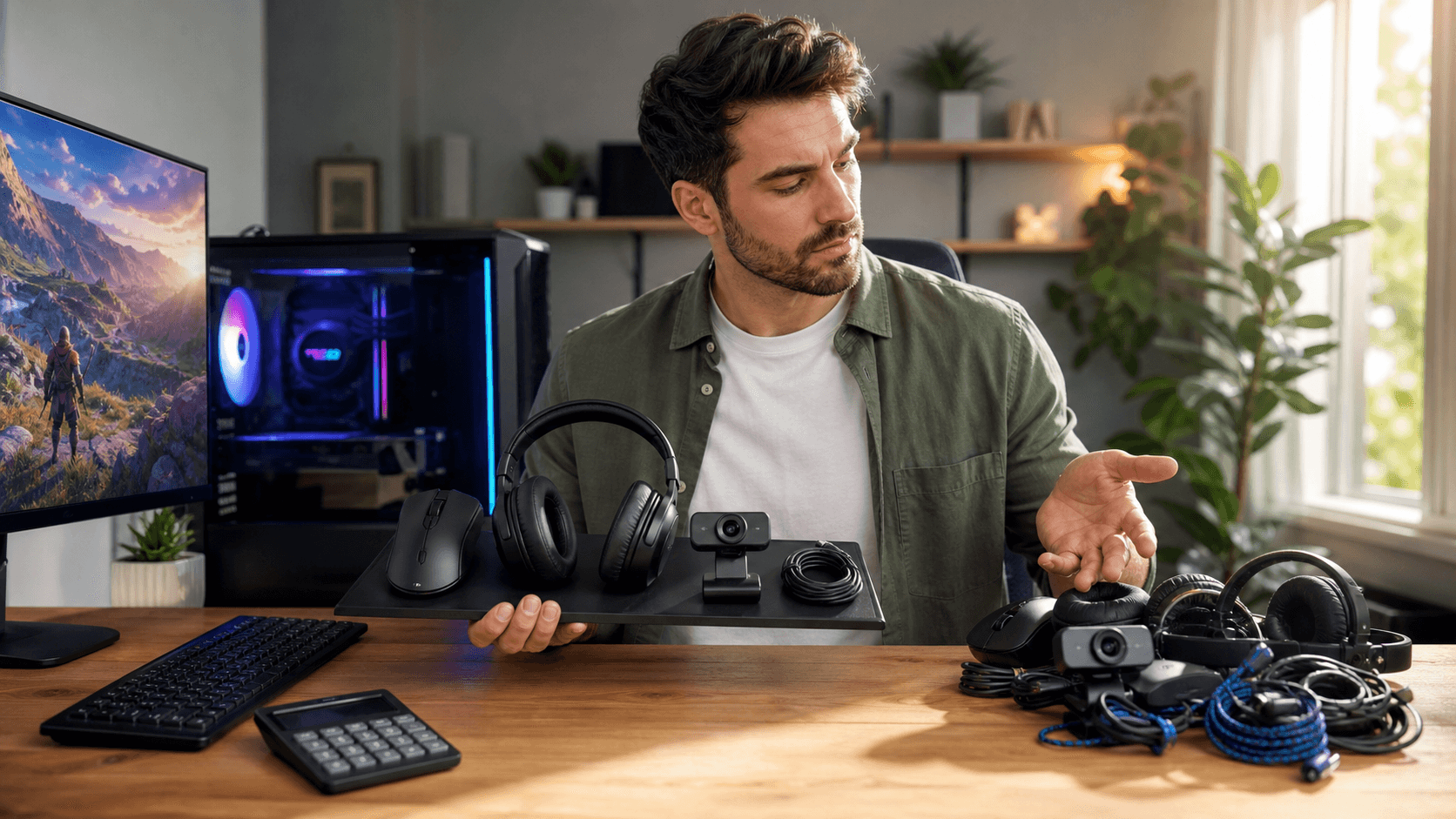
Building a gaming PC is exciting, but a single incompatible part can stop everything. One wrong CPU socket, a power supply that lacks the right connectors, or a case that is too small for your graphics card can keep a new PC build in Bahrain from even powering on. Instead of gaming, you end up waiting on refunds and replacements.
When you are buying PC parts in Bahrain, every return usually means extra shipping time, limited stock options, and sometimes restocking fees. Careful planning is not just about being organized, it is about saving money and avoiding stress. In this guide, we will walk through each major component and show you how to double-check compatibility so your build goes together smoothly the first time.
Matching CPU and Motherboard the Right Way
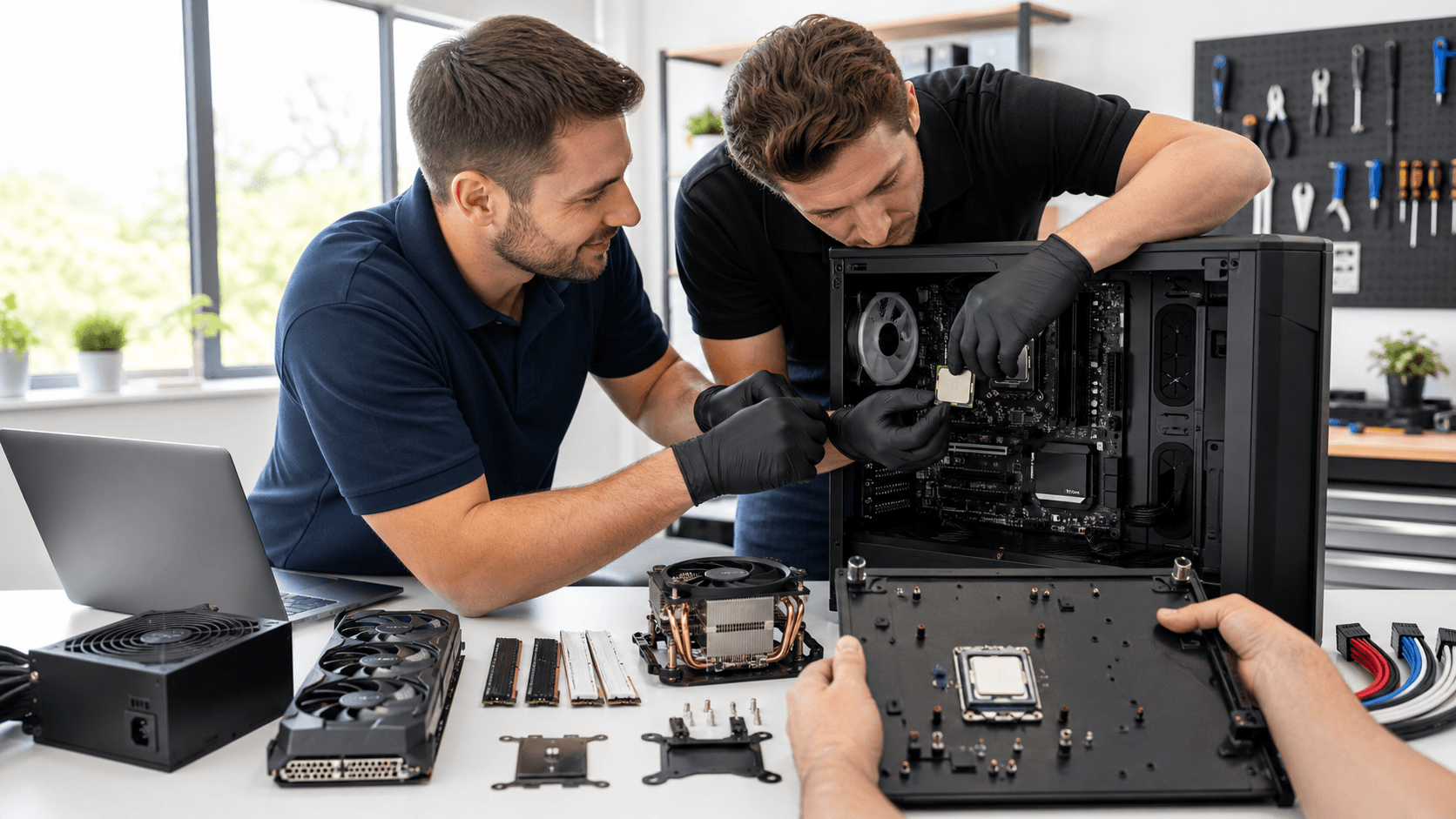
The CPU and motherboard are the foundation of your PC, and they must match on two levels. First is the socket, which is the physical shape and pin layout where the CPU sits. If the socket code does not match, the CPU will simply not fit, no matter what.
Second is the chipset, which controls features like overclocking support, PCIe lanes, and connectivity. A CPU might share the same socket with several chipsets, but that does not mean you get the same features. A common mistake is pairing a high-end unlocked CPU with a low-end chipset that does not support overclocking, or that cannot handle the power delivery the CPU needs, which limits performance or stability.
Another trap is BIOS version requirements. Some motherboards need a newer BIOS to support recently released processors. If you buy a board that has been sitting on a shelf for a while, you might need an older compatible CPU just to update the BIOS. To avoid this, always check:
- The motherboard manufacturer's CPU support list
- Any BIOS version notes for your exact CPU model
- Whether the board's power delivery and VRM cooling suit the CPU you want
If you are planning a full build, browsing pre-configured systems on the Games Gravity PC builds section can give you examples of CPU and motherboard pairs that work well together and help you model your own parts list.
RAM, Storage, and GPU: Avoiding Silent Bottlenecks
RAM is one of the easiest places to cause hidden problems. Modern systems usually support either DDR4 or DDR5, never both, so your RAM generation must match your motherboard. On top of that, each board has supported speed ranges and a maximum capacity per slot and overall. Mixing random kits, even with the same speed and timings, can cause crashes or boot failures.
To keep RAM simple:
- Use the DDR generation your motherboard specifies
- Prefer a single matched kit instead of combining two separate kits
- Check the board's QVL list for tested RAM models
Storage is another compatibility puzzle. Traditional 2.5-inch and 3.5-inch drives use SATA ports, while M.2 drives can be SATA or NVMe. NVMe M.2 drives use PCIe lanes and offer much faster speeds, but some motherboards disable certain SATA ports when an M.2 slot is in use. If you plan multiple drives, read the motherboard manual to see which ports share bandwidth.
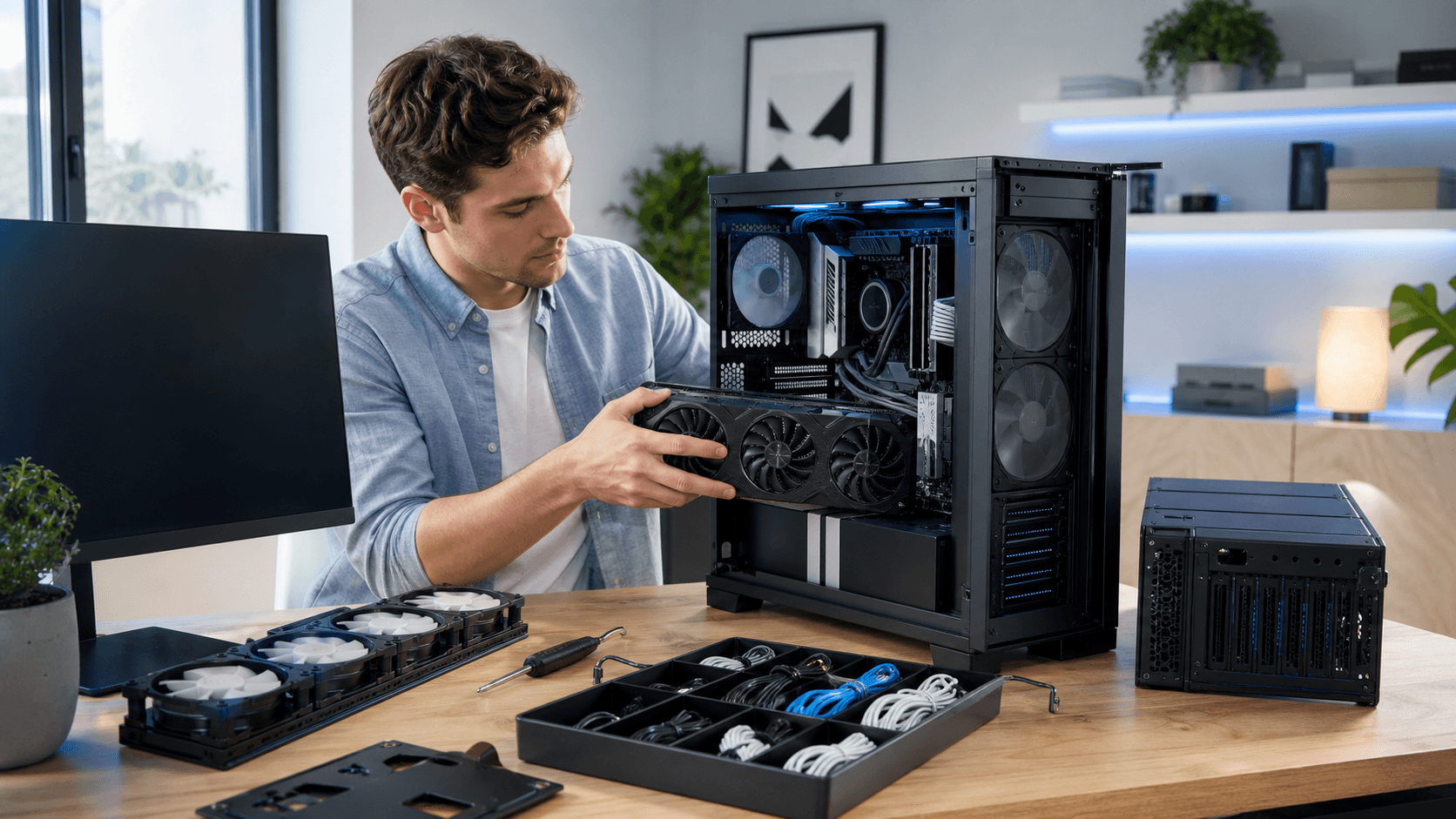
For GPUs, PCIe slot standards are mostly backward and forward compatible, but the issues are usually physical. Long, triple-fan cards may not fit shallow cases, and thick cards can block extra PCIe slots. You also need to check the power supply's recommended wattage and the exact connectors the GPU requires, such as 8-pin PCIe power or newer 12VHPWR plugs.
Power, Cooling, and Case Fit: The Physical Puzzle
A stable gaming PC starts with a solid power supply. You want enough wattage to support your CPU, GPU, and future upgrades, with some headroom so the unit is not always at full load. 80 PLUS ratings give a rough guide to efficiency, while modular units help cable management by letting you attach only the cables you need.
Connector count and type matter just as much as wattage. Before buying, confirm that the PSU has:
- Enough 8-pin (or 6+2 pin) PCIe connectors for your GPU
- The correct CPU power connectors for your motherboard
- Any new 12VHPWR cable if your GPU uses it
Cooling is easily overlooked in warm climates. Air coolers and liquid coolers both work, but you need to match the cooler's TDP rating to your CPU's heat output. Tall air coolers can collide with tall RAM heatsinks or the side panel of a compact case. If you are considering larger tower coolers or radiators, the CPU cooler section on Games Gravity can help you compare options that physically fit your build.
Your case ties all of this together. It must support your motherboard form factor (ATX, microATX, or ITX), your GPU length and thickness, and any radiator sizes you plan to use. Front-panel connectors are another detail: make sure the case has the USB and audio headers you want, and that your motherboard has matching ports.
Planning Your Build and Shopping in Bahrain
To keep compatibility under control, we recommend a simple planning checklist before you buy anything:
- Define your budget and main use, such as 1080p esports, high-refresh 1440p, or 4K
- Choose your CPU and GPU based on that target performance
- Pick a motherboard that supports your CPU, with the features you need
- Select RAM, storage, PSU, and cooling that match those core parts
- Finally, pick a case that fits everything and supports good airflow
Online part checkers are helpful, but they are not perfect. Always cross-reference with manufacturer specification pages and motherboard manuals, especially for RAM speeds, M.2 slot behavior, and cooler or GPU clearance. When sourcing PC parts in Bahrain, local stock can affect choices, so it helps to have backup options for components like RAM kits or power supplies.
A focused gaming shop is often familiar with common compatibility pitfalls and local component availability. When an exact part is unavailable, compatible alternatives can be suggested more quickly. Browsing the main Games Gravity store can also give you a sense of which parts are commonly paired together in Bahrain builds.
Turning Your Parts List Into a Reliable Gaming Rig
A stable gaming PC does not happen by accident. It comes from deliberate, compatibility-first planning across the CPU, motherboard, RAM, storage, GPU, PSU, cooling, and case. Each part must match in terms of sockets, power, physical space, and supported features.
Before you buy any PC parts in Bahrain, put your full list in writing and run through a simple checklist: socket and chipset match, RAM generation and capacity, storage slot and port sharing, GPU length and power, PSU wattage and connectors, cooler clearance, and case support for every component. Taking the time to confirm these details turns a pile of boxes into a reliable, long-lasting gaming rig that is ready for long sessions without surprise issues.
Power Up Your Next Build With Trusted Local Experts
If you are planning a new rig or upgrading your current setup, we are ready to help you choose the right components and avoid costly mistakes. Explore our curated selection of PC parts in Bahrain tailored for performance, reliability, and value. At Games Gravity, we guide you through every step so your build runs smoothly from idea to first boot. Reach out to our team today and get the personalized support your project deserves.