Stop the Guesswork: What RAM Actually Does
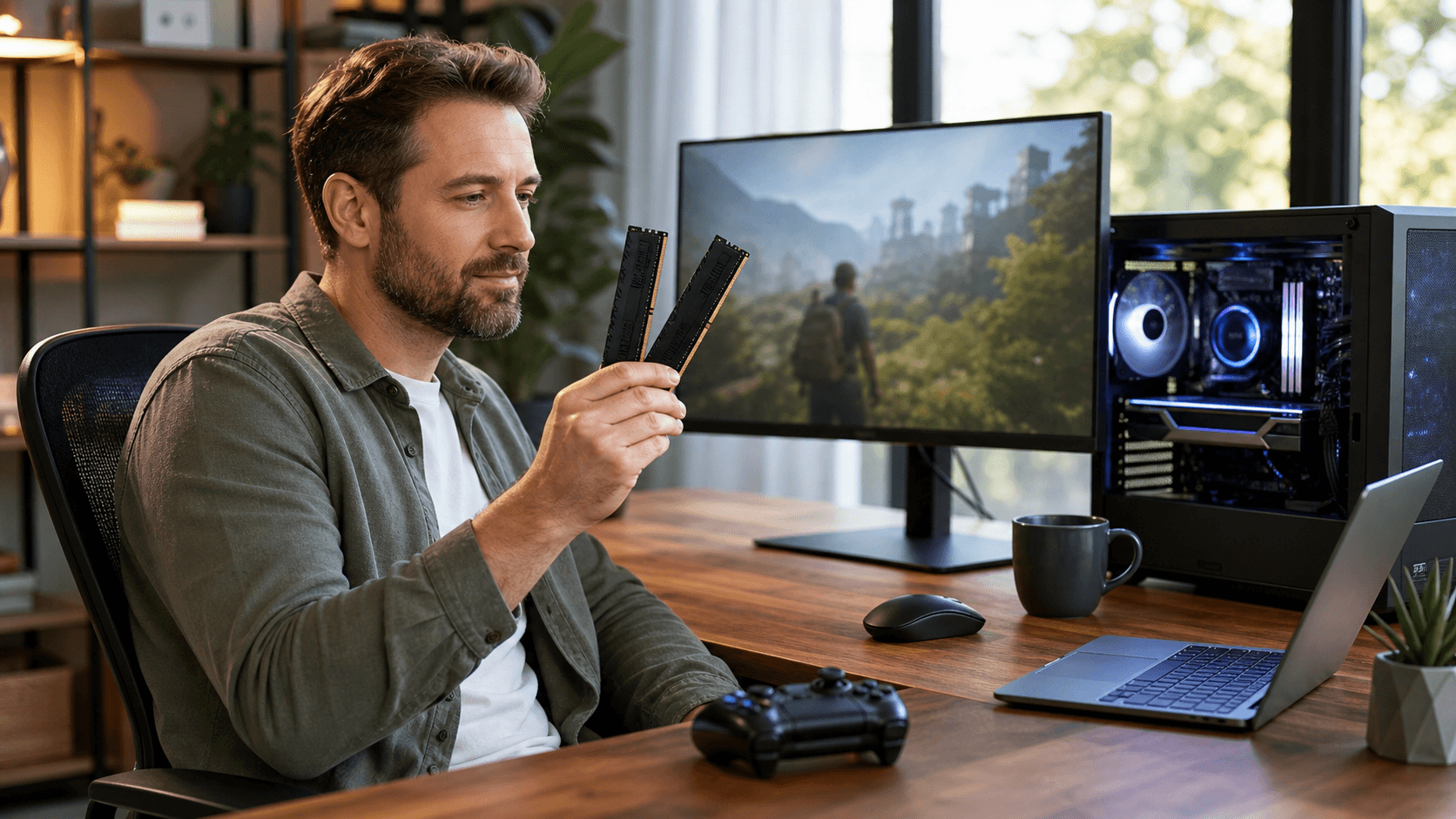
RAM is the short-term memory of your PC. It holds the data your system is actively using so your CPU can get to it quickly. The more RAM you have, the more apps, browser tabs, and background tasks your PC can keep ready without slowing down or pausing to load from storage.
RAM is not the same as storage. Your SSD or HDD is where files, games, and Windows itself are installed. Your graphics card, or integrated graphics on the CPU, handles visuals and 3D rendering. When a game stutters, it might be because you are low on RAM, but it could also be an old CPU, a weak GPU, or a slow hard drive.
Adding RAM helps only if RAM is the part that is actually limiting you. On older PCs with a very slow CPU or mechanical hard drive, doubling RAM can still feel disappointing. A balanced system with matching RAM, CPU, GPU, and storage usually feels faster than a random upgrade in just one part, which is why we always think about the full build at Games Gravity in PC Bahrain.
Daily Use PCs: How Much RAM Is Enough for Real Life
For everyday use, RAM needs are easier to pin down. Basic office work with a few browser tabs, streaming music, and light document editing can technically run on 4 GB. In reality, it feels cramped. Modern operating systems and browsers keep a lot of data in memory so things open faster, and they quickly eat through that small capacity.
For most people who are just browsing, watching videos, working on documents, and studying online, 8 GB is the practical minimum that feels comfortable. It lets you keep many tabs open, run chat apps, and have a few programs in the background without constant freezing. Heavy tab collectors and people who like to keep everything open will notice that 16 GB keeps things smoother.
If you do light photo editing, small design projects, or like to keep Spotify, multiple browsers, and office apps open at the same time, 16 GB gives you breathing room and some future-proofing. Many buyers looking for PC parts in Bahrain want a machine that will last several years without upgrades, and 16 GB is usually a good target for that kind of everyday and study-focused PC.
Gaming Performance: RAM Needs by Game Type
Gaming is where RAM capacity matters more, especially when we look at game types. Esports titles and lighter games often run fine on 8 GB if the rest of the system is decent. But that is with almost nothing else open. The moment you add Discord, a browser, and maybe streaming software, that 8 GB can fill up fast.
AAA story-driven games and open-world titles generally feel much better with 16 GB. You get fewer stutters when moving between areas, smoother alt-tabbing, and more space for background apps like voice chat or performance monitoring tools. For heavily modded games and large open worlds, 16 GB is close to a minimum and 32 GB can be worth it if you are serious about mods or content creation.
Here is how RAM capacity usually affects your gaming experience when paired with balanced parts from a shop like ours in PC Bahrain:
- 8 GB: Entry level, fine for older or lighter games, limit background apps.
- 16 GB: Sweet spot for mainstream gaming, smoother multitasking.
- 32 GB: Best for heavy modding, streaming, and running many programs with demanding games.
You always want RAM that matches your CPU, GPU, and storage. Putting 32 GB of RAM into a PC with a very low-end CPU and graphics card from years ago is usually wasted money. For new gaming systems, we often look at complete PC builds so capacity, speed, and other parts align with the player's goals.
RAM Speed, Dual Channel, and Compatibility Made Simple
Capacity is not the only spec that matters. RAM speed, measured in MHz, and latency both affect performance. Faster RAM can give a noticeable improvement in some games and workloads, especially with modern CPUs that like higher memory bandwidth. You do not have to chase the highest numbers, but you also should not completely ignore speed.
Dual-channel memory is another key point. Two sticks of 8 GB, for a total of 16 GB, almost always perform better than a single 16 GB stick because the system can access data across two channels at once. For gaming and most everyday use, we strongly recommend buying RAM in matching kits instead of mixing random sticks.
Compatibility is where many people get stuck when ordering PC parts in Bahrain online. DDR4 and DDR5 are not interchangeable, and motherboards support either one or the other, not both. RAM also needs to match what your motherboard and CPU are rated for. Common mistakes include:
- Buying DDR5 for a DDR4 motherboard.
- Mixing old and new RAM with different speeds and timings.
- Ignoring maximum supported speed for the motherboard and CPU.
- Forgetting to check physical clearance with large CPU coolers.
We often see people in Bahrain run into issues with tall RAM heatspreaders colliding with large air coolers, which is why we like pairing memory with the right cooling from options such as the CPU coolers available in our catalog.
Choosing RAM for New Builds vs Upgrades in Bahrain
Building new or upgrading an existing PC needs slightly different thinking. When you upgrade an older system, you are usually limited to its current generation of RAM. For example, a DDR4 motherboard needs DDR4 sticks, so you might decide between going from 8 GB to 16 GB or 32 GB, while keeping an eye on how strong your CPU and GPU actually are.
For a budget gaming rig, we usually suggest 16 GB of reasonably fast DDR4 or DDR5, depending on platform. This gives you enough space for modern games and daily use without blowing the budget. High-refresh esports setups benefit from both good CPUs and faster memory, so 16 GB or 32 GB of higher-speed RAM can help keep frame rates consistent.
Creator-gamer hybrid machines, for people who play modern titles and also edit videos or work with large files, are where 32 GB starts to make a lot of sense. The extra RAM lets editing software, game launchers, and the operating system all breathe. When building a full system on Games Gravity, we like to plan RAM along with storage, cooling, and case airflow so performance stays stable in Bahrain's warm climate.
Ready to Upgrade Your RAM? Making the Smart Move
To wrap everything into clear guidelines, here is how we see RAM needs for most users:
- Daily use and students: 8 GB minimum, 16 GB recommended.
- Mainstream gaming: 16 GB recommended, 32 GB ideal for heavy multitasking.
- Enthusiast gamers and creators: 32 GB is a strong long-term choice.
Before buying anything, it helps to open your system's task manager and check how much RAM you are actually using during a typical day or gaming session. If you are constantly near the limit, upgrading makes sense. If you are not close, you might get better results from a faster SSD, a stronger GPU, or even better cooling to keep performance consistent during long sessions in the heat.
The goal is not to chase the biggest number you can afford, but to build a balanced PC that feels fast every day. By matching RAM capacity and speed with the right CPU, GPU, and storage, you get smooth performance for both everyday tasks and serious gaming without paying for capacity that never gets used.
Power Up Your Next Gaming Build With The Right Components
If you are ready to upgrade or build your rig, we are here to help you choose the best PC parts in Bahrain for your performance and budget. At Games Gravity, our team can guide you through compatible components so your setup runs smoothly from day one. Explore your options online and then contact us to get personalized recommendations or place your order.