Stop Before You Swap: Is Console Repair Enough?
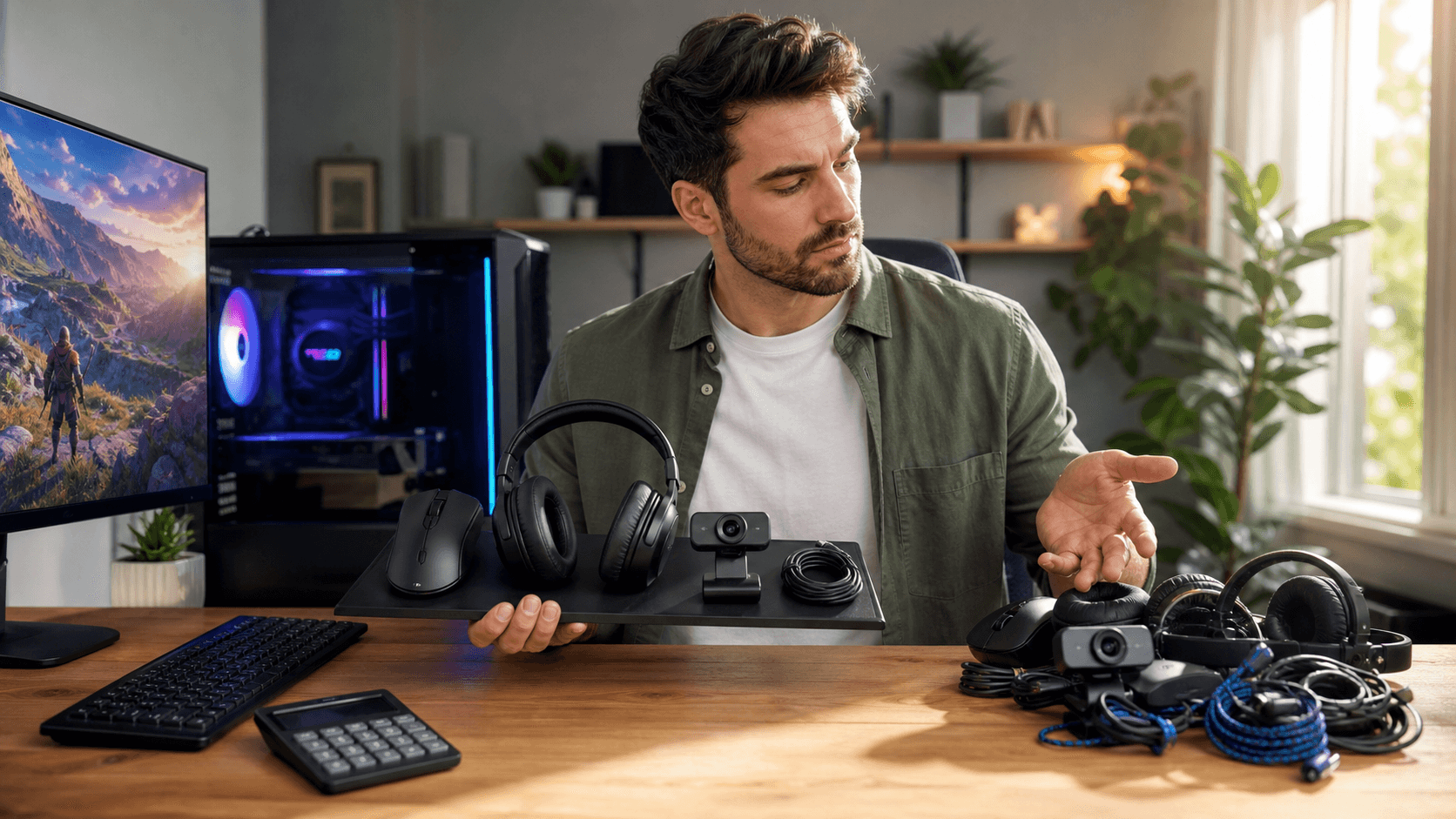
Buying a new console sounds fun, until you see the price tag or the preorder dates. Around big summer releases and early holiday promos, stock can go fast and deals are not always as good as they look. Before you rush to replace a “dead” system, it is worth slowing down and checking what is really going on.
Many consoles that feel broken are not truly gone. The issue might be a loose cable, a tired fan, a dusty vent, or a storage problem. With a bit of careful checking, you can often tell if simple console repair is enough or if it is finally time to upgrade. We will walk through the symptoms, the basic checks, and how to know when you should call a repair shop instead of ordering a new console.
Common Console Symptoms You Should Never Ignore
Your console usually gives you warnings before it quits. Paying attention early can save your games and your wallet.
Some signs you should watch for include:
- Random shutdowns during games
- Overheating messages or a very hot console body
- Fan noise getting much louder than usual
- Slow menus, long loading screens, or stuttering gameplay
- Error codes, especially during startup or updates
- Storage errors when installing or updating games
Not every problem means your console is at risk. Some things are mostly cosmetic or just a bit annoying, like:
- Small scratches on the case
- A tiny bit of fan noise under heavy load
- Occasional lag when your internet is busy
On the other hand, some red flags should never be ignored:
- Burning or melting smell from the console
- Frequent crashes even on simple menus
- No video output, even with known-good cables and a good TV
- Loud grinding sounds from the fan or disc drive
In Bahrain and across the GCC, long warm seasons can make these issues worse. Higher room temperatures and dust buildup can push consoles to their limit. Consoles packed into tight TV cabinets, with no airflow, are much more likely to overheat during long weekend sessions or holiday breaks.
DIY Checks to Run Before Calling a Technician
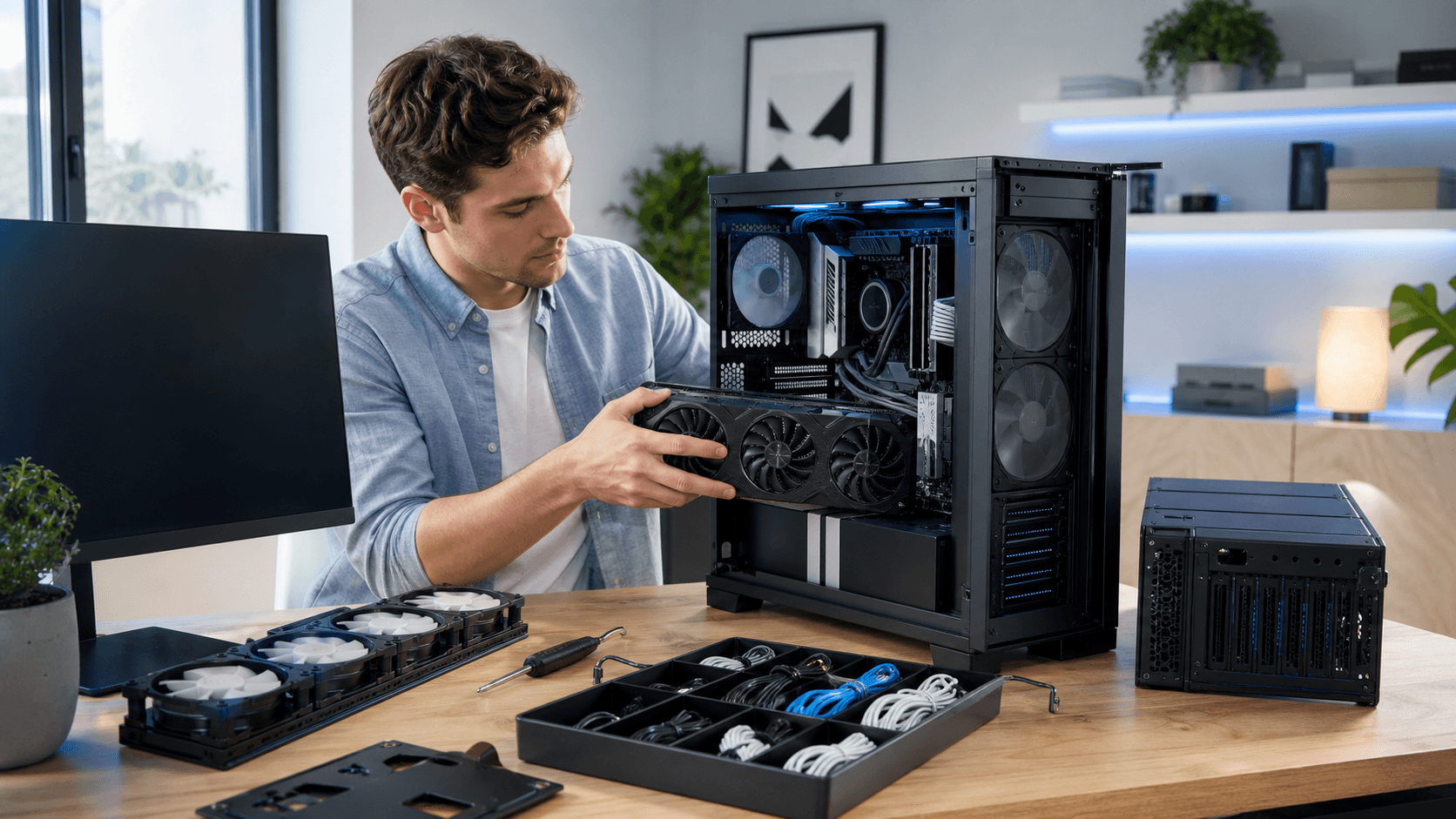
Before you assume your console is finished, there are a few basic checks you can safely try. These are simple, low-risk steps that often clear up the problem.
Start with power and display:
- Make sure the power cable is firmly connected to both the console and the wall or surge protector
- Try a different wall outlet if possible
- Check the HDMI cable for damage and try a second cable if you have one
- Verify the TV is on the right HDMI input and that game mode or input settings are correct
Network issues can look like console problems. To rule those out:
- Test Wi-Fi vs Ethernet if your console supports both
- Move the router closer or remove obstacles between the console and router
- Run an internet speed test on another device in the same room
Next, look at basic system checks:
- Restart the console fully instead of using rest or sleep mode
- Check for system software updates and install them
- Make sure you have enough free storage space
- If a single game keeps crashing, try repairing or reinstalling that game
You can also do a little bit of safe, non-invasive cleaning:
- Power the console off and unplug it
- Gently clear the vents with short bursts of air, without opening the console
- Make sure there is open space around all sides so heat can escape
When Professional Console Repair Makes More Sense
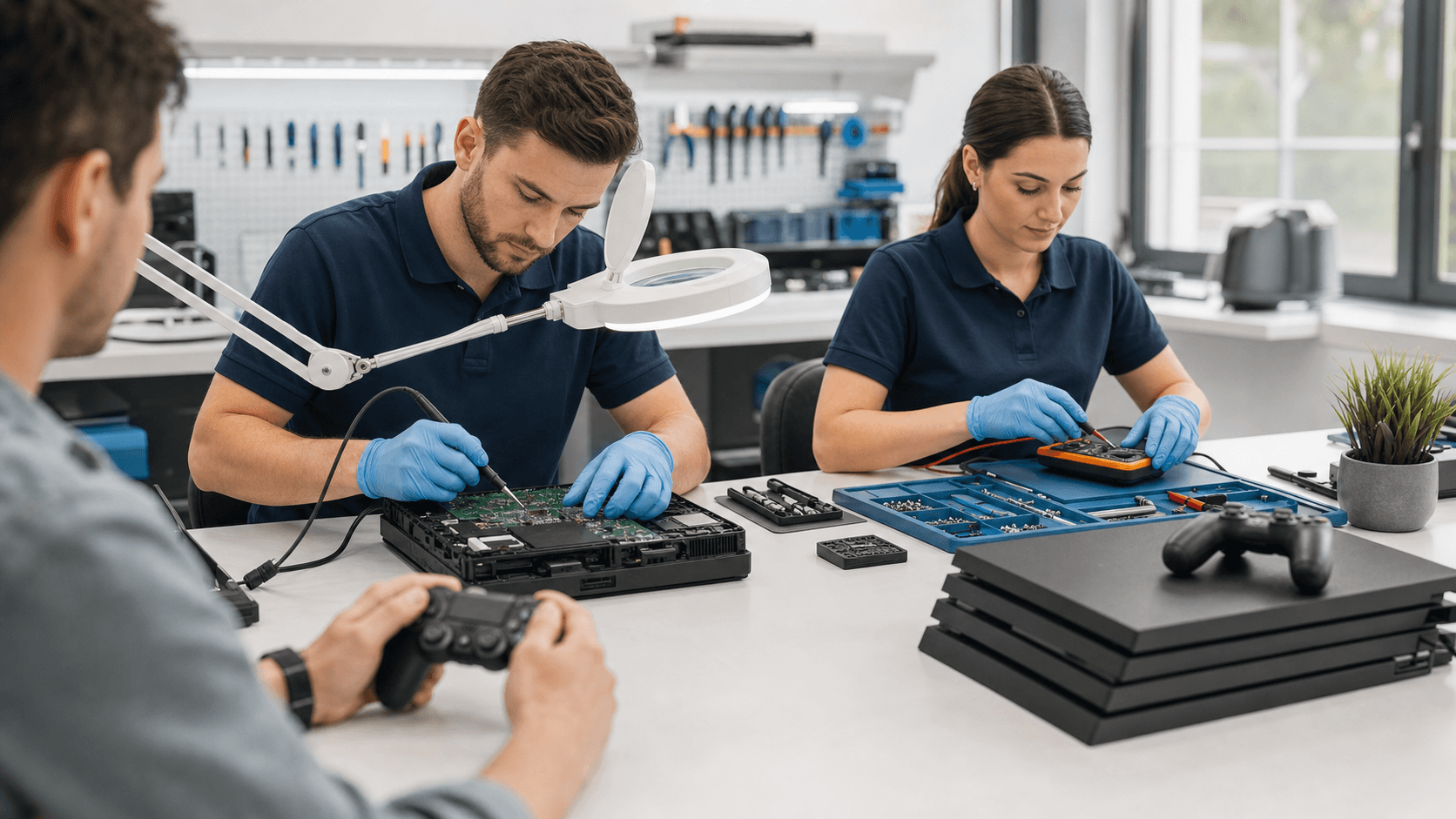
Some issues are signs that your console needs expert hands, not more home testing. Problems best handled by professionals include:
- No power at all, even after cable and outlet checks
- Any kind of liquid damage or exposure to high humidity
- Overheating that continues after cleaning vents and improving airflow
- Disc drive not reading games or making grinding noises
- Fans that stay extremely loud or sound rough
Professional console repair can add years to the life of a PS5, Xbox, or Nintendo Switch. Instead of losing your data and saves, a careful repair can often keep your current system running so you do not have to start from zero. Shops that work daily with gaming hardware know the common failure points and can spot patterns quickly.
Repair or Replace: Making the Smart Money Call
Once you know the problem, the next step is choosing whether to fix your console or move on. A simple framework can help you think it through.
Ask yourself:
- How old is the console? Newer systems are usually worth repairing
- What kind of fault is it? Power and overheating can often be fixed, severe physical damage might not
- How does the repair estimate compare to the value of the console?
- Are new versions or special editions likely to matter to you soon?
Warranty is another big factor. If your console might still be under manufacturer warranty or store coverage, check that first. For out-of-warranty systems, a local shop is often faster and more flexible, especially during busy seasons like summer launches and year-end holidays.
Timing also matters. You might decide to repair now, keep playing current games, and plan a bigger upgrade later during a major sale period. Or, if your console is quite old and facing a serious fault, it could make more sense to put that repair budget toward newer hardware from Games Gravity.
Get Back in the Game Faster with Local Experts
One simple way to speed up any repair visit is to come prepared. Before you hand over your console, try to:
- Note all error messages or codes you have seen
- Write down when the problem happens, for example during a specific game or after a certain time
- List any DIY steps you already tried, like cable swaps or cleaning
This information helps technicians test quickly and focus on the most likely causes, so you get your console back faster.
Being based in Bahrain, we know how local conditions, long gaming sessions, and warm rooms affect consoles and gaming setups. At Games Gravity, we treat console repair as a way to keep your current system working smoothly for as long as it makes sense, and to give honest guidance when an upgrade might be the better path.
Get Fast, Reliable Console Repair From Local Experts
If your system is glitching, overheating, or refusing to power on, our team at Games Gravity is ready to help. Learn more about our console repair services and get your device back to peak performance with a quick diagnostic and clear pricing. We handle everything from minor fixes to complex hardware issues using quality parts and proven techniques. Have questions or want to book a visit right away? Just contact us and we will walk you through the next steps.