PC Builds That Stay Cool and Quiet in Desert Heat
Building a gaming PC in Bahrain is not just about high FPS and fancy RGB. It is also about surviving long sessions in serious heat while keeping your system quiet and stable. When the room is already warm, every extra degree inside your case makes fans spin faster and noise levels jump.
Hot, dusty air makes quiet builds harder. Components run closer to their limits, cheap cases vibrate, and weak cooling setups ramp up the fan noise just to keep the system from throttling. Dust in filters and heatsinks adds even more strain.
As a local Bahrain-based shop, we work with these conditions every day, so we design gaming PCs with this climate in mind. In this article, we will walk through smart parts choices, cooling layouts, cases, and simple habits that help you enjoy a quiet gaming PC in Bahrain, especially as we move deeper into the warmer months of the year.
A quiet PC starts with smart component choices. If a part runs cooler at the same performance level, your fans do not need to work as hard, which means less noise.
Some key picks for a calm, cool build include:
- CPUs and GPUs known for good performance per watt
- Quality power supplies with efficient operation and quiet fans
- NVMe SSDs instead of hot, spinning hard drives
- Motherboards with plenty of fan headers and decent heatsinks
Thermal design power, or TDP, is a useful guide. Parts with lower TDP usually create less heat under load. They still need good cooling, but they give you more room to tune for silence.
Undervolting and gentle underclocking can also help. By reducing voltage and slightly lowering boost speeds in the BIOS or GPU software, you can often:
- Drop temperatures
- Reduce fan speed and noise
- Keep gameplay smooth with little to no real loss in FPS
Airflow planning matters a lot in Bahrain. You want clear front-to-back airflow, with cool air coming in from the front and bottom, and hot air leaving from the top and rear. Positive pressure, where you have slightly more intake than exhaust, helps keep dust from sneaking in through every tiny gap.
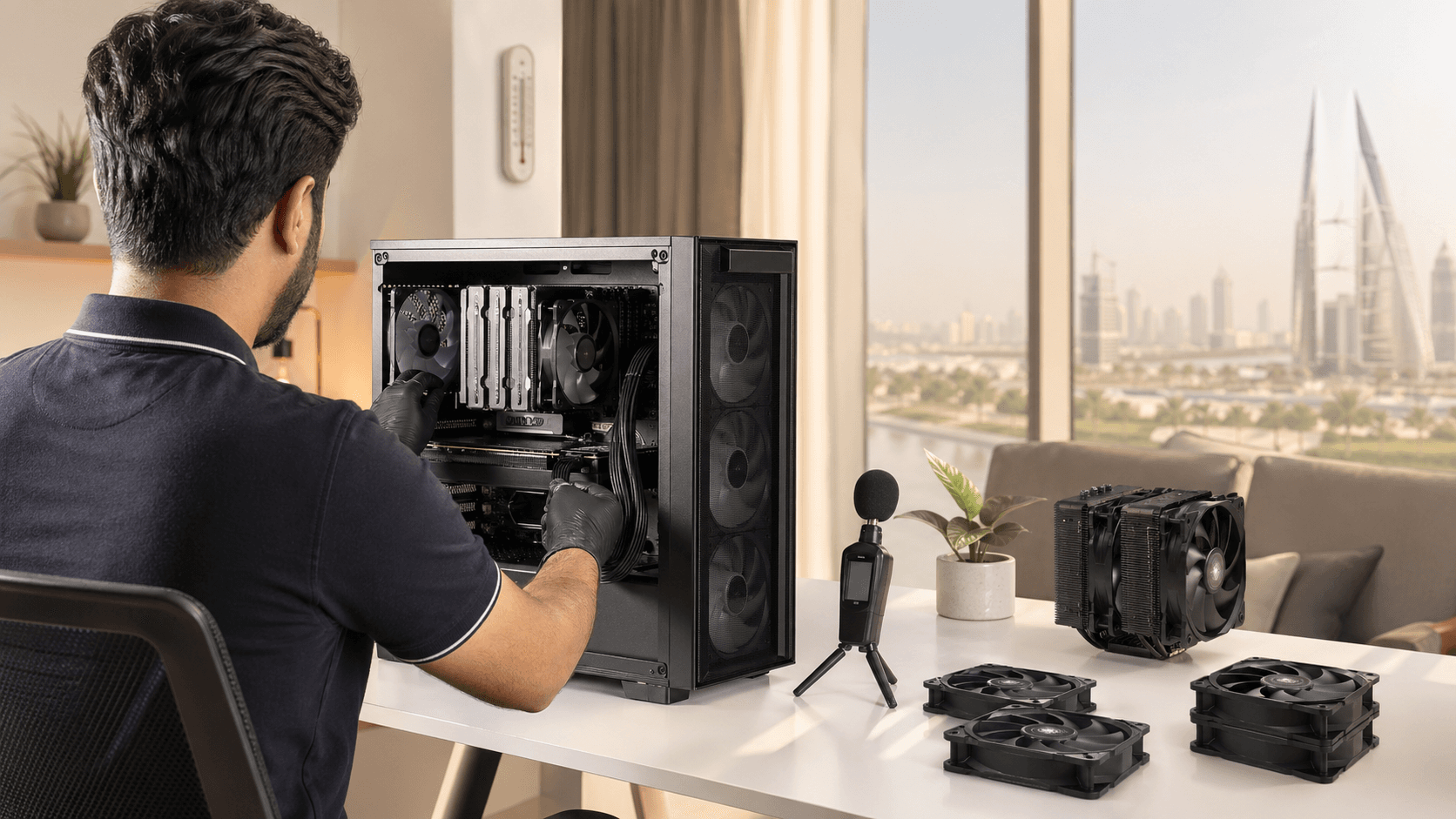
For cooling, both premium air coolers and AIO liquid coolers can work well in desert heat if chosen correctly. A good air cooler with a large heatsink and quiet fan can be very silent and reliable. A quality AIO can move a lot of heat away from the CPU, as long as:
- The pump is known to be reliable
- The radiator has space for slow-spinning, high-quality fans
- It is mounted so hot air can escape the case cleanly
When these choices work together, your PC can stay cool and quiet even during long gaming marathons.
Gaming PC Shop That Understands Bahrain
Not every gaming PC build is designed for hot rooms, long AC cycles, and fine dust. That is where local knowledge really helps. A shop that understands how people actually game in Bahrain can plan for real life, not perfect lab conditions.
When picking a gaming PC shop, look for:
- Custom builds instead of only basic pre-built options
- Clear thermal planning, not just random fan placement
- Noise-aware parts suggestions, like quiet fans and cases with sound control
- Clean cable management so air can move freely
- Stress testing under load, not just a quick power-on check
Talking with someone who knows the local climate makes a big difference. A good builder will ask about:
- Your room setup and AC habits
- Where the PC will sit and how much dust is around
- The games you play and the frame rates you want
- Your noise tolerance, for example, silent at idle, acceptably quiet at full load
A Bahrain-focused shop can also help later if heat or noise issues show up. You can bring the PC in, explain what you are hearing or seeing, and get adjustments based on real use, not guesswork.
Gaming PC Bahrain: Optimizing for Silent Play
Even a strong build can get noisy if it is not tuned. A few simple settings and small hardware tweaks can make your system much quieter without hurting gaming performance.
Start with fan curves. Most modern motherboards and GPU tools let you:
- Set custom fan speed based on temperature
- Keep fans nearly silent at idle and light work
- Ramp up smoothly during long gaming sessions
Keeping the BIOS and GPU drivers updated can also help, as newer versions often improve thermal behavior and fan control.
Case and accessory upgrades are another powerful way to cut noise. Helpful add-ons include:
- Cases with sound-dampening panels and solid structure
- Anti-vibration mounts for fans and drives
- Rubber grommets for cable pass-throughs and drive screws
- High-quality PWM fans tuned for low RPM operation
In Bahrain’s dusty environment, cleaning is not optional. It is a big part of keeping a gaming PC in Bahrain quiet and healthy. Regular habits should include:
- Dusting intake filters before they clog
- Gently cleaning fan blades and heatsinks
- Replacing thermal paste on CPU and, when needed, GPU
Professional services can go deeper with full cleaning, re-pasting, and airflow checks to bring a loud, tired PC back to near-silent performance.
Seasonal Strategies for Summer-Ready Quiet Gaming Rigs
Late spring is the perfect time to prepare your gaming setup for the hotter months. A few smart changes now help your PC stay quieter later, even when the room warms up during long gaming sessions.
Start with room-level tweaks:
- Keep the PC away from direct sun and windows
- Avoid pushing the case tight against a wall or inside a closed cabinet
- Give the back and top of the case space to breathe
- Make sure AC airflow is not blocked by furniture
You can also make seasonal profile changes inside your PC software. Create a summer profile that:
- Uses slightly higher fan speeds at the same temperatures
- Sets lower power limits on CPU and GPU for cooler operation
- Uses more aggressive thermal targets to prevent sudden hot spikes
Sometimes, frequent heat and dust wear is a sign that it might be time for a fresh, quiet-focused build instead of constant upgrades. A careful check of your case, fans, and old components can help decide whether you should keep improving the current tower or step into a new setup designed from the start for silent, cool gaming in Bahrain’s climate.
Power up Quietly with Expert Builds for Bahrain’s Climate
Quiet gaming performance in Bahrain is not an accident. It comes from matching the right components, cooling methods, case design, and maintenance habits to the local heat and dust. When these pieces line up, you get a gaming PC in Bahrain that feels smooth, sounds calm, and stays stable across long sessions.
At Games Gravity, we build and support systems with this big picture in mind. Whether you want a new silence-focused rig or need help calming down a noisy tower you already own, we are here in Bahrain with local knowledge, tuning help, upgrades, and repairs to keep your PC running cool and quiet through many gaming seasons.
Upgrade Your Gaming Performance With Expert Local Support
If you are ready to boost speed, stability, and graphics quality, our team at Games Gravity is here to help build, optimize, or repair your gaming PC in Bahrain. We take the time to understand your games, budget, and performance goals so every component choice delivers real-world results. Reach out to discuss your setup, get a clear recommendation, and book a fast turnaround. If you have questions or want to schedule a visit, simply contact us today.