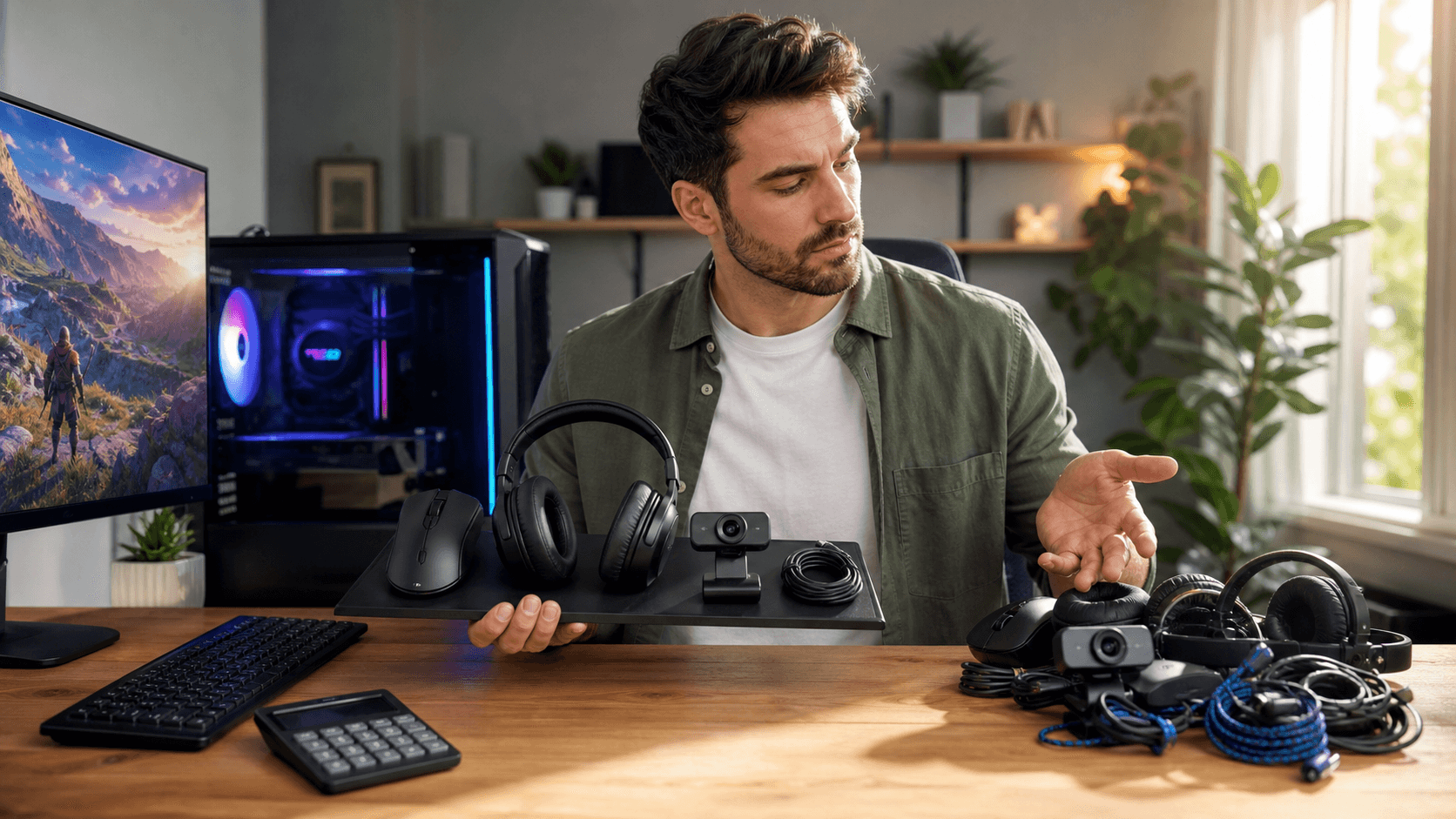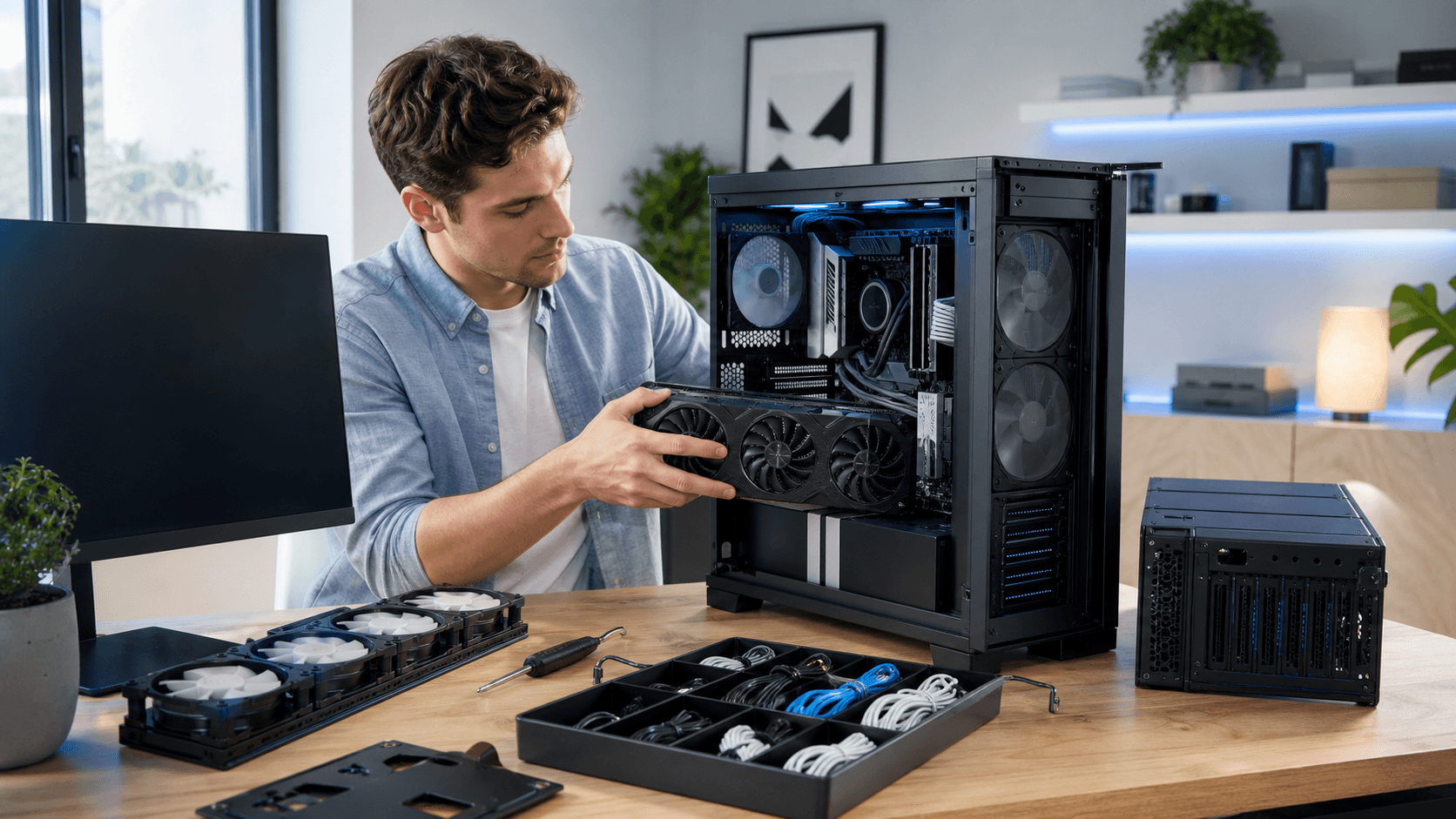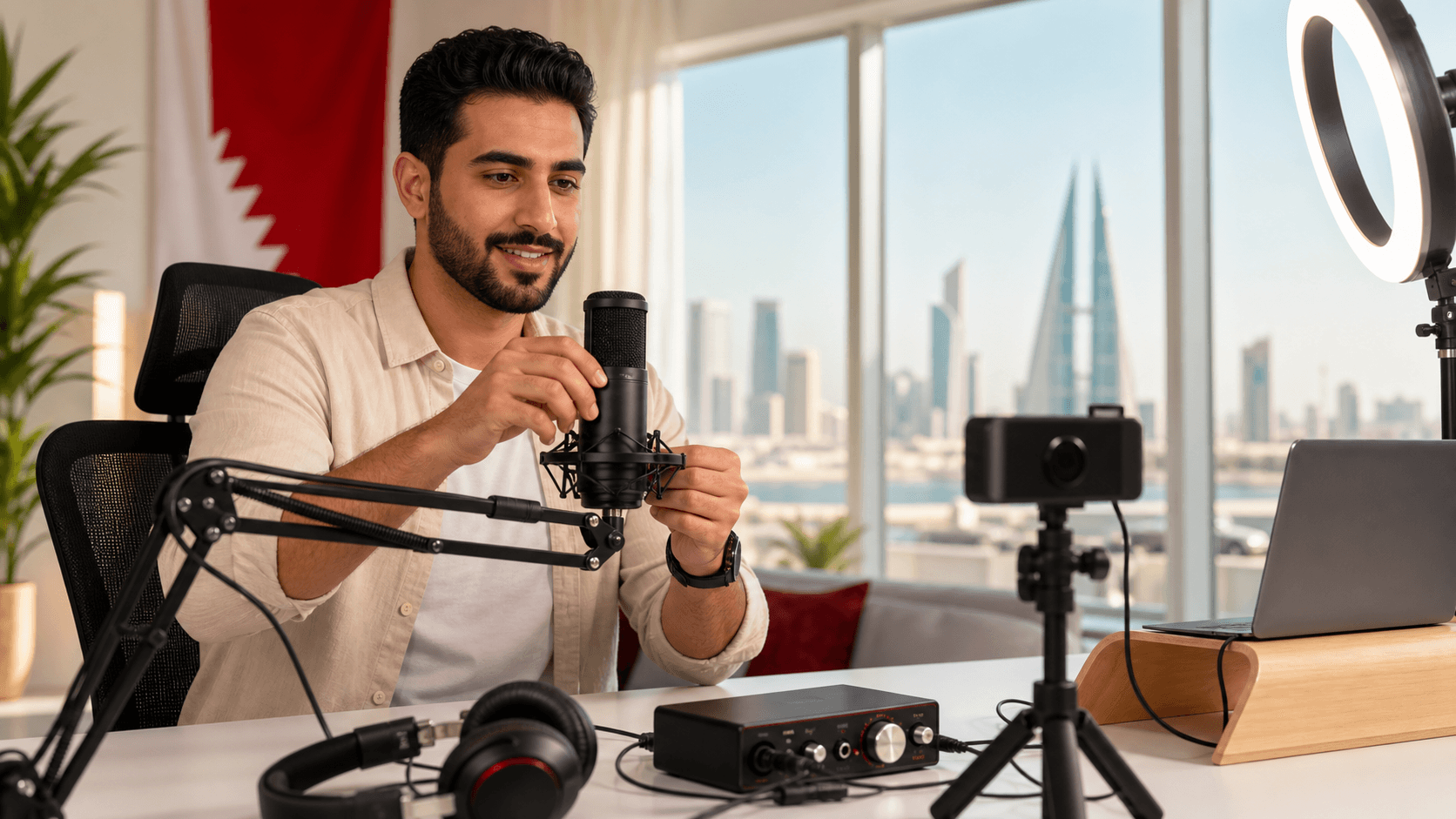
Build a Streaming Setup That Sounds and Looks Pro
A strong streaming setup is built on more than a powerful graphics card. If your microphone is noisy, your camera is grainy, or your lighting is harsh, viewers may click away even if your gaming PC runs every title on ultra settings. The good news is that a few smart accessory choices can transform a channel from amateur to confident and professional.
In many cases, the weak link is not the PC at all, but the audio, video, and room setup. This guide walks through a practical checklist for streamers in Bahrain, covering microphones and headsets, cameras and lighting, audio extras, capture cards and network gear, plus smart upgrade paths that make sense for typical budgets and spaces.
Mic vs Headset for Your Stream
Audio is usually the first thing viewers complain about, so it is an important place to start. The choice between a standalone mic and a gaming headset comes down to quality, comfort, and how serious you are about content beyond live streams.
Standalone microphones are ideal if you care about clean voice quality for VODs, shorts, or YouTube content. Benefits include:
- Clearer, richer sound that is easier to listen to for long sessions
- More control through gain knobs and pickup patterns
- Better long-term flexibility if you add guests or other sources later
Gaming headsets are still suitable for many streamers, especially when starting out:
- Lower overall cost compared to a mic plus headphones
- Fewer cables on your desk and simpler setup
- Easy to plug into a new custom gaming PC and go live quickly
To decide what fits best, think about:
- Room noise and echo in your apartment or villa
- How hot your space gets and whether closed headsets will feel sweaty
- Whether you want to record podcasts, voice-overs, or YouTube videos off-stream
A USB mic with a basic arm and pop filter is often recommended if:
- Your room is reasonably quiet
- You want clear audio that is easy to reuse in edited content
- You are ready to tweak settings a bit for better sound
A mid-range gaming headset can be a smart choice if:
- You are new to streaming and still testing if you enjoy it
- You do not want to manage separate headphones and mic
- You prefer a clean, cable-light setup in a smaller Bahrain room
Trying headsets on in person and listening to mic demos on different models helps a lot, and a knowledgeable local gaming PC shop can guide you through those differences.
Cameras, Lighting, and Background That Match Your Brand
A face cam is not mandatory, but it helps your audience connect with you faster. Some streamers do well with audio-only plus gameplay, especially for strategy or story games, but a clear face cam usually leads to more chat interaction.
Webcam options break down into:
- Entry-level webcams: affordable, simple USB plug-in, 720p or basic 1080p, enough for a small camera box on screen
- Mid-range webcams: better low-light performance, sharper 1080p, smoother frame rates
For a premium look, a DSLR or mirrorless camera with a capture card can give you that blurry background and crisp detail that many viewers like. The tradeoffs are higher cost and more setup effort, so it is not always the first upgrade.
Good lighting matters as much as the camera, especially in bright Bahrain daylight:
- Ring lights: compact, simple to mount behind your monitor, good for direct front light
- Softboxes: softer light, better for larger rooms, but they take more space
- Desk lamps: work in a pinch if you add a white diffuser and position them well
Also consider:
- Harsh sunlight reflecting from white walls or glossy furniture
- Closing curtains during peak sun and using artificial light for consistent color
- Simple, easy-to-maintain backgrounds like shelves, LED strips, or a clean wall
Green screens and virtual backgrounds can be helpful if your room is cluttered or you want a clean cropped look. For new streamers, they are optional. It is usually better to get a solid webcam and basic light before spending on a green screen setup.
Audio Essentials Beyond the Mic or Headset
Once your main mic or headset is chosen, a few add-ons can take your sound from acceptable to impressive. First, think about physical accessories:
- Pop filter to reduce harsh P and B sounds
- Boom arm to position the mic closer to your mouth and free up desk space
- Shock mount if you type aggressively or bump the desk a lot
Room sound matters too, especially in tiled Bahrain homes with hard surfaces. Easy acoustic fixes include:
- Thick curtains over windows
- Rugs or carpets under your desk area
- A few foam or fabric panels on the wall directly behind or beside your mic
On the technical side, many streamers wonder if they need an audio interface. For most beginners, a good USB mic is the right move because:
- It connects straight to your gaming PC with minimal setup
- Software controls inside your streaming program are usually enough
An interface or small mixer is more useful if:
- You plan to use XLR microphones
- You have multiple audio sources like instruments or guest mics
Monitoring your audio also matters:
- Closed-back headphones help block room noise and prevent your mic from picking up game audio
- Open-back headphones feel cooler in a warm climate but leak more sound
- Monitoring your own voice at a low level can help you avoid shouting and reduce fatigue
If you are unsure how to combine microphones, stands, and interfaces within your budget and desk size, experienced staff at a local gaming PC shop can help match parts that fit your setup.
Capture Cards, Cables, and Network Must-Haves
Capture cards confuse a lot of people, so it helps to clarify when they are needed. You need a capture card if:
- You are streaming from a PlayStation, Xbox, or Nintendo console to your PC
- You are running a dual-PC streaming setup, with one PC for gaming and another for encoding
If you play only on a single gaming PC, a capture card is usually optional, unless you are using a DSLR or mirrorless camera that requires HDMI capture.
The less glamorous accessories still matter for a stable stream:
- Reliable HDMI cables for consoles and cameras
- Quality USB cables for webcams, mics, and external drives
- A powered USB hub if your motherboard ports are full
- Basic cable management to keep cords organized and out of the way
Network stability is another silent factor. For streaming from Bahrain, consider:
- Using wired Ethernet instead of Wi-Fi whenever possible
- Checking your upload speed and targeting a comfortable bitrate for 720p or 1080p
- Learning a few basic router settings, such as prioritizing your streaming PC
Before you buy a capture card or new router, it is helpful to compare options and check compatibility with your current ISP setup and gaming rig. A knowledgeable local retailer can explain which cards work best with particular consoles and PCs.
Local Buying Tips and Smart Upgrade Paths in Bahrain
Buying locally in Bahrain comes with several advantages, especially for streaming gear. When you pick up accessories from a nearby shop:
- Returns and warranty support are usually simpler if something fails
- You can get hands-on with mics, headsets, and webcams before committing
- Staff can quickly spot compatibility issues with your existing PC or console
Strategic upgrades keep you from overspending on gear you will replace too quickly. A common upgrade path looks like this:
- Start: solid gaming headset, basic 1080p webcam, simple ring light or desk lamp
- Next: dedicated USB mic with arm and pop filter, improved lighting for more natural skin tone
- Advanced: audio interface or mixer, capture card for console or dual-PC setups, basic acoustic treatment
If you are building a new setup from scratch, pairing accessories with a custom PC build can save time and hassle. On Games Gravity’s shop, you can explore peripherals while planning your main rig, then adjust based on how much streaming you plan to do.
To get a full sense of how your current system stacks up, review your entire setup, from cables to camera. You can start that process by exploring the options on Games Gravity’s main site and then refining your checklist based on your budget, room, and streaming goals.
Power Up Your Next Gaming Rig With Confidence
If you are ready to upgrade your setup with reliable performance and parts that actually fit your needs, our gaming PC shop is the best place to start. At Games Gravity, we help you choose components and systems that match your games, your space, and your budget. Have questions or need a custom recommendation before you buy? Just contact us and we will help you build the right rig the first time.