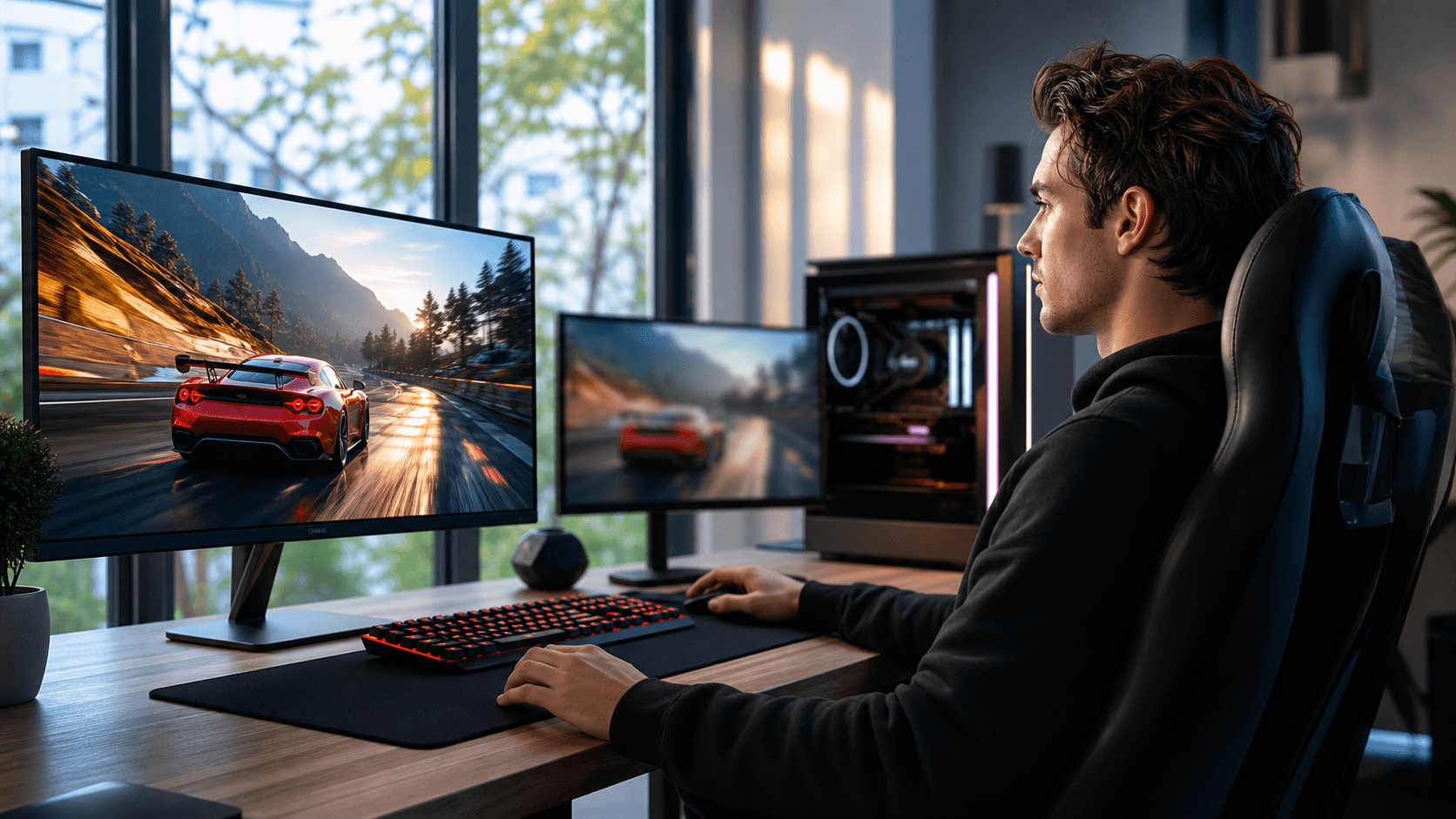
Turn Your Small Room Into a Gaming Powerhouse
A small bedroom or dorm in Bahrain can still hold a serious gaming PC. The trick is to build around the desk first, not the case or the graphics card. When every centimeter matters, the layout is just as important as the parts inside your tower.
Desk-first builds focus on how you sit, where your hands rest, where your feet go, and how the heat leaves your space. With smart under-desk mounts, cleaner cables, and compact gear, you get more room to move, less clutter, and a setup that feels pro even in a modest room.
In Bahrain, we see the same problems again and again: tight rental apartments, hot months that push PCs hard, and dust on tiled floors. A custom desk-first gaming PC in Bahrain solves those issues from day one, instead of trying to fix them later.
Why Desk-First Builds Beat Traditional Setups
Most people start by picking a big case and a powerful GPU, then squeeze everything onto any desk they can find. Desk-first thinking flips that. We start with how you actually use the space, then match the hardware to the layout.
With a desk-first plan, we think about:
- Where your monitor sits so your neck does not hurt
- How far the keyboard is from the edge so your wrists feel natural
- Where your legs and chair move without hitting cables or the case
- How air flows around you and around the PC
In Bahrain, long gaming sessions often happen with the AC working hard and the air already warm. A crowded corner with a hot tower blowing straight at your legs is not fun. A good desk layout keeps:
- The case off the floor and out of your legroom
- Exhaust fans pointed into open space, not into a wall
- Hot air from the PC away from your body
This kind of planning also helps your hardware last longer. Better airflow means cooler parts. Less dust from the floor means fewer clogged fans. When the tower is mounted in a stable spot, it is less likely to get bumped, kicked, or flooded with dust when the floor is mopped. It also makes future upgrades easier, since you can reach cables and components without tearing apart your whole corner.
Under-Desk PC Mounts and Wall Brackets That Make Space
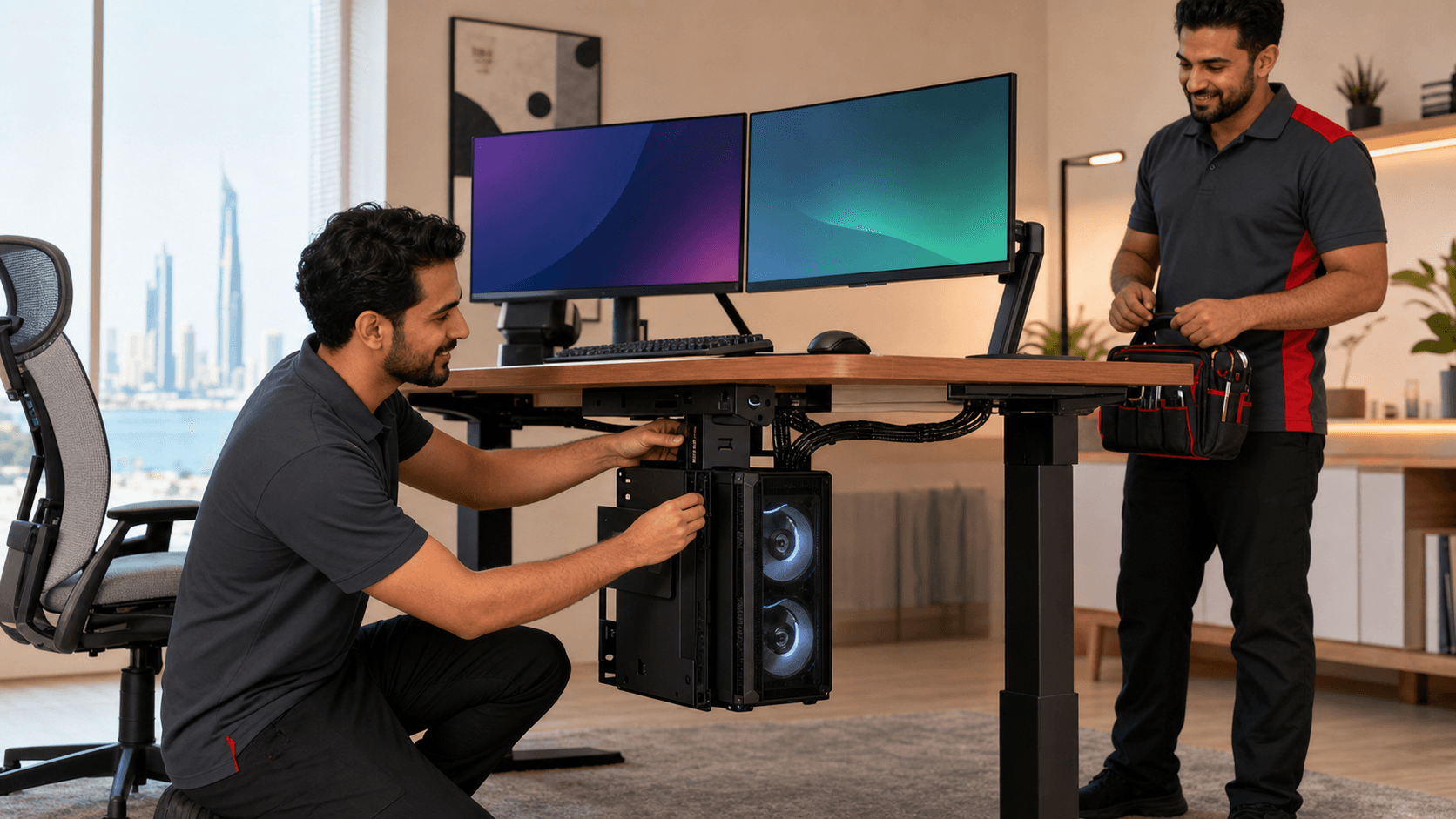
One of the biggest wins in a small room is getting the tower off the floor. Under-desk mounts and wall brackets clear leg space and make cleaning easier.
Common options include:
- Under-desk PC mounts that clamp or screw to the desk
- Wall brackets that hold compact or mid-size cases
- Smaller form factor cases that are easier to suspend or tuck away
Keeping your PC elevated has real benefits in a hot, dusty environment. Tiled floors tend to collect dust, hair, and sand. If the case sits right on the floor, front fans pull that mess straight inside. Lifting the case:
- Reduces dust intake from the ground
- Improves airflow under and around the case
- Keeps cables safe from rolling chairs, feet, and brooms
Safety matters too, especially in rentals. Some desks allow drilling, others do not. There are:
- Clamp-on mounts that avoid holes in the desk
- Brackets that use existing screw points on the case
- Vibration pads that cut noise and stop rattling
We always look at desk material, case size, and weight before suggesting a mount, and we match that with hardware choices from the PC builds section so the setup stays stable and quiet.
Clean Cable Routing for Cooler, Quieter Gaming
Cable chaos makes any small room feel even smaller. Thick power cords hanging under the desk, console wires stretched across the floor, and a full power strip right by your feet can turn into a real mess fast.
Clean routing starts with a simple plan:
- Decide where your main power strip will live
- Group PC, monitor, and console in one zone when possible
- Avoid running cables across the doorway or walking paths
A few basic tools go a long way in a compact room:
- Under-desk cable trays to hold power strips and bricks
- Plastic or metal cable raceways along the wall
- Velcro straps to bundle wires so they are easy to adjust
- Desk grommets that let cables drop neatly through the top
Tidy cables help more than just looks. They improve airflow behind the desk so hot air does not get trapped in a tangled nest. Cleaning becomes easier, which matters in a place where dust is a constant fight. It also cuts tripping risks when the desk sits right by the room entrance or the bed.
Inside the PC, smart cable work supports airflow too. Routing power leads carefully and pairing them with good cooling, like options from the CPU air coolers category, keeps things stable during long gaming sessions.
Compact Peripherals That Maximize Every Centimeter
Once the tower and cables are under control, the real desk space battle is on top. The right keyboard, mouse, and monitor setup can turn a cramped table into a clean, flexible station for both gaming and study.
Keyboards come in different sizes:
- 60 percent: no function row, no arrows, very small footprint
- 65 percent: adds arrows, still compact
- Tenkeyless (TKL): full row of keys but no numpad
If your desk is shallow, a 60 or 65 percent board gives more room for mouse movement. For shooters, pairing that with a light mouse works well. Wireless mice cut cable drag, while wired mice still appeal to players who want a steady, simple connection.
To free more desk surface, think about:
- Monitors on arms that clamp to the back of the desk
- Slim soundbars instead of big speaker pairs
- Headset hooks that mount under the desk or on the side
For gamers who also study or work from home, balance is key. Features that help include:
- Monitors with quick input switching between PC and laptop
- Sensible screen sizes so text stays clear at normal sitting distance
- Peripherals that feel good for both gaming and long typing sessions
With a desk-first gaming PC in Bahrain, it is easier to keep school papers, controllers, and notebooks all in reach without feeling cramped. When the base layout is right, the rest fits naturally.
Custom Desk-First Builds with Games Gravity
At Games Gravity in Bahrain, we build and repair gaming PCs, laptops, and consoles every day, and we see how much a smart desk layout changes the whole experience. A small room can handle serious hardware if the desk, mount, and cable plan come first.
We like to start with the real space. That means room measurements, photos of the current desk, and a clear idea of where the bed, door, and AC unit are. From there, we can suggest:
- Case sizes that work with under-desk or wall mounting
- Cooling setups that respect the room layout
- Compact peripherals and mounts that fit your exact desk
As the warmer months roll forward and gaming sessions get longer, it is also a good time to give your system some attention. Fresh thermal paste, airflow checks, dust cleaning, and cable cleanup all help your PC stay stable and comfortable to use. Pair that with the right gear from Games Gravity and a desk-first plan, and even a small Bahrain bedroom can feel like a clean, powerful gaming zone.
Build A Powerful Gaming Rig Tailored To You
If you are ready to upgrade your setup, we can help you choose the ideal gaming PC in Bahrain for your play style, budget, and performance needs. At Games Gravity, we design and assemble custom rigs that are tested for reliability and smooth gameplay. Share your requirements and preferences, and we will guide you through every step from components to final build. Have questions or need a personalized recommendation first? Just contact us and our team will respond with expert support.