Protecting Your Gaming Rig Before It Even Arrives
Delivery damage is one of the fastest ways to turn the excitement of a new gaming PC into pure frustration. High-end hardware is fragile, packed with precision parts, and often costs as much as a new phone or console setup, sometimes more. When something that valuable is shipped without the right protection, small impacts can turn into cracked glass, bent GPU brackets, or dead drives.
As a gaming-focused PC store in Bahrain, we see how local delivery routes, tight schedules, and hot, humid weather create extra stress on every box that leaves a warehouse. At Games Gravity, we build and ship systems across Bahrain, so we understand how easily a good PC can be put at risk between our workbench and your desk.
In this article, we break down why gaming PCs get damaged during delivery, how packaging and handling contribute to the problem, what a reliable PC Shop Bahrain should be doing differently, and what you can do on your side to protect your new rig. By the end, you will know exactly how to spot trouble early and what steps to take if something does go wrong.
Why Gaming PCs Get Damaged in Transit
Your PC does not travel in a straight line from store to door. It usually passes through multiple hands and locations, like sorting centers, delivery vans, and neighborhood couriers. Each transfer is a chance for a bump, drop, or stack of heavy boxes to land on top of yours.
Gaming hardware is especially vulnerable to this kind of treatment. Typical issues include:
- Tower cases taking side or corner impacts that stress the frame
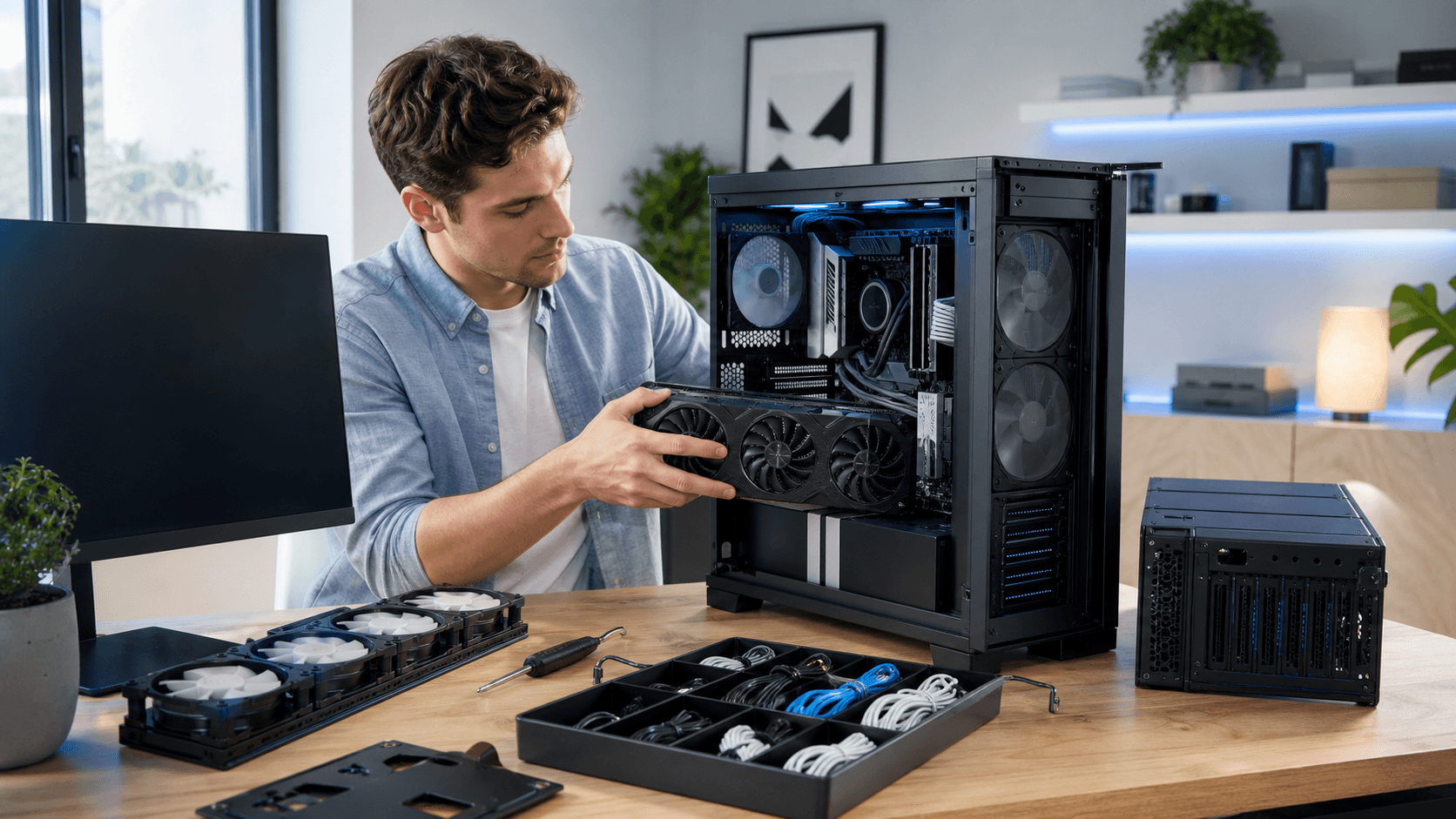
- GPUs flexing or sagging if not supported inside the case
- Monitors and tempered glass panels cracking from direct pressure
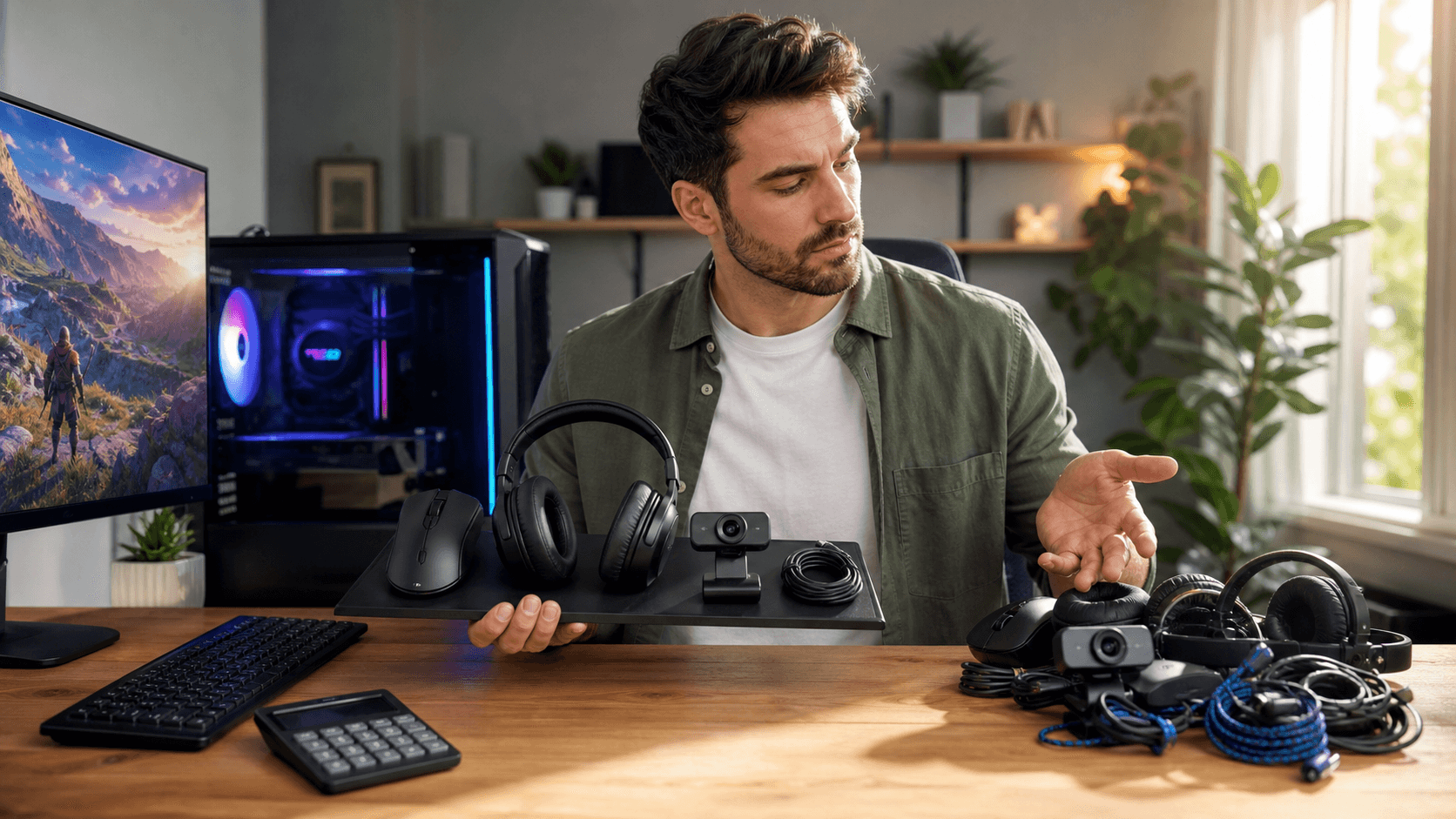
- Keyboards, mice, and headsets getting crushed by heavier boxes
On top of this, vibration from delivery vehicles can slowly work components loose, especially if internal support foam or brackets are missing. In Bahrain, long drives on uneven routes and speed bumps add to the shaking.
Heat and humidity are another problem. During hot afternoons, a box might sit in a van or at a depot for hours. That can:
- Soften cheap packing foam so it compresses and stops protecting
- Weaken adhesive on tape or labels
- Stress some plastics and seals over time
Human factors also play a role. Rushed staff might stack boxes incorrectly, ignore fragile labels, or slide a tower along the floor instead of lifting it. Certain neighborhoods with tight alleys, stairs, or limited parking make the last few meters to your door the roughest part of the trip.
Packaging Mistakes That Put Your Hardware at Risk
A lot of delivery damage starts with poor packaging. Even a careful courier cannot save a PC that was packed badly in the first place.
Common internal protection mistakes include:
- Leaving GPUs, air coolers, or AIO radiators unsupported inside the case
- Not filling the case with foam or air cushions to stop parts from moving
- Shipping tempered glass panels and monitors without proper corner and face padding
Box and filler choices also matter. Problems we often see in the market:
- Oversized boxes with big empty spaces that let items slam around
- Thin bubble wrap that pops easily instead of absorbing shock
- Cardboard that is too thin to handle stacked weight
Labeling might seem minor, but it can change how a package is treated. When boxes lack clear "Fragile" and this-side-up labels, they are more likely to be tossed into piles or stored on their side. A careful PC Shop Bahrain reduces these risks by standardizing packing methods so every system leaves with consistent internal bracing, sturdy boxes, and clear labels.
What a Reliable PC Store in Bahrain Should Do Differently
A trustworthy gaming-focused store will build delivery protection into its process, not treat it as an afterthought. Professional packing standards for high-end builds usually include:
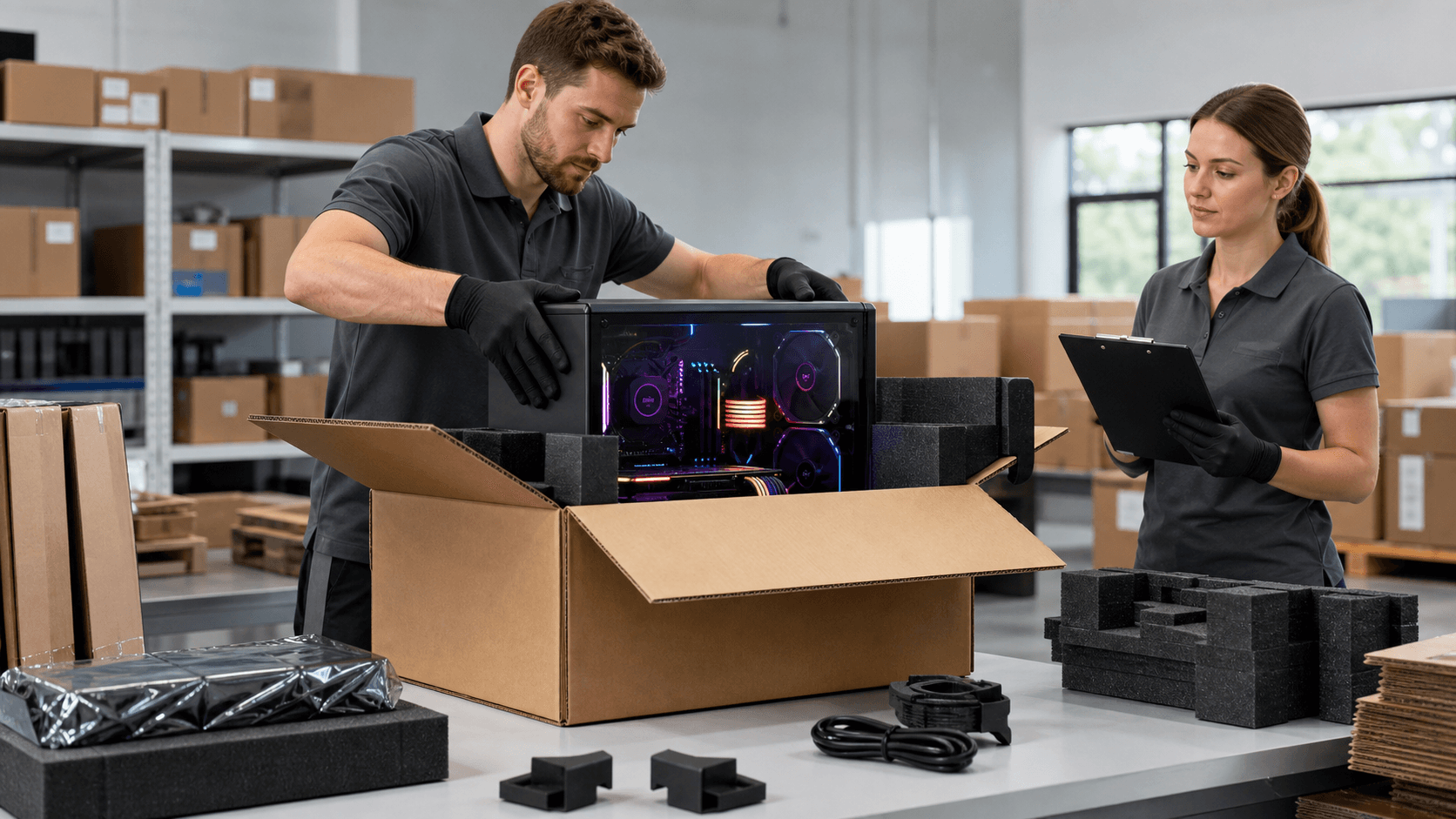
- Double boxing expensive systems and monitors for extra impact protection
- Using anti-static bags, foam, and padding around sensitive electronics
- Supporting GPUs and coolers so they cannot twist the motherboard
- Filling empty space inside the case so nothing can shift in transit
Courier choices matter too. A careful store will:
- Work with delivery partners that understand fragile electronics
- Prefer insured options for higher value rigs
- Provide tracking and, when possible, photo proof at drop-off
Before anything leaves the store, there should be quality checks. This can include stress testing full builds, recording serial numbers, and taking photos of the packed system. That way, if something arrives damaged, both sides can see how it left the shop and move faster toward a solution. You can see examples of how we present ready-made gaming systems in our PC builds section.
How You Can Reduce the Risk of Delivery Damage
You have more control than you might think. A few smart choices at the ordering stage help protect your rig long before it reaches you.
When placing an order, try to:
- Provide a clear address, landmarks, and any access codes
- Choose delivery windows when someone can inspect the package on arrival
- Select assembly and testing services rather than shipping loose parts when possible
When the box arrives, do a quick outer check before signing or accepting:
- Look for crushed corners, punctures, or re-taped areas
- Check for any wet spots or stains
- Note visible damage with the courier present if you can
During first power-up, treat it like a quick safety inspection, not just a hype moment. Carefully open the box and check the case for rattling or loose parts. Remove side panels and visually inspect:
- GPU seating and mounting screws
- Cooler brackets and radiator placement
- Cable connections and any disconnected power leads
If something seems off, take photos and a short video clip before trying to force anything back into place.
What to Do If Your PC Arrives Damaged
If you discover damage, stop using the PC immediately. Continued use could make the problem worse or damage other parts. Keep all packaging materials, including inner foam, plastic, and accessory boxes, because they are often needed for any claim.
Next, document everything. Take clear photos of:
- The outer box from all sides, including labels
- Inner packing materials before and after removing the PC
- Any visible damage to the case, components, or cables
When you contact support for your chosen PC Shop Bahrain, include:
- Your order number and contact details
- A short description of what is wrong and when you noticed it
- Photos and videos showing the problem and the state of the packaging
Depending on the situation, common remedies include repair, replacement of specific components like a damaged GPU or cooler, or in some cases full system replacement. Clear communication and good evidence usually speed up the process for everyone involved. If cooling or heat exposure is part of the issue, it can be helpful to mention it, especially when sensitive parts like those in the CPU cooler category are affected.
Powering On Confidently: Make Delivery Work for You
Delivery damage is a risk for any gaming PC, but it is not random bad luck. It usually comes from a mix of rough handling, heat, and weak packaging, all of which can be reduced when both the PC store and the buyer treat protection as part of the build process.
By choosing reliable partners, asking the right questions about packing, and following careful steps when receiving and unboxing your rig, you stack the odds in your favor. A knowledgeable PC store in Bahrain that understands local delivery routes, weather, and gaming hardware can be a strong ally, and you can support that effort with smart ordering, inspection, and documentation habits. That way, when your new build arrives, you can focus on frames and settings, not support tickets and return labels.
Upgrade Your Gaming Setup With Trusted Local Experts
If you are ready to take your rig to the next level, our team at Games Gravity is here to help you choose the right components and peripherals for your playstyle. Explore our curated hardware and accessories at our PC store in Bahrain and get guidance tailored to your budget and performance goals. If you have specific questions or need a custom recommendation, simply contact us and we will walk you through your best options.