Turn Your Gaming Chair Into a Pro Streaming Hub
Building a streaming corner usually starts with big dreams and a small room. The smartest way to keep things simple is to build everything around one key item: your gaming chair. When your chair is right, your body feels better, your posture looks stronger on camera, and your whole setup starts to feel like a real studio, even if it is squeezed into a bedroom in Bahrain.
We will walk through how to choose a gaming chair in Bahrain, set up your corner around it, and dial in lighting, audio, and comfort for long streams. We will also share space tips that work in apartments, shared rooms, and villas, plus some tricks for staying cool during long gaming and streaming nights.
Choosing the Perfect Gaming Chair in Bahrain
For long streams, ergonomics matter more than looks. A good chair supports your body so you can focus on chat and gameplay, not on your lower back.
Key ergonomic features:
- Lumbar support that hugs the curve of your lower back
- Adjustable armrests that match your desk height
- A headrest or neck pillow for when you lean back
- Seat height that lets your feet rest flat on the floor
Recline control is also helpful. Being able to lean slightly back during long Ramadan or weekend sessions can reduce neck and shoulder tension. You want comfort, but not so soft that you sink in, and hunch forward.
Bahrain stays warm, and smaller rooms heat up fast, especially with a gaming PC working hard beside you. Breathable materials help a lot. Fabric or mesh tends to feel cooler than thick PU leather, which can feel sticky if the room is warm and you are sitting for hours. PU leather is easier to wipe clean, but fabric often feels nicer when you are streaming under lights.
Think about your flooring too:
- A sturdy metal base for stability
- Smooth casters that roll easily on tile or marble
- A floor mat or rug to cut noise and protect the surface
Style matters on camera. Your chair is in almost every shot, so choose colors that fit your brand or mood. Neutral tones like black, gray, or white work well with RGB lighting and do not clash with green screens. Bold colors can look great if they match your stream overlays.
If you prefer to compare different chair styles or test how they feel, visiting a local store like Games Gravity can make that choice easier.
Designing a Smart Streaming Corner Around Your Chair
Once your chair is sorted, you can design the whole streaming corner around it, even in a tight Bahrain bedroom.
Start by measuring:
- The space behind the chair for reclining
- The space in front for your desk and legs
- Side space for a PC tower or small shelves
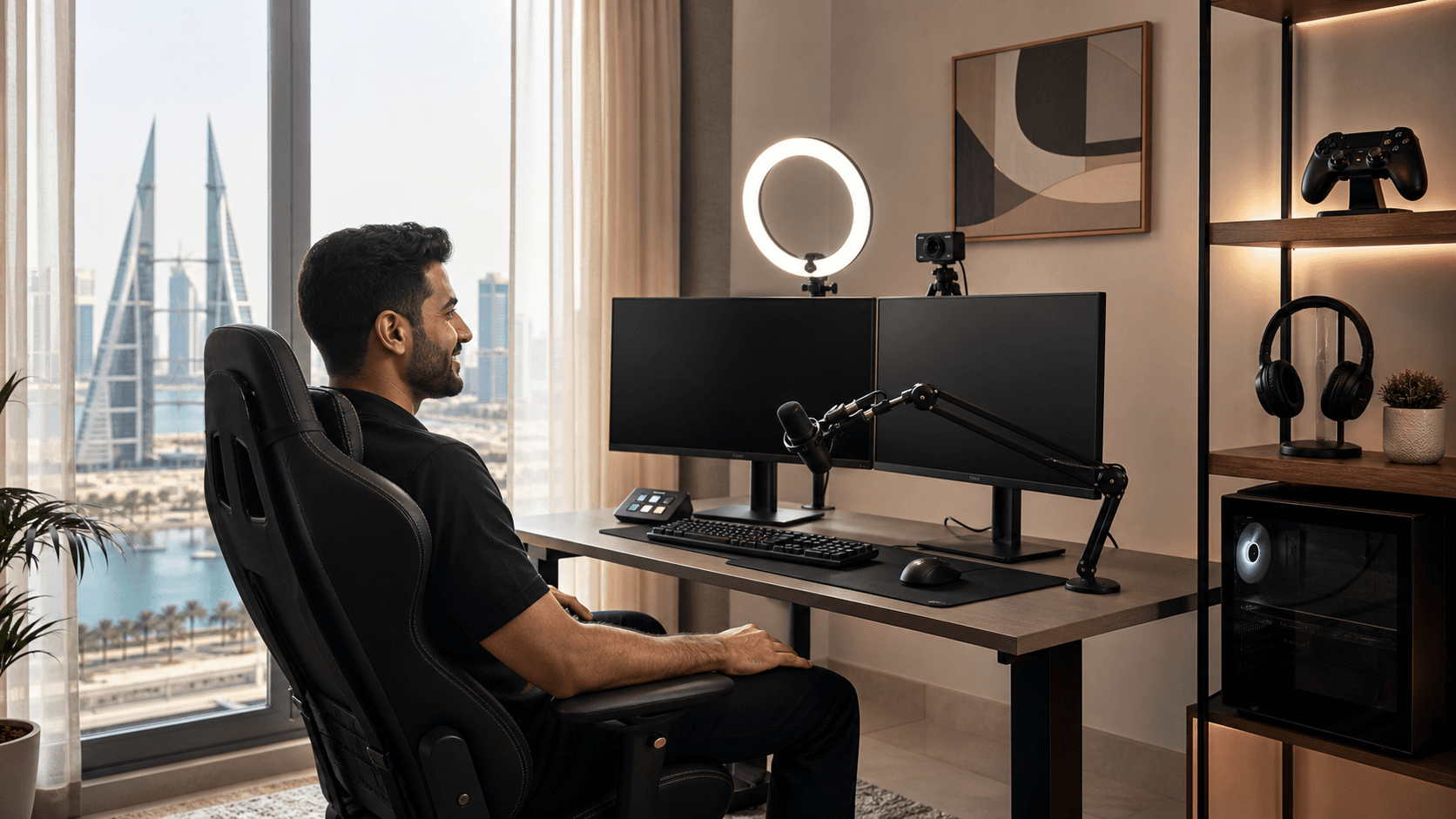
Try to keep your chair centered in the corner, with the desk wrapping slightly around you. Your chair should be the visual anchor, with your monitor at eye level so you face the camera straight on. A simple layout is chair in the middle, desk against the wall, and PC tower to one side where cables can run neatly.
Cable management keeps small rooms from feeling messy:
- Use cable clips or sleeves along the back of the desk
- Run power strips where your chair will not roll over cords
- Keep USB and HDMI lines tied together where possible
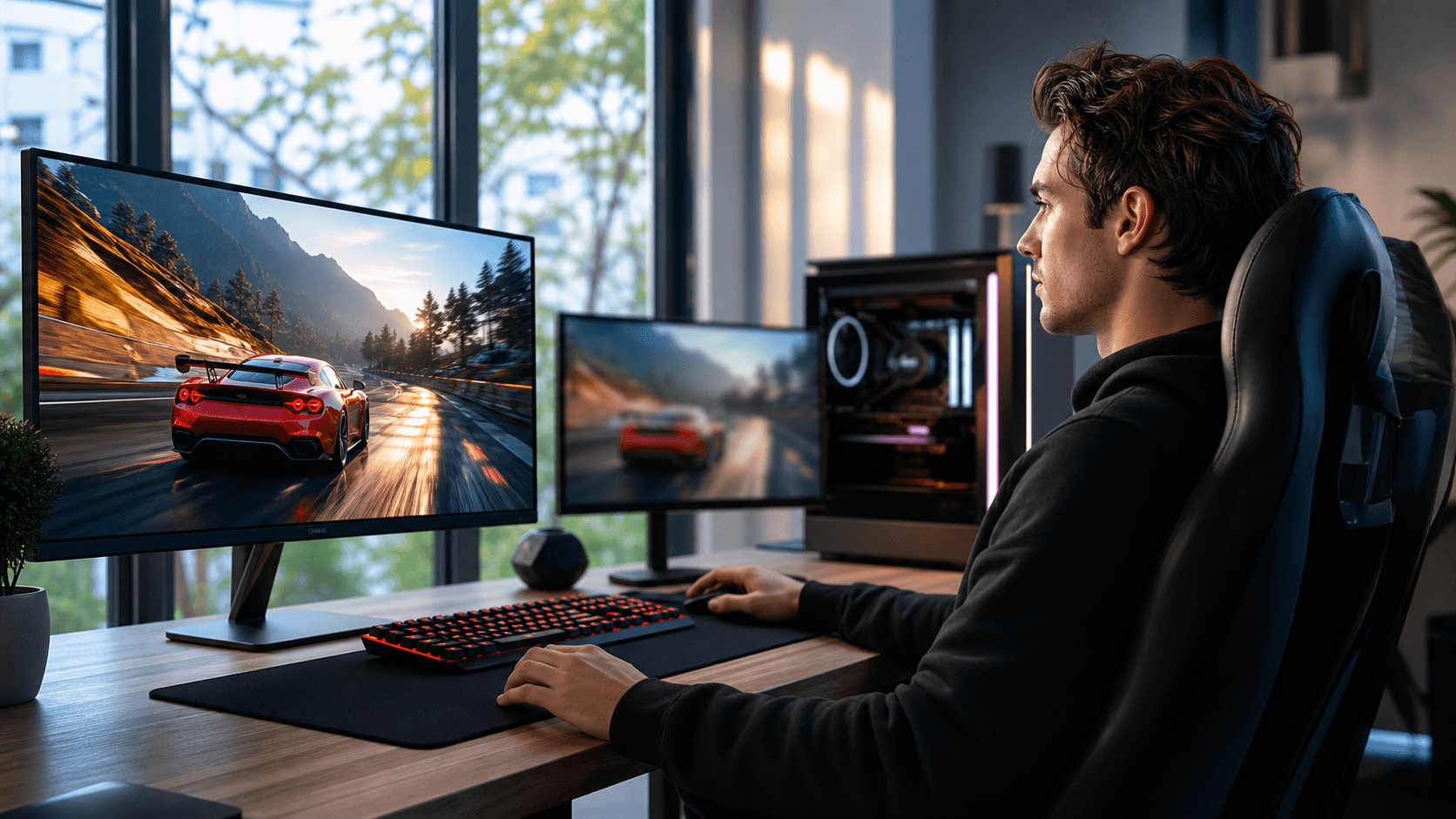
For your monitor and camera, a monitor arm or wall mount can free desk space and let you place the screen directly in front of your eyes. This helps you sit upright and stay centered in frame. A custom PC with RGB lighting can sit on the desk or a side stand and act as a visual centerpiece. You can explore options for that at custom PC builds.
Backgrounds do not need to be complex. Neat shelves with a few collectibles, some LED strip lights, and maybe a poster or two can look great. In smaller Bahrain rooms, a green screen is handy if you do not want your bed or wardrobe in the shot. Just avoid clutter like open drawers, laundry piles, or stacks of boxes in frame.
Lighting and Audio That Make You Look and Sound Pro
Good lighting makes even a simple corner look like a studio. The goal is soft, front-facing light that lights your face without harsh shadows. Ring lights or compact LED key lights that clip to your desk are easy wins.
Simple lighting tips:
- Place your main light just above eye level in front of you
- Use a softer white light for your face, and RGB behind you
- Keep RGB brightness a bit lower so you, not the background, stand out
Bahrain gets strong sunlight, which can be great or annoying. Blackout curtains or blinds help control glare. Try to place your chair and desk so windows are to your side, not behind you. Backlighting makes your face too dark and hard to see. Controlling natural light also helps keep the room cooler, especially during long afternoon or evening streams.
For audio, you do not need studio gear on day one. USB microphones are plug-and-play and friendly for new streamers, while XLR mics with an audio interface are better when you want more control later.
Helpful audio add-ons:
- A boom arm so the mic floats near your mouth without blocking your view
- A pop filter to soften strong P and B sounds
- A closed-back headset to reduce echo and outside noise
If you prefer a simpler start, a good gaming headset with a built-in mic can be enough, as long as it is positioned close to your mouth and you keep room noise low.
Comfort, Cooling, and Seasonal Tips for Bahrain Streamers
Staying comfortable in a gaming chair in Bahrain means planning for heat. Even with AC, long streams can feel warm once the PC, lights, and you have all been running for a while.
Try these cooling ideas:
- A quiet fan aiming near you, not directly at the mic
- Breathable, light clothing instead of heavy fabrics
- A towel or breathable cover on PU leather seats
Wrist rests on your keyboard and mouse pad can also reduce strain, especially when combined with adjustable armrests. Short breaks between matches to stretch, sip water, and reset your posture help more than most people expect.
Power and cable safety matter too. Use quality power strips and surge protectors for your PC, monitors, lights, and console. Keep all cables away from your chair wheels and foot area. In older Bahrain buildings, make sure your outlets are grounded properly and avoid overloading a single plug.
If you use both PC and console, try to keep everything within reach from your chair without crowding your desk. Wall mounts or vertical stands for consoles, plus hooks or stands for controllers, keep things tidy and easy to grab. A capture card can connect console gameplay to your streaming PC, and you can pair it with a good air cooler from options like CPU air coolers to help keep your system stable during long sessions.
Shop Local and Build Your Streaming Corner with Games Gravity
Starting with the right gaming chair in Bahrain gives you a strong base. Your comfort, posture, and camera presence all depend on that one piece. When you choose wisely in the beginning, every upgrade after that, from monitor to microphone, fits more naturally around your corner.
At Games Gravity, we are here in Bahrain to help you turn that one chair into a full streaming corner, with gaming chairs, custom PCs, components, accessories, and repair services that keep your setup running smoothly. Take your room measurements, think about your must-have gear, and build out your space step by step so you are ready for those longer streams during holidays, summer breaks, and late-night gaming sessions.
Upgrade Your Gaming Comfort And Performance Today
Transform long sessions into a more comfortable, focused experience with a high quality gaming chair in Bahrain tailored to your setup. At Games Gravity, we help you choose the right model for your style, space, and budget so you get real, lasting value. If you have questions or need guidance before ordering, just contact us and our team will walk you through your best options.