Compact Gaming Power for Bahrain's Tight Spaces
A lot of gamers in Bahrain play in small bedrooms, shared family rooms, or student housing. Space is tight, but you still want smooth frame rates, clean graphics, and a setup that feels like your own corner of the world. A compact gaming rig is one of the easiest ways to keep things neat without giving up performance.
Small no longer means weak. With smart parts and a well-planned layout, a compact case can handle esports titles, big AAA games, and even streaming. In this guide, we will walk through why small form factor PCs fit Bahrain's life so well, what kinds of builds work best, and how to keep everything cool and quiet in the Gulf heat.
Why Small Form Factor Rigs Are Perfect for Bahrain
Many homes here are built for family life first and gaming second. That means rooms often do double duty. Your desk might be for studying, work, and late-night ranked matches all at once. When every centimeter counts, a big tower on the floor or a giant case on the desk can get in the way fast.
Small form factor builds fit that lifestyle because they can:
- Sit on a tight desk or shelf
- Move easily between home, dorm, and office
- Tuck into corners without blocking walking space
- Keep cables more contained and out of sight
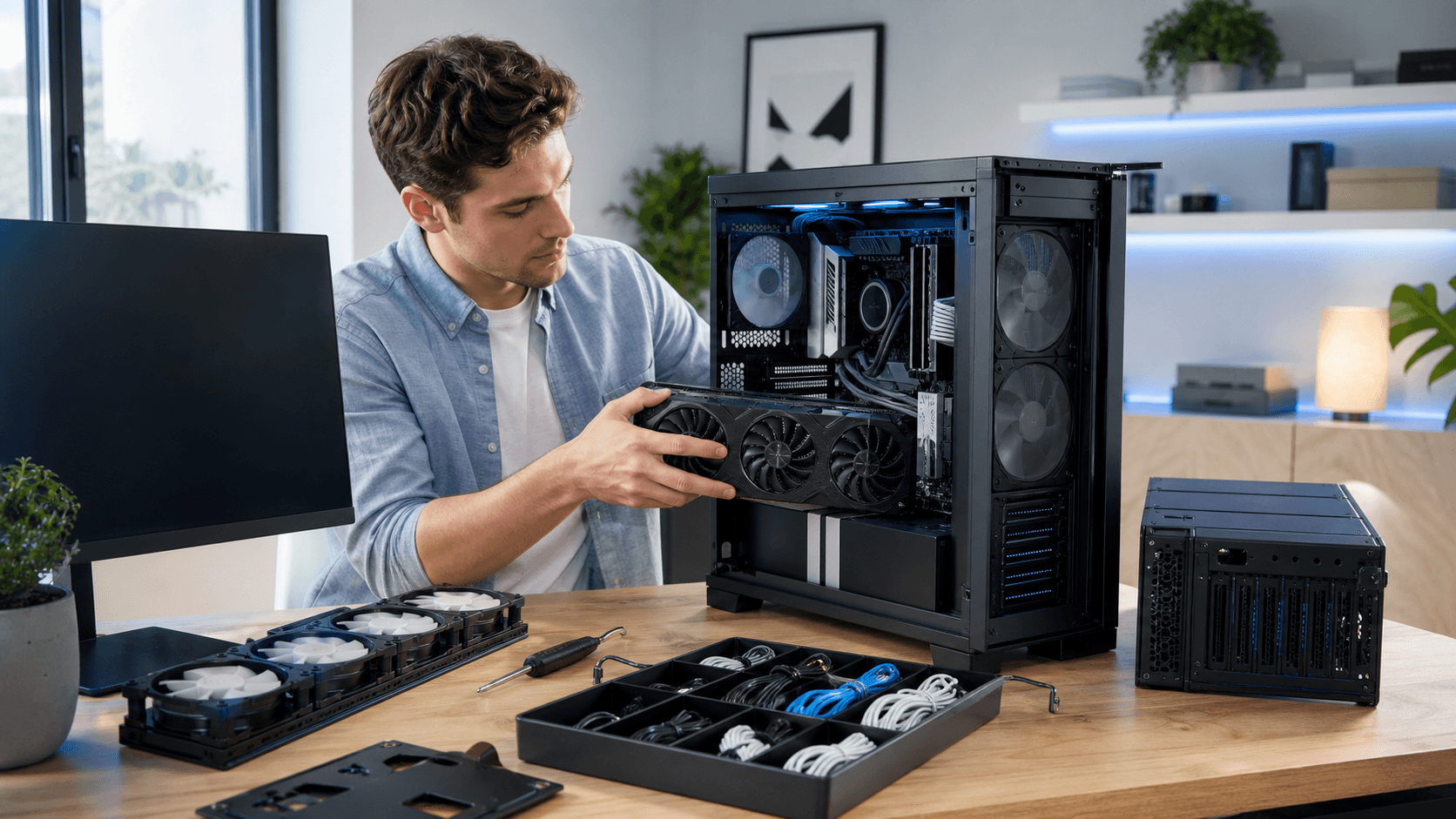
Good compact cases are designed with airflow paths that pull fresh air from the front or sides and push hot air out of the back or top. When you pair that with smart cable management and efficient parts, you can game for long sessions without the case turning into an oven. This matters in Bahrain, where rooms can heat up quickly, especially during long weekend gaming marathons.
A dedicated gaming PC shop understands how different CPUs, GPUs, and cases behave in smaller builds. That kind of guidance helps balance size, performance, and thermals so you do not end up with a pretty box that runs too hot once summer is in full swing.
Insider PC Builds for Compact Gaming and Streaming
Let us break compact setups into three simple types. These are examples, not strict rules, but they show how to match parts to goals.
- Entry-level compact build for casual gaming
This is for light esports titles, indie games, and everyday use.
- A modern mid-range CPU with built-in or entry GPU
- 16 GB RAM for smooth multitasking
- Fast SSD for quick boot and load times
- A compact, airflow-friendly micro ATX or mini ITX case
Here, the focus is quiet fans, solid front intake, and simple cable routing. You want a system that fits a small desk and does not sound like a jet during late-night sessions.
- Mid-range all-rounder for esports and AAA
This build is for players who jump between competitive titles and larger story games.
- Balanced CPU and GPU pairing for 1080p or 1440p
- 16 to 32 GB RAM for gaming plus streaming or content on the side
- SSD plus a second drive for larger game libraries
- Case with mesh panels and room for multiple fans
Cooling is more important at this level, because both CPU and GPU will push harder. A mesh front case and a clear airflow path give better temps for longer matches, especially when the room itself is warm.
- High-end small form factor rig for streamers
This is for people who want to game, stream, and record without compromise.
- High performance CPU with strong multicore performance
- Powerful GPU sized to fit compact cases
- 32 GB RAM or more for heavy multitasking
- Larger SSD for games plus recording files
Here, careful layout is key. Components should be chosen with small form factor cases in mind so nothing is starved for air. Quiet cooling matters so your mic does not pick up fan noise while you stream.
If you prefer plug and play over building, you can look at curated compact options in the PC builds section, where the focus is on tested parts and clean assembly.
Space-Saving Desk Layouts for Tiny Bahrain Rooms
Even the best compact PC will feel bulky if the rest of the desk is a mess. A smart layout can make a small room feel open and ready for work and play.
Some layout ideas that work well in tight Bahrain setups:
- Place the PC in a corner of the desk, or on a small side stand
- Use a single main monitor on an arm, with a second screen stacked above if needed
- Keep the keyboard centered, with the mousepad slightly overlapping the desk edge to gain room
- Route cables along the back edge or under the desk with clips
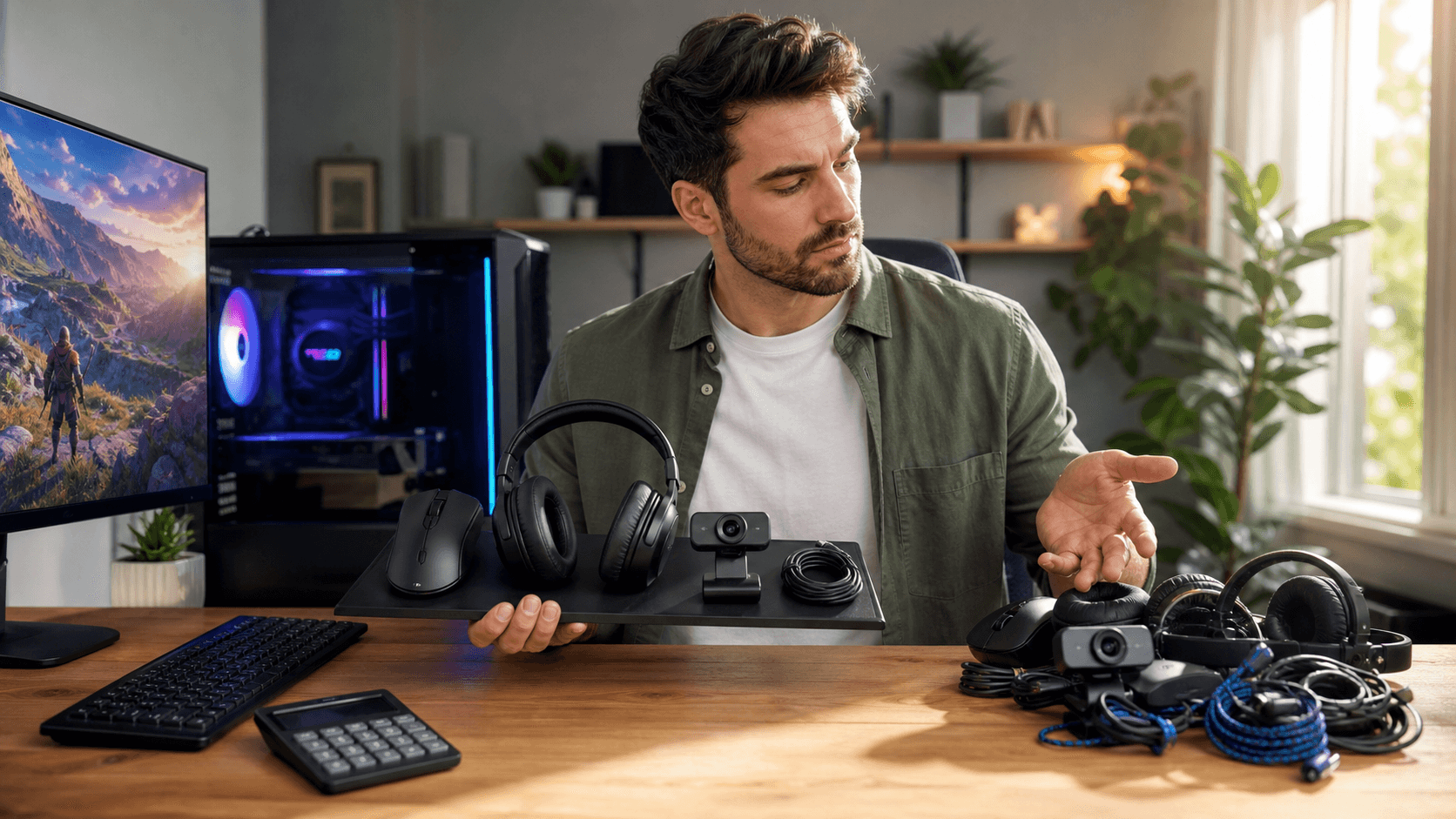
Compact peripherals help a lot too. Tenkeyless or 60 percent keyboards free space for mouse movement. Lighter gaming mice feel better on smaller pads. Slim soundbars or small speakers under the monitor keep audio clear without taking over the desk. A simple headset stand or wall hook keeps your headset safe and out of the way.
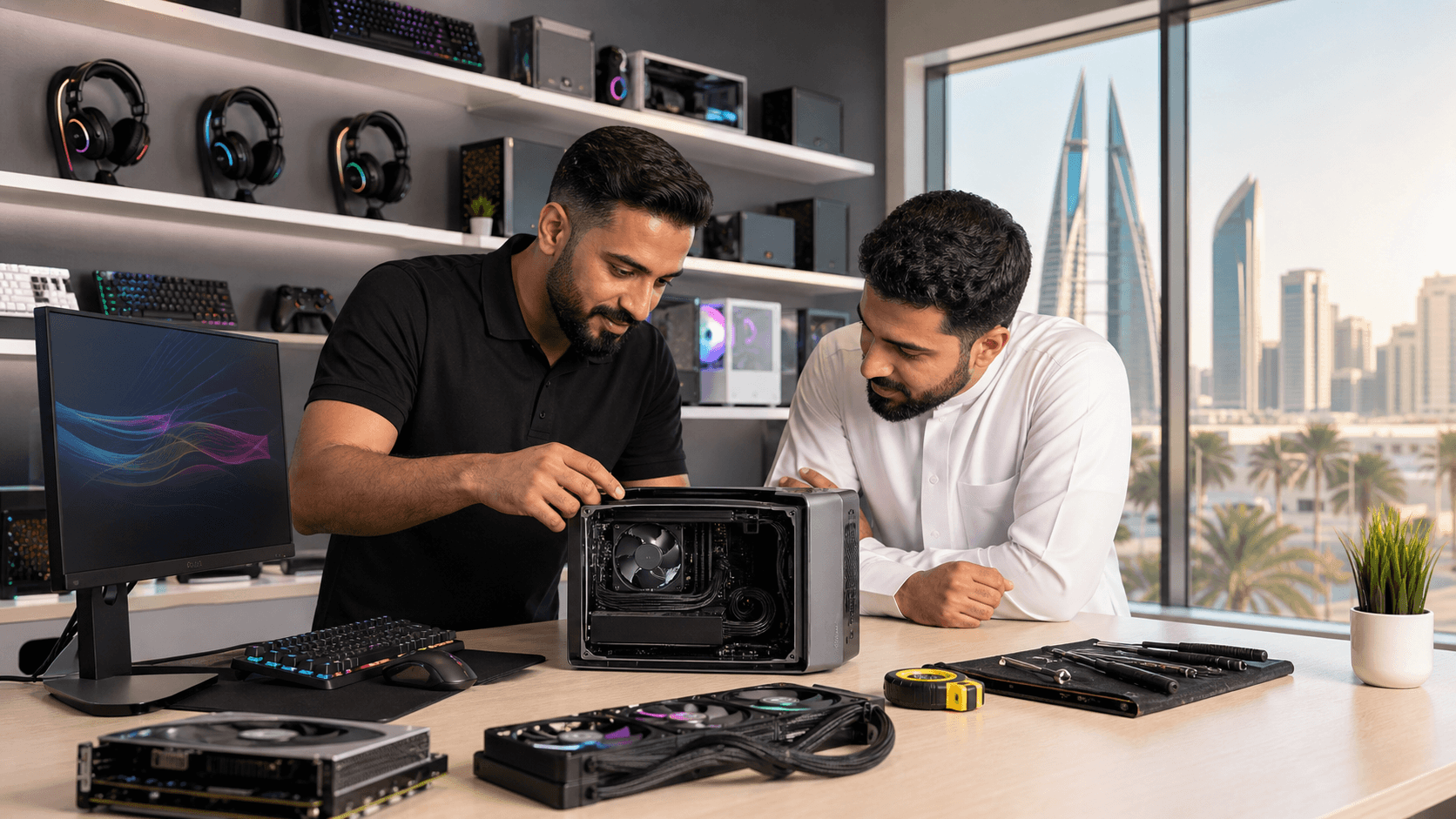
Trying different form factors in person is helpful. Standing in front of different monitor sizes and case shapes can show what will feel good at your actual seating distance. That way you can choose a layout that supports long sessions without neck strain or constant clutter. You can explore a range of compact cases and peripherals through the main shop section to match your room.
Summer-Ready Cooling Strategies for Your Small Rig
Compact builds in Bahrain have one big enemy: heat. When the weather is hot and the room is closed up, a small case filled with powerful parts can struggle. If cooling is not planned correctly, you can end up with thermal throttling, random shutdowns, or just fans spinning loud all the time.
To keep your compact rig summer-ready, focus on:
- Airflow-focused cases with mesh panels, not solid fronts that trap heat
- High static pressure fans that can push air through tight spaces and filters
- A good air cooler or AIO that fits the case without blocking airflow
- A clear intake and exhaust pattern, usually front or bottom in, top and rear out
Room layout helps too. Avoid pushing the PC right against a wall or into a closed cabinet. Give at least a bit of breathing room so hot air can leave and cool air can reach the intakes.
Professional support makes a big difference here. Regular dust cleaning, thermal paste refreshes, and thermal checks help small cases handle long gaming sessions. If a PC, laptop, or console overheats, expert repair and tuning can often bring it back to stable, cooler performance.
For a closer look at compact-ready components, prebuilt options, and accessories that fit tight spaces, you can start from the main Games Gravity homepage and see how different pieces come together into a complete, space-saving gaming station.
Power Up Your Next-Level Gaming Experience Today
If you are ready to boost your performance, explore our curated builds and components at our gaming PC shop. At Games Gravity, we help you match your playstyle, budget, and performance goals so you can spend less time researching and more time gaming. Have specific questions or a custom setup in mind? Just contact us and we will help you dial in the perfect rig.